
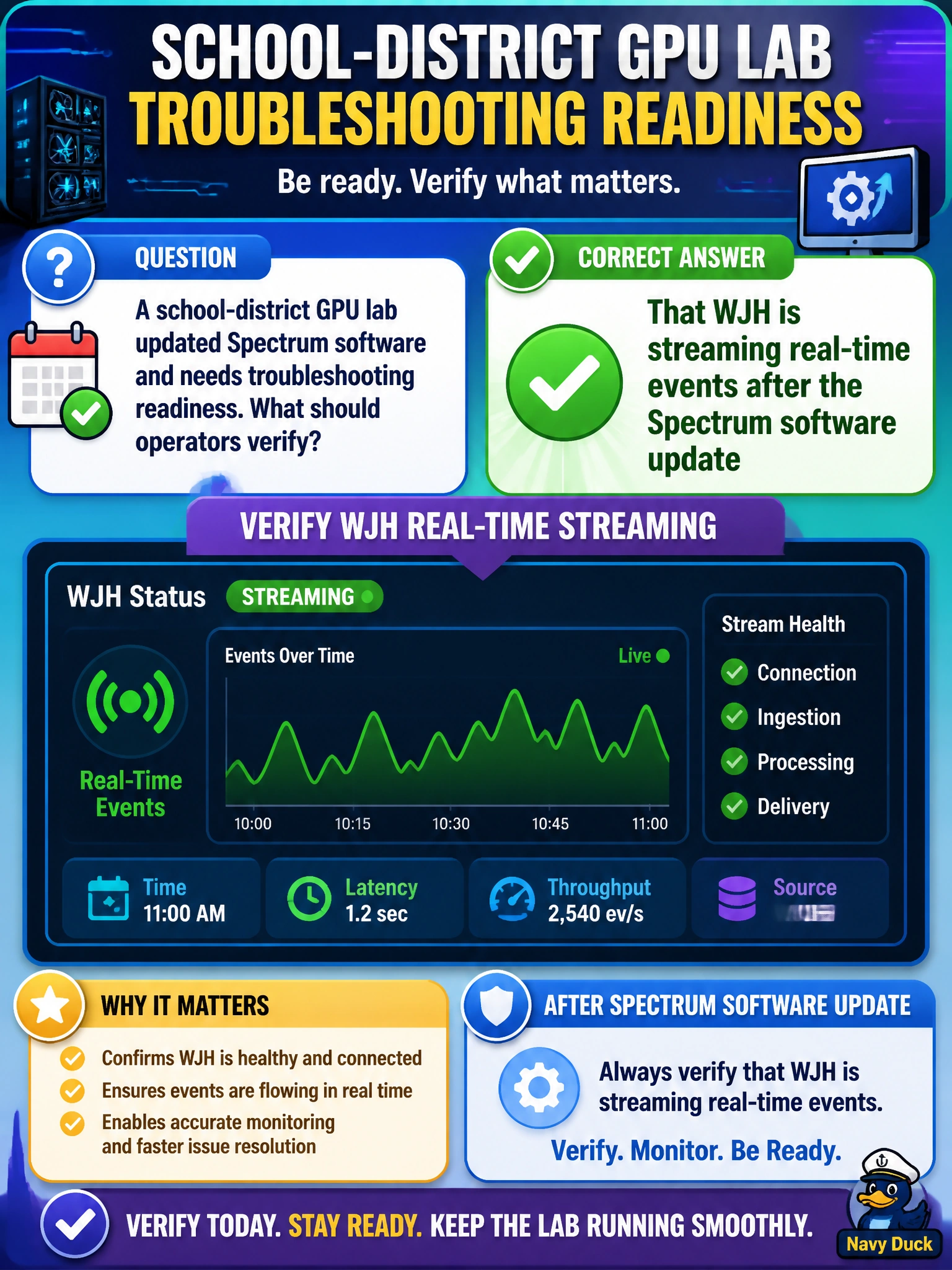
A school-district GPU lab updated Spectrum software and needs troubleshooting readiness. What should operators verify?
Select an answer to reveal the explanation.
Short Explanation
After a Spectrum software update, prove the smoke alarm still works. Verify WJH is streaming events so the school-district lab stays ready to troubleshoot.
Full Explanation
After a school-district GPU lab updates Spectrum software, troubleshooting readiness depends on proving that What You See Happening still streams real-time events. Software upgrades can alter telemetry services, filters, or export paths; verifying WJH post-update ensures municipal operators retain the live fabric signal they rely on when lab jobs fail.
Why the other options fail by concept: permanently disabling WJH as part of the update checklist removes real-time Spectrum visibility and leaves the lab blind to transient congestion. Checking only switch faceplate LEDs confirms power and basic link light, not that WJH event pipelines are functional. Deleting NetQ and WJH credentials from civic runbooks breaks authenticated access to the tools needed after the change and is an anti-pattern for readiness.
Exam caveat: “WJH enabled in config” is not the same as “WJH streaming usable events.” Confirm event generation under load or with a controlled trigger, and re-validate any category filters or exporters the school district depends on, because upgrades may reset defaults.
Operational check: immediately after the Spectrum software update in the GPU lab, generate or wait for known fabric events, confirm they appear in WJH with expected timestamps and categories, verify runbook credentials still work, and record the post-change health check in the municipal change record before closing the window.