
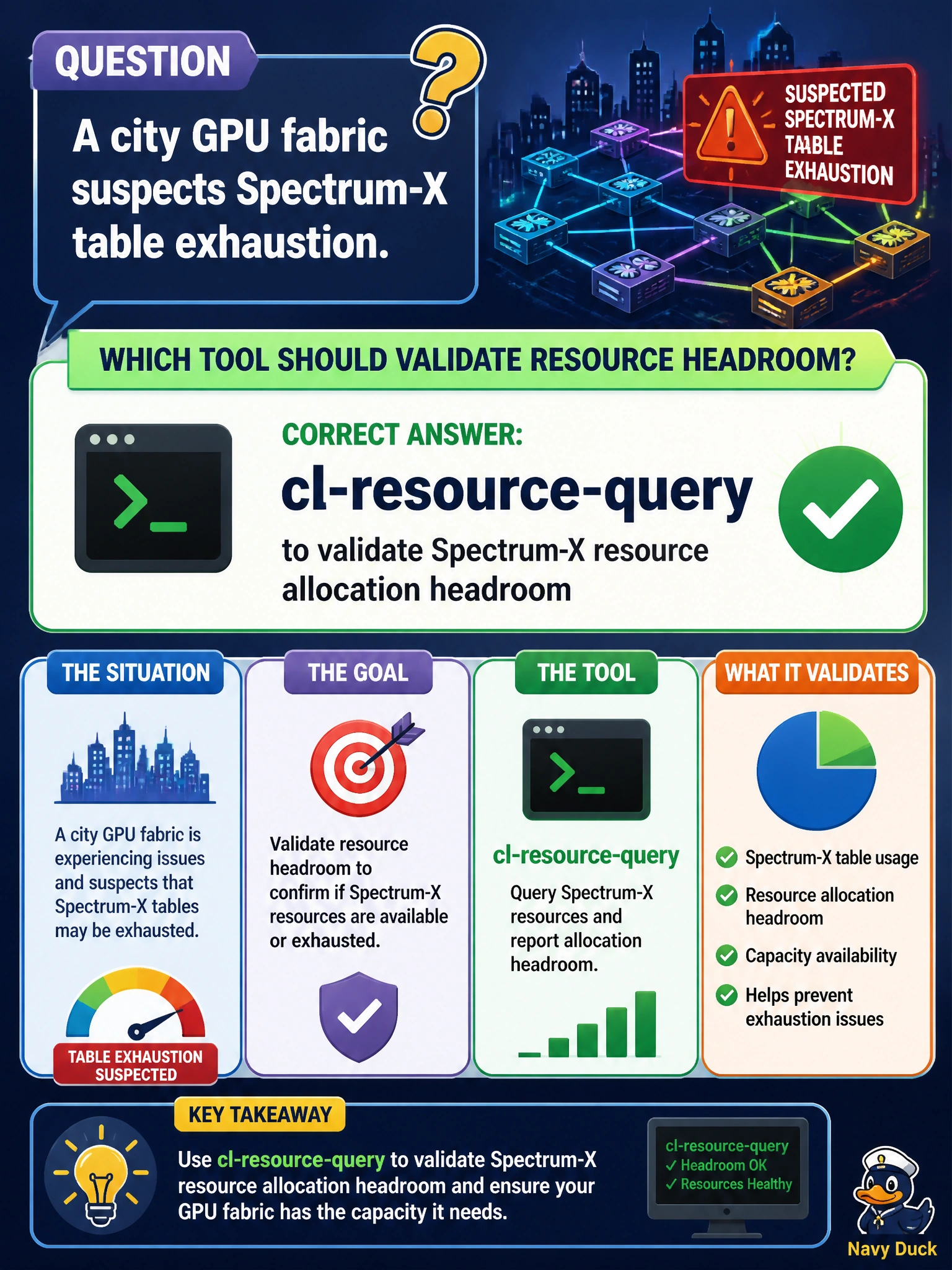
A city GPU fabric suspects Spectrum-X table exhaustion. Which tool should validate resource headroom?
Select an answer to reveal the explanation.
Short Explanation
ibping, EVPN VNI mappings, and interface counters don't tell you anything about table headroom. Run cl-resource-query against that city GPU fabric so you're measuring Spectrum-X allocation instead of guessing at exhaustion.
Full Explanation
When a city GPU fabric suspects Spectrum-X table exhaustion, operators should use cl-resource-query to validate Spectrum-X resource allocation headroom. Suspicion must become measurement: cl-resource-query exposes whether forwarding tables and related ASIC allocations are actually near limits. City GPU operators can then confirm or reject the exhaustion hypothesis before expensive redesign or hardware expansion.
Using ibping to verify Spectrum-X fabric latency and path health fails to validate resource headroom: ibping checks InfiniBand connectivity and path health, not Spectrum-X Ethernet ASIC table allocation or forwarding table limits. Running nv show evpn vni mapping to validate Spectrum-X resource allocation headroom displays EVPN VNI mappings only; it does not query ASIC table allocations or measure remaining forwarding table headroom. Relying on ethtool interface counters to validate Spectrum-X table utilization reports interface statistics and errors, not ASIC table allocation or resource headroom.
Exam caveat: Validate headroom with cl-resource-query before acting on exhaustion narratives. If headroom is ample, pursue other causes (WJH discards, congestion control, cabling) rather than assuming tables are full.
Operational check: On suspect city GPU fabric Spectrum-X switches, run cl-resource-query, compare used versus available resources for the relevant tables/pools, document whether exhaustion is real, and only then proceed with tenant redesign, profile changes, or capacity upgrades.