
A county assessor change window grows ACLs and scale on Spectrum-X. What capacity habit should operators apply?
Select an answer to reveal the explanation.
Short Explanation
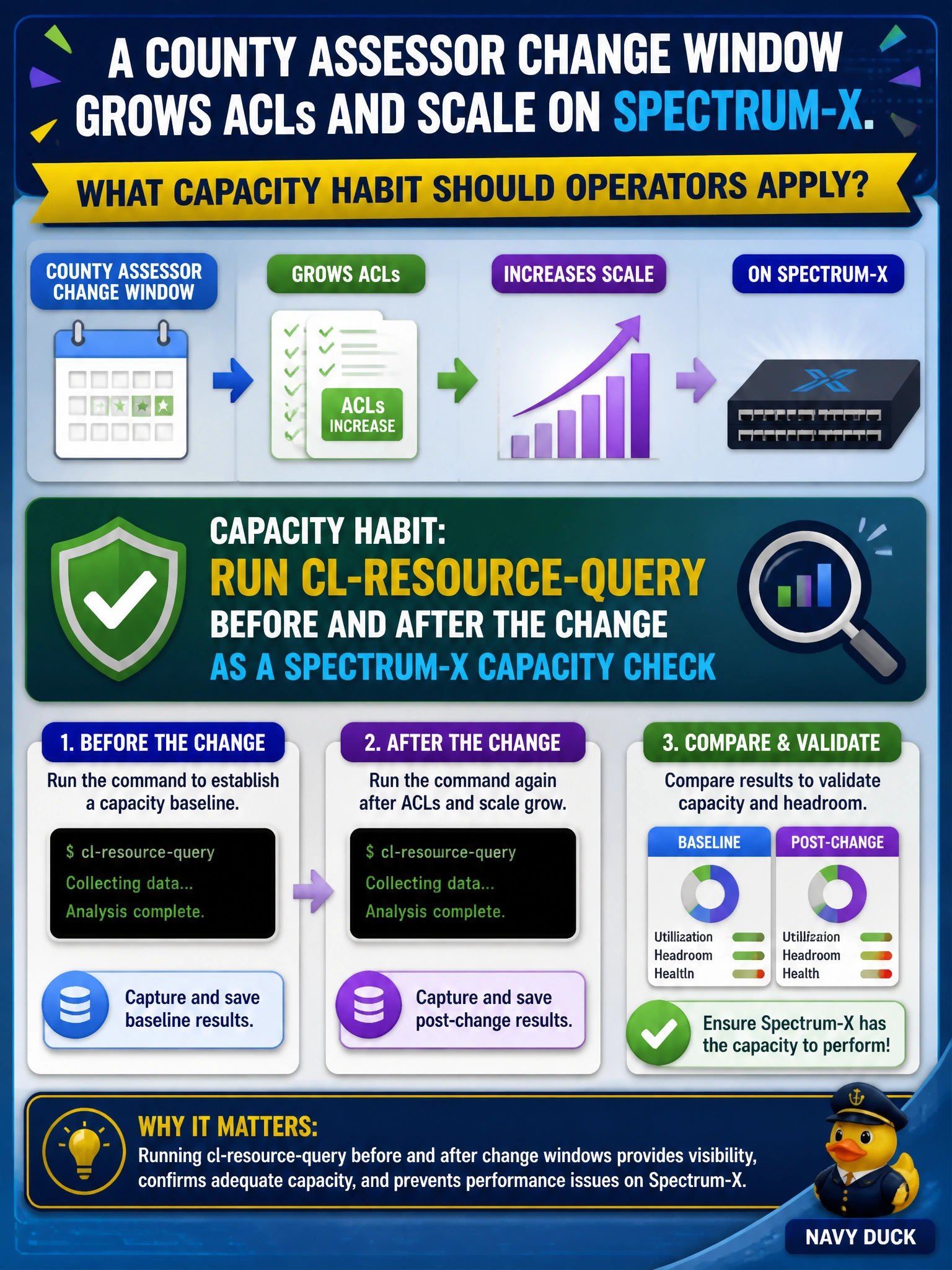
Snapping cl-resource-query only mid-change isn't a real baseline—you need before and after numbers to see what the ACL growth actually consumed. Run cl-resource-query around the county assessor Spectrum-X ACL and scale growth as a capacity check.
Full Explanation
When a county assessor change window grows ACLs and scale on Spectrum-X, operators should run cl-resource-query before and after the change as a Spectrum-X capacity check. Before/after measurements create an objective headroom baseline and show whether the change consumed critical ASIC resources. That habit protects municipal assessor services from silent exhaustion introduced by well-intentioned policy growth.
Capturing cl-resource-query only during the change as the baseline check fails because a single mid-change snapshot cannot establish pre-change headroom or reveal the delta caused by the ACL and scale growth. Saving Spectrum-X flow telemetry summaries before and after the change fails as a capacity check for this scenario because flow telemetry does not measure the ASIC resource headroom consumed by ACL and scale growth. Recording Spectrum-X license utilization before and after the change fails as a capacity check because license usage does not reveal whether critical ASIC resources or TCAM headroom were exhausted by the policy growth.
Exam caveat: cl-resource-query capacity checks measure Spectrum-X resource headroom; they do not replace functional testing of the ACL/EVPN change itself. Use both: capacity deltas plus service verification.
Operational check: Immediately before the county assessor window, save cl-resource-query output from affected Spectrum-X switches; apply ACL/scale changes; re-run cl-resource-query; compare deltas against thresholds; roll back or redesign if headroom breaches policy. Attach both outputs to the change record.