
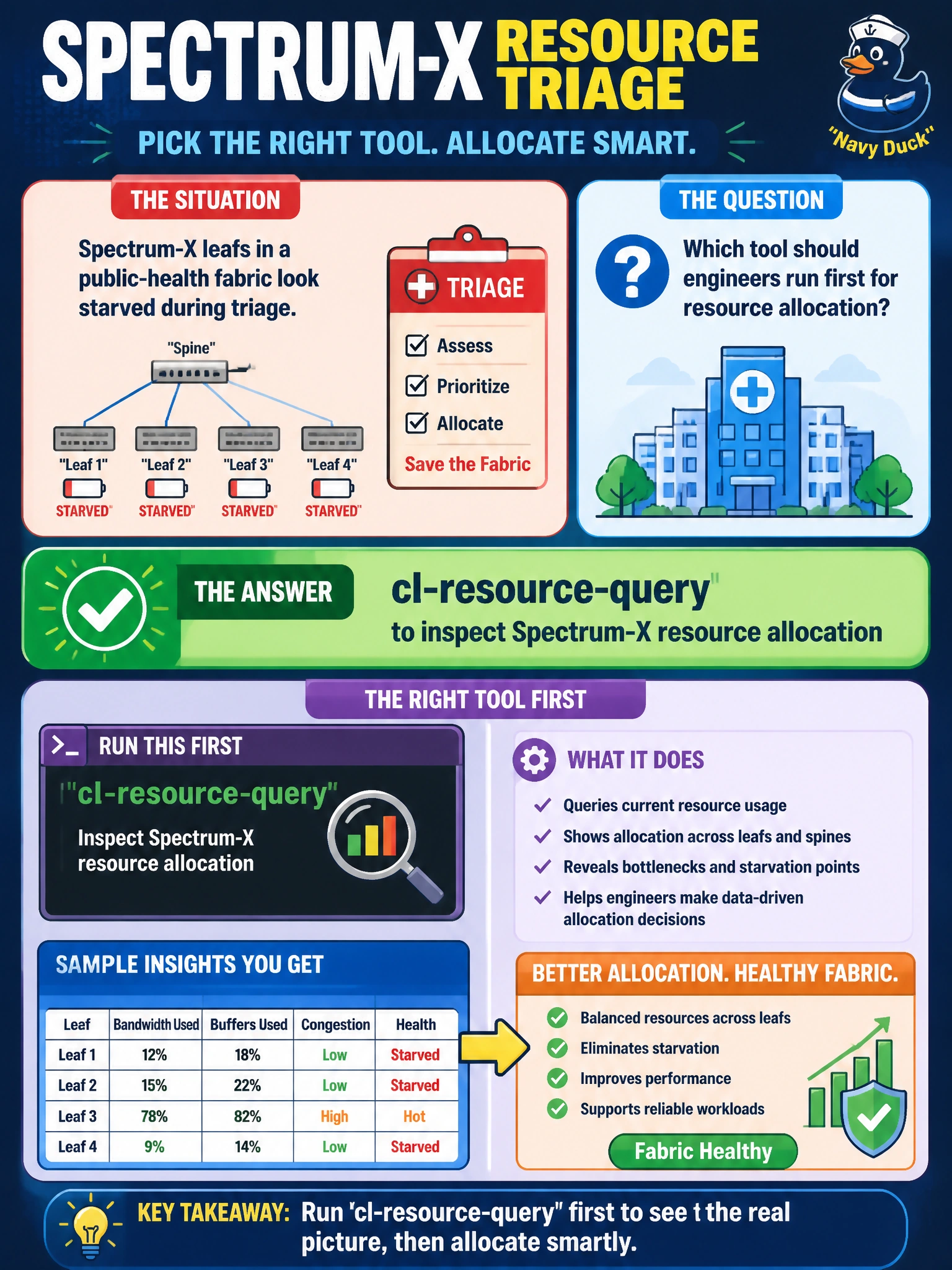
Spectrum-X leafs in a public-health fabric look starved during triage. Which tool should engineers run first for resource allocation?
Select an answer to reveal the explanation.
Short Explanation
When Spectrum leaves look hungry, ask them what they still have left. Run cl-resource-query to inspect Spectrum-X resource allocation on that public-health fabric.
Full Explanation
When Spectrum-X leafs in a public-health fabric look starved during triage, engineers should run cl-resource-query first to inspect Spectrum-X resource allocation. cl-resource-query reports how forwarding and related ASIC resources are consumed versus available, which is exactly the question starved leaf triage must answer. Public-health operators can then distinguish true resource exhaustion from unrelated symptoms and choose scale, profile, or design fixes with evidence.
Check UFM InfiniBand telemetry for fabric congestion trends fails because UFM telemetry is specific to InfiniBand fabrics and does not report Spectrum-X Ethernet ASIC resource allocation or forwarding-resource exhaustion. Review mlnx_qos configuration for buffer and trust state fails as the first resource-allocation step because QoS buffer and trust settings do not show consumed versus available Spectrum-X forwarding resources; cl-resource-query is required to answer that question. Dump Spectrum-X SDK counters to analyze current RoCE queue depth fails as a first resource-allocation check because RoCE queue-depth counters do not measure ASIC resource consumption against limits, which is what cl-resource-query is designed to inspect.
Exam caveat: cl-resource-query diagnoses Spectrum-X resource allocation; it is not a universal replacement for WJH discard analysis or InfiniBand UFM. Match the tool to the fabric technology in the stem.
Operational check: On an affected public-health Spectrum-X leaf, run cl-resource-query, capture allocation versus limits for relevant resource pools, correlate with recent EVPN/ACL/scale growth, and escalate design or capacity changes only after the numbers show pressure. Preserve the output in the incident ticket.