
A city GPU fabric upgrades its Kubernetes cluster and must re-check RDMA enablement. What should ops include?
Select an answer to reveal the explanation.
Short Explanation
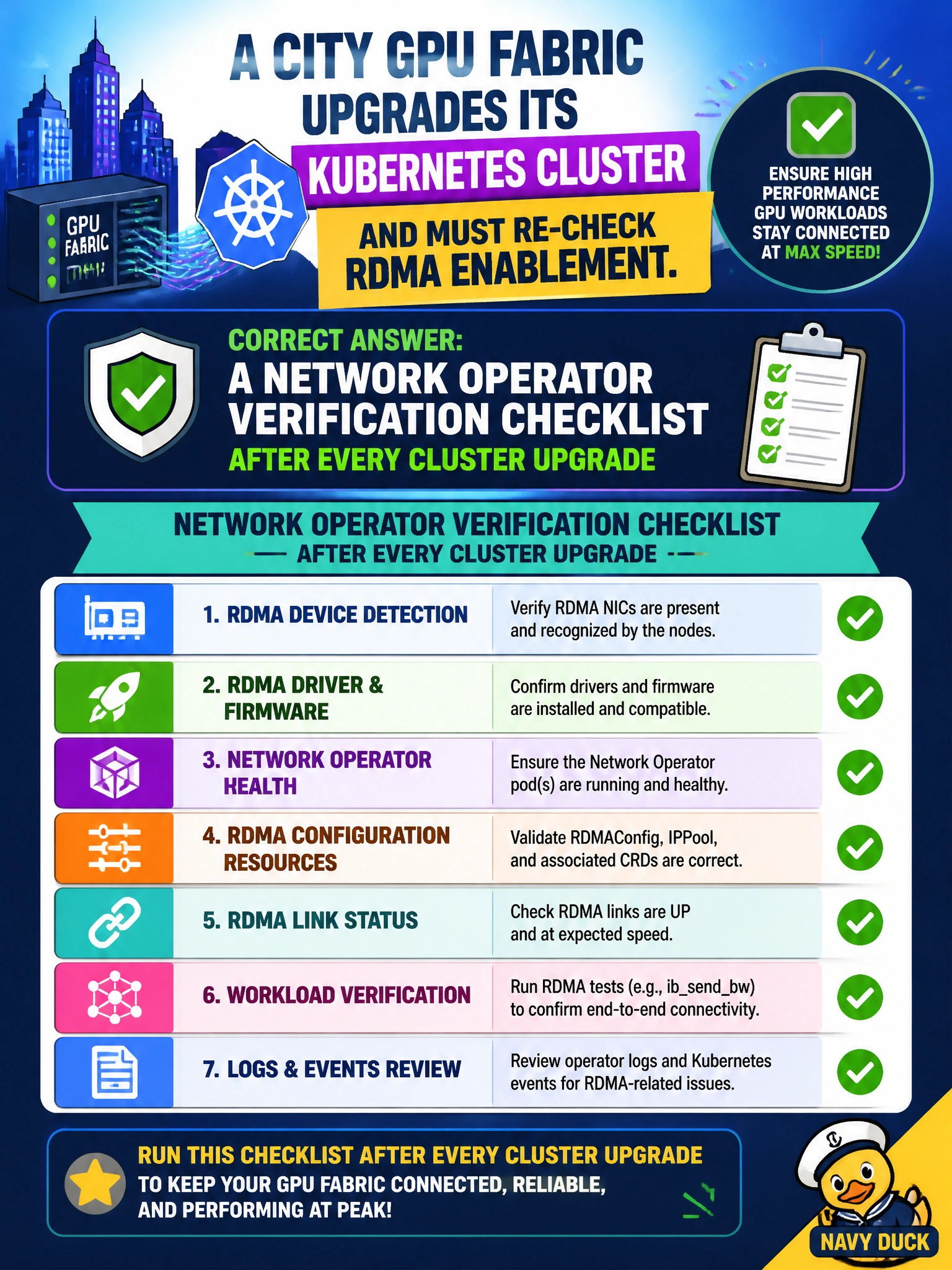
Upgrades love to quietly unplug things. Keep a Network Operator verification checklist after every city GPU fabric Kubernetes upgrade.
Full Explanation
After a city GPU fabric upgrades its Kubernetes cluster, ops should include a Network Operator verification checklist after every cluster upgrade. Upgrades can disrupt operator pods, CRDs, device plugins, or node RDMA resource advertisement. A systematic post-upgrade checklist re-proves RDMA enablement so municipal AI namespaces do not silently lose fabric attachment after routine platform maintenance.
A GPU Operator driver version audit after each cluster upgrade fails as an incomplete RDMA check; it tracks driver versions but does not verify operator pod health, CRDs, device plugins, or node RDMA resource advertisement. A CNI IP address pool reconciliation for overlay pod subnets after upgrade fails because it validates overlay networking, not RDMA fabric attachment; RDMA requires InfiniBand or RoCE device plugin and network attachment checks. An InfiniBand switch firmware inventory export after each cluster upgrade fails as an acceptance strategy: it inventories firmware but does not verify that RDMA namespaces remain enabled and attached to the fabric.
Exam caveat: A GPU Operator driver version audit after each cluster upgrade is not a substitute for the Network Operator verification checklist; it audits driver versions but does not validate RDMA fabric attachment. Always verify; reinstall only when verification fails or release notes require it.
Operational check: Maintain a city GPU fabric checklist covering operator pod health, CRDs, RDMA device plugin status, node RDMA capacity, network attachments, and a sample RDMA pod. Run it after each Kubernetes upgrade and attach results to the change record before returning AI namespaces to production.