
A school-district lab hears forum advice to overclock municipal GPU servers for 'free performance.' What should they do?
Select an answer to reveal the explanation.
Short Explanation
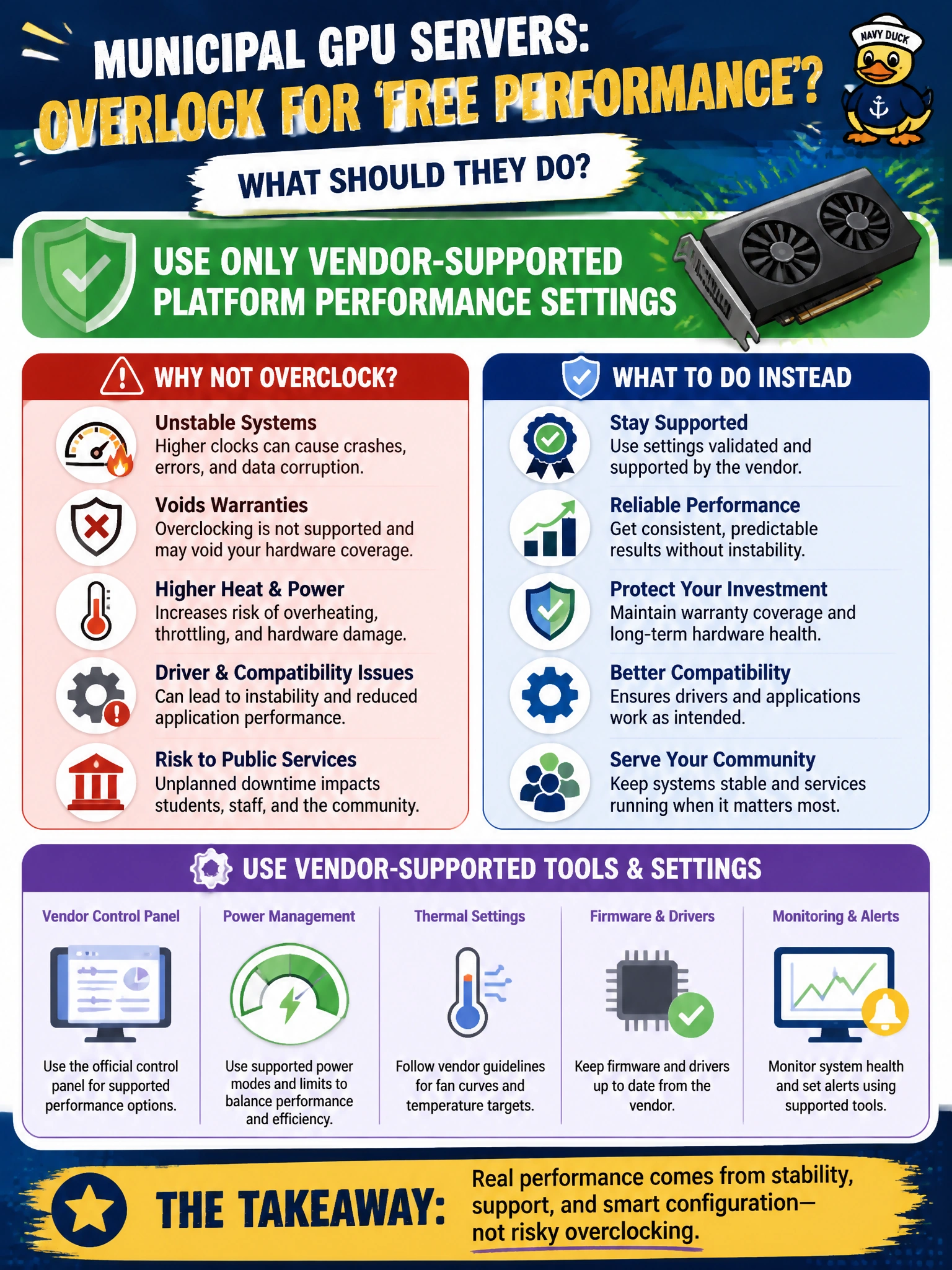
You can keep the school district’s GPUs reliable by relying on vendor-supported performance settings, not forum overclocking advice. That protects performance and warranty while students depend on the servers.
Full Explanation
A school-district lab should use only vendor-supported platform performance settings when seeking more GPU performance. Supported settings keep the servers within validated operating limits, helping preserve warranty coverage, thermal safety, and reliable service during school hours. Applying unverified overclock profiles from public forums adds unknown stability and thermal risks to exam-lab GPUs. Raising GPU clocks beyond vendor limits during school hours can cause overheating or instability when students and staff depend on the capacity. Disabling thermal protections removes a safety measure and is incompatible with dependable municipal operations. Exam caveat: vendor-supported performance modes and BIOS profiles are acceptable; the concern is exceeding vendor limits or disabling protections, not using supported performance policies. Practical check: compare the school-district GPU settings with vendor guidance, remove any forum overclock profiles, and validate temperatures and job stability under school-hours load.