
A city permitting NOC sees rising GPU temperature and fan alerts on one inference node. What should operators do first?
Select an answer to reveal the explanation.
Short Explanation
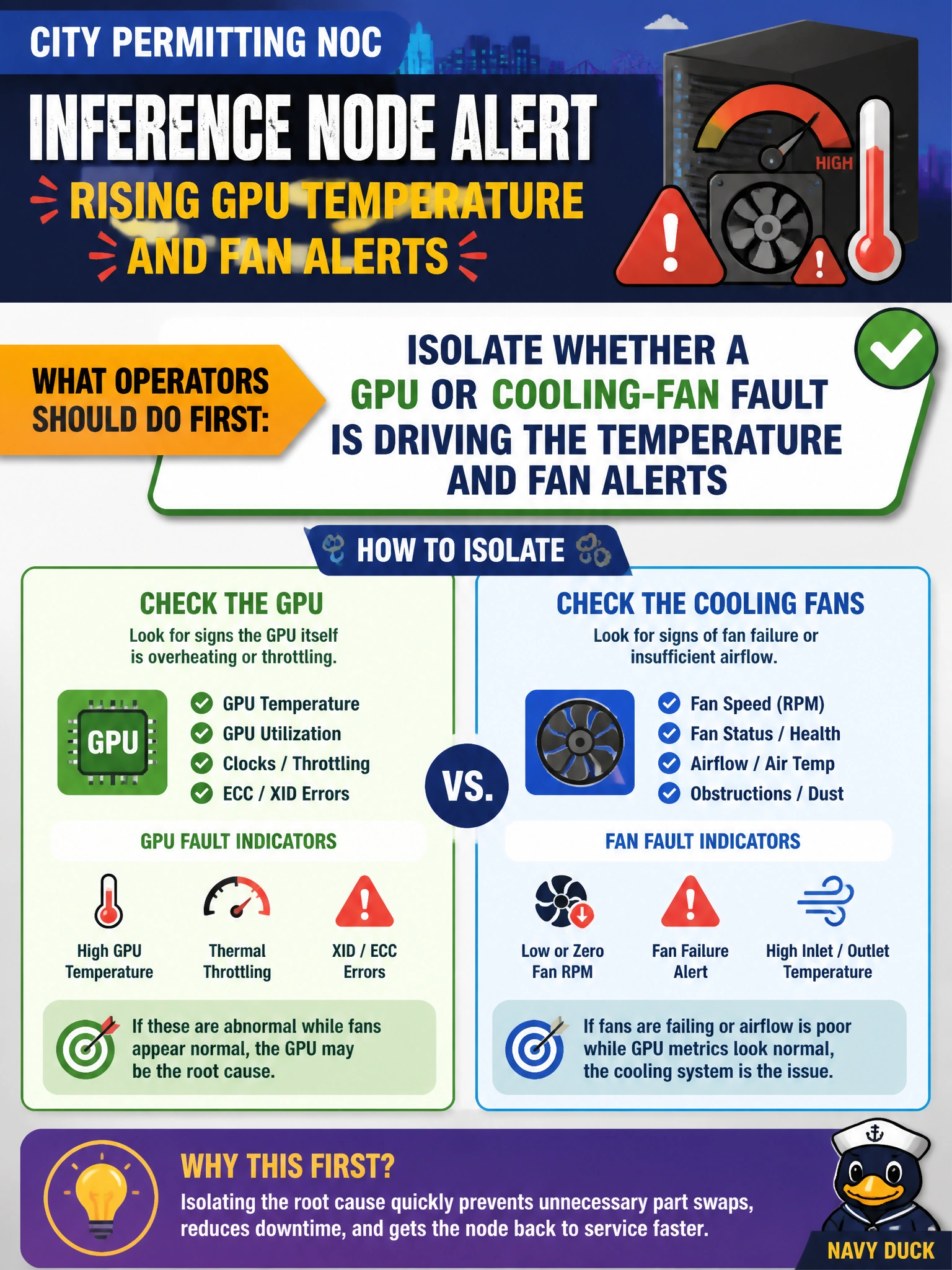
When the thermostat and the fans start yelling together, don't rip out every power brick—figure out if the GPU or a fan is the actual culprit. City permitting racks cool off faster when you isolate the fault first.
Full Explanation
When a city permitting NOC sees rising GPU temperature together with fan alerts on one inference node, the first action is to isolate whether the GPU itself is overheating or a cooling-fan fault is driving both symptoms. Targeted hardware-fault triage prevents unnecessary parts swaps and restores safe civic inference temperatures faster than scattershot replacement. Domain 5 troubleshooting expects that thermal and fan telemetry be correlated before FRU action. Replacing every PSU in the rack without checking sensors burns spares and downtime on a failure mode that may be a single stuck fan or a GPU thermal path, not bulk power supplies. Disabling temperature sensors so alerts stop only blinds operators; the municipal permitting workload still runs hot and risks throttling or damage. Increasing MIG slice count does not cool GPUs—MIG partitions compute share, not airflow or heatsink behavior. Exam caveat: some platforms surface shared thermal zones where one bad fan elevates multiple GPU readings, so isolation may still conclude a cooling FRU rather than every marked GPU. Operational check: on the alerting city inference node, pull DCGM or vendor thermal sensors alongside fan RPM and presence status, confirm which device is out of threshold under a controlled load, and only then open the matching FRU path.