
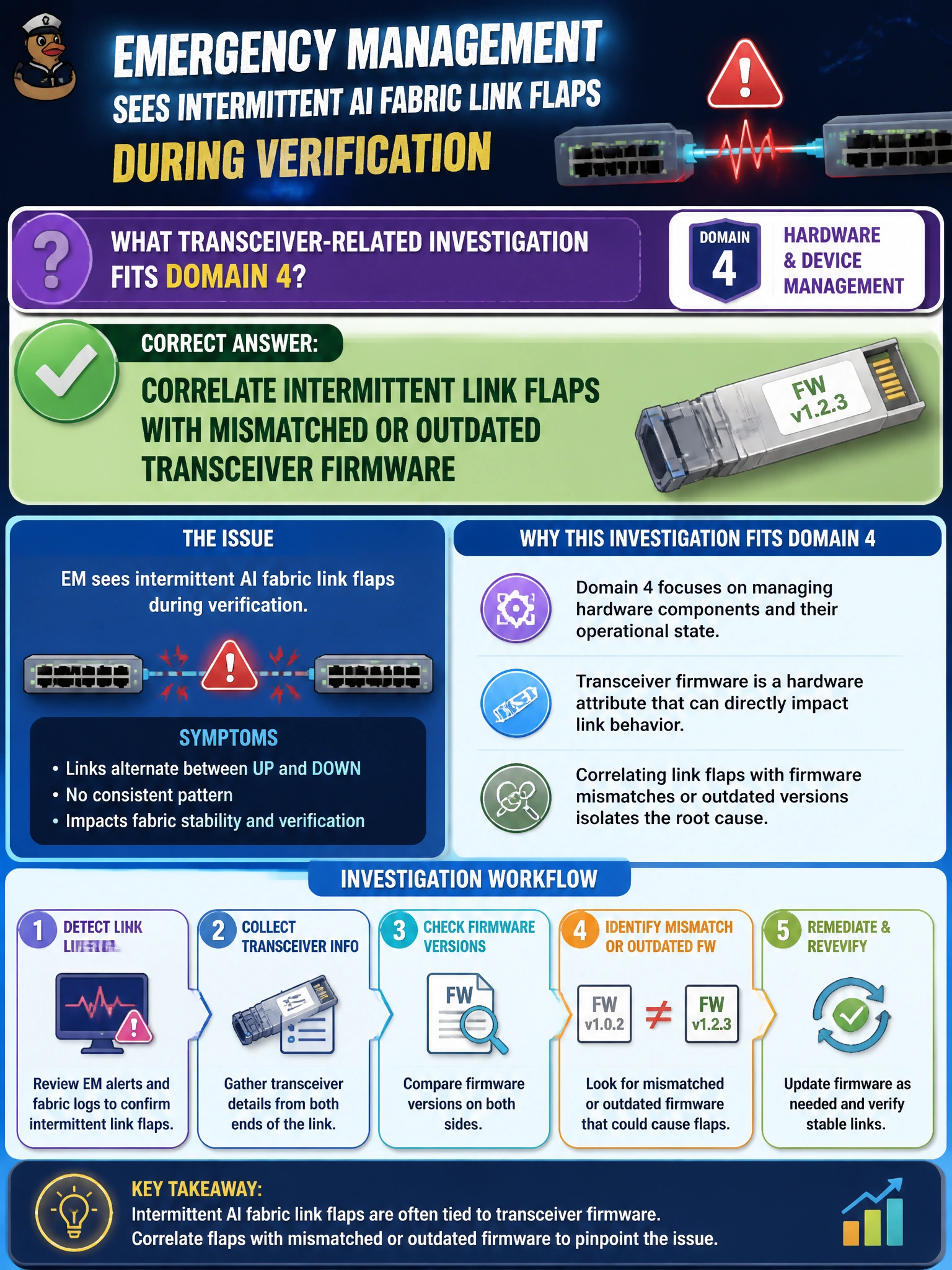
Emergency management sees intermittent AI fabric link flaps during verification. What transceiver-related investigation fits Domain 4?
Select an answer to reveal the explanation.
Short Explanation
Flappy emergency-management links deserve a transceiver firmware look—mismatched optic FW can explain the bounce better than silencing alarms.
Full Explanation
Emergency management intermittent AI fabric link flaps during verification often have a transceiver dimension that Domain 4 expects operators to investigate. Correlating intermittent link flaps with mismatched or outdated transceiver firmware connects physical-layer instability to module images that fail interoperability or stability expectations on the AI fabric. Blaming only the application layer and skipping optic firmware checks misroutes triage into app owners while optics keep bouncing under the same emergency-management workloads. Ignoring flaps because links eventually recover normalizes instability that will return when collective traffic rises. Disabling all flap detection to quiet the alarms removes telemetry without fixing root cause and blinds operators to the next event. Exam caveat: flaps also come from dirty connectors, bad cables, marginal power, or bad ports—firmware correlation is one required line of inquiry, not the only one, but it must not be skipped. Operational check: for flapping emergency-management ports, collect transceiver FW and part numbers, compare to the approved matrix, clean/reseat, update or replace mismatched optics, and confirm flap counters stabilize under a controlled traffic or ClusterKit network test.