
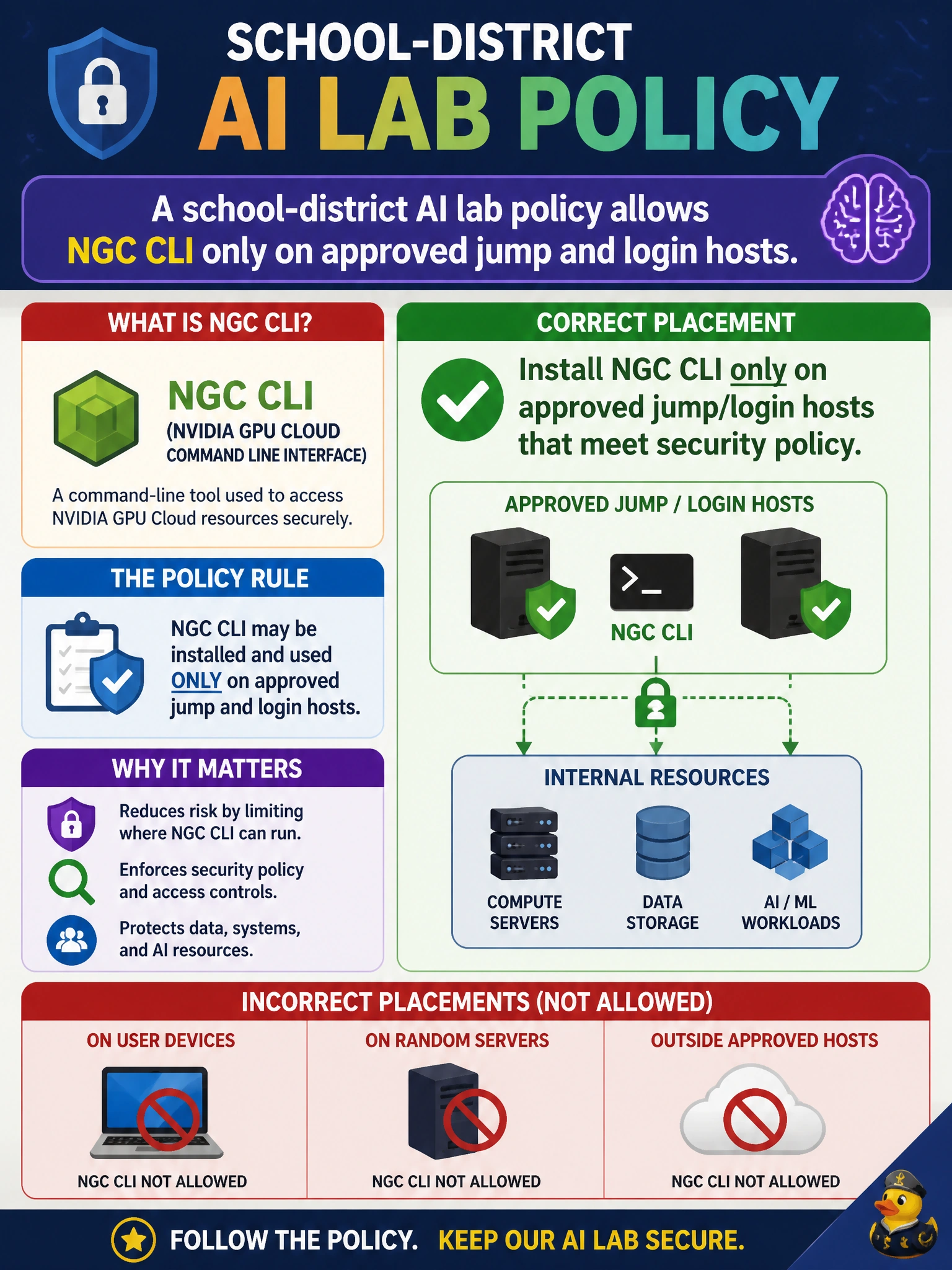
A school-district AI lab policy allows NGC CLI only on approved jump and login hosts. What placement is correct?
Select an answer to reveal the explanation.
Short Explanation
Keep NGC CLI on the approved jump/login hosts—the ones security already blessed—not on every Chromebook or the ToR switches.
Full Explanation
School-district AI lab policy that allows NGC CLI only on approved jump and login hosts is correctly implemented by installing NGC CLI only on those approved hosts that meet security policy. Limiting install points concentrates credentials, outbound registry allow-lists, proxy configuration, and audit on machines already under elevated control.
Installing on every student Chromebook for convenience fails by concept because unmanaged or student endpoints multiply secret sprawl and bypass jump-host controls. Installing exclusively on top-of-rack switches fails because switches are not operator workstations for artifact pulls and are inappropriate places for NGC credentials or CLI tooling. Forbidding NGC CLI everywhere and blocking all container updates permanently fails because policy restriction is not a permanent ban—labs still need sanctioned updates through the approved path.
Exam caveat: Placement questions test least-privilege operational design: approved jump/login hosts, not “everywhere” or “nowhere.” Network devices are common distractors.
Operational check: verify NGC CLI exists only on the documented approved hosts, confirm student and switch inventories do not have it, authenticate from a jump host through the district proxy, and pull a test NGC artifact successfully.