
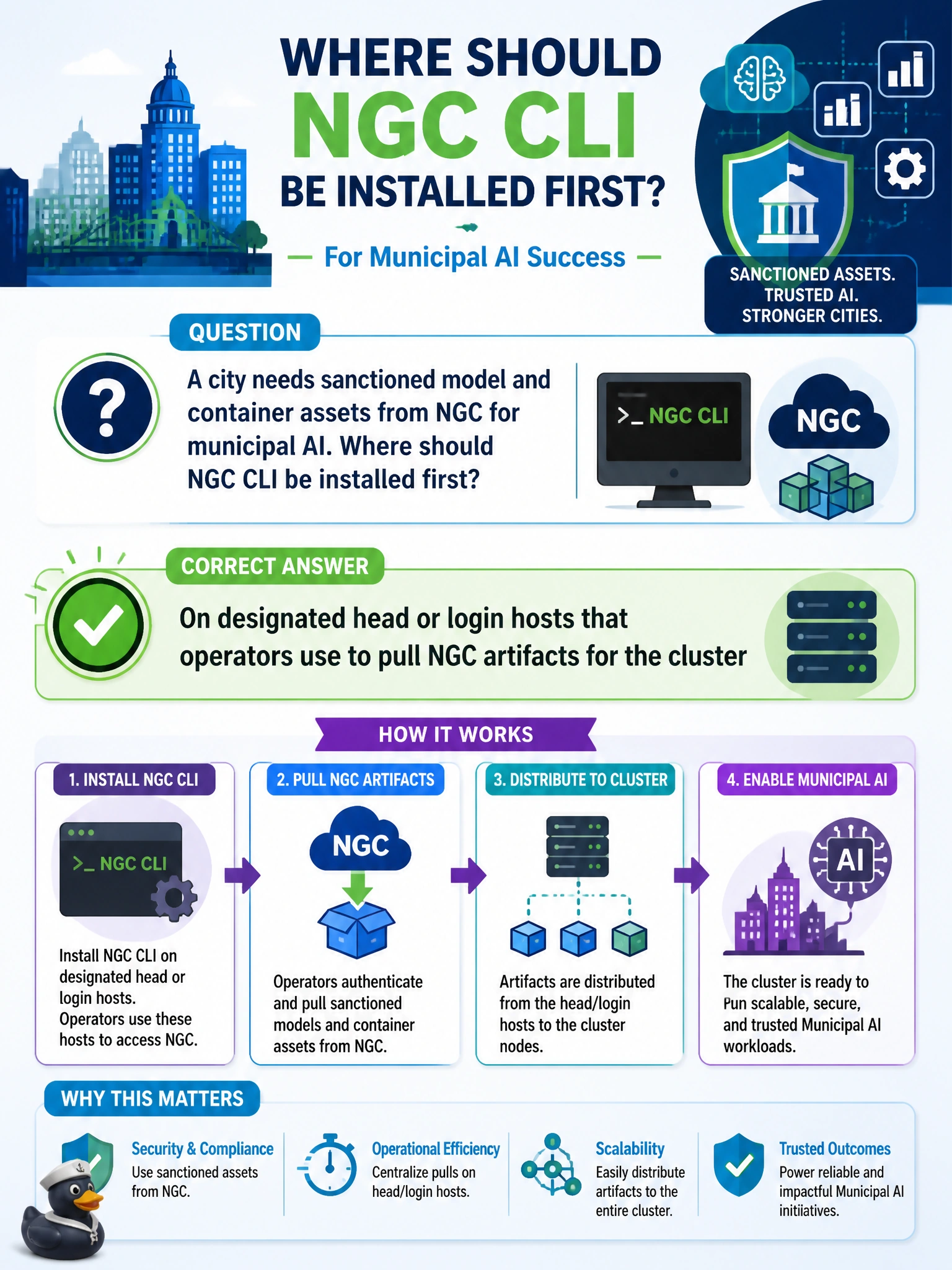
A city needs sanctioned model and container assets from NGC for municipal AI. Where should NGC CLI be installed first?
Select an answer to reveal the explanation.
Short Explanation
Put NGC CLI on the head/login hosts your operators actually use—like a catalog desk for sanctioned city models—not on Wi-Fi APs or random laptops.
Full Explanation
Municipal AI that consumes sanctioned NGC model and container assets should install NGC CLI first on designated head or login hosts that operators use to pull artifacts for the cluster. Those hosts are the controlled control-plane endpoints for authentication, proxy configuration, audit, and staging of NVIDIA-hosted images and models before distribution to GPU nodes.
Installing only on resident laptops outside the data center fails by concept because unmanaged endpoints lack consistent network pathing to the cluster registries/caches, complicate credential governance, and do not provide a durable pull path for operators. Installing on every public Wi-Fi access point in city hall fails because APs are network appliances, not artifact-management hosts, and expand credential and software attack surface with no pull workflow benefit. Installing solely inside ephemeral job containers with no host install path fails when operators need a stable, policy-controlled place to authenticate and retrieve assets before jobs exist; ephemeral-only installs also make credential and proxy troubleshooting harder.
Exam caveat: Domain 3 NGC skill emphasizes operator workflow from approved control hosts, not scattering CLI installs across the LAN. Head/login placement is the expected answer for “where first.”
Operational check: install NGC CLI on the designated municipal login/head host, configure proxy if required, authenticate with org credentials, run ngc --version (or equivalent), and successfully list or pull a sanctioned test artifact into the approved staging location.