
A school-district lab upgrades its container runtime on GPU workstations. What should happen to NVIDIA Container Toolkit?
Select an answer to reveal the explanation.
Short Explanation
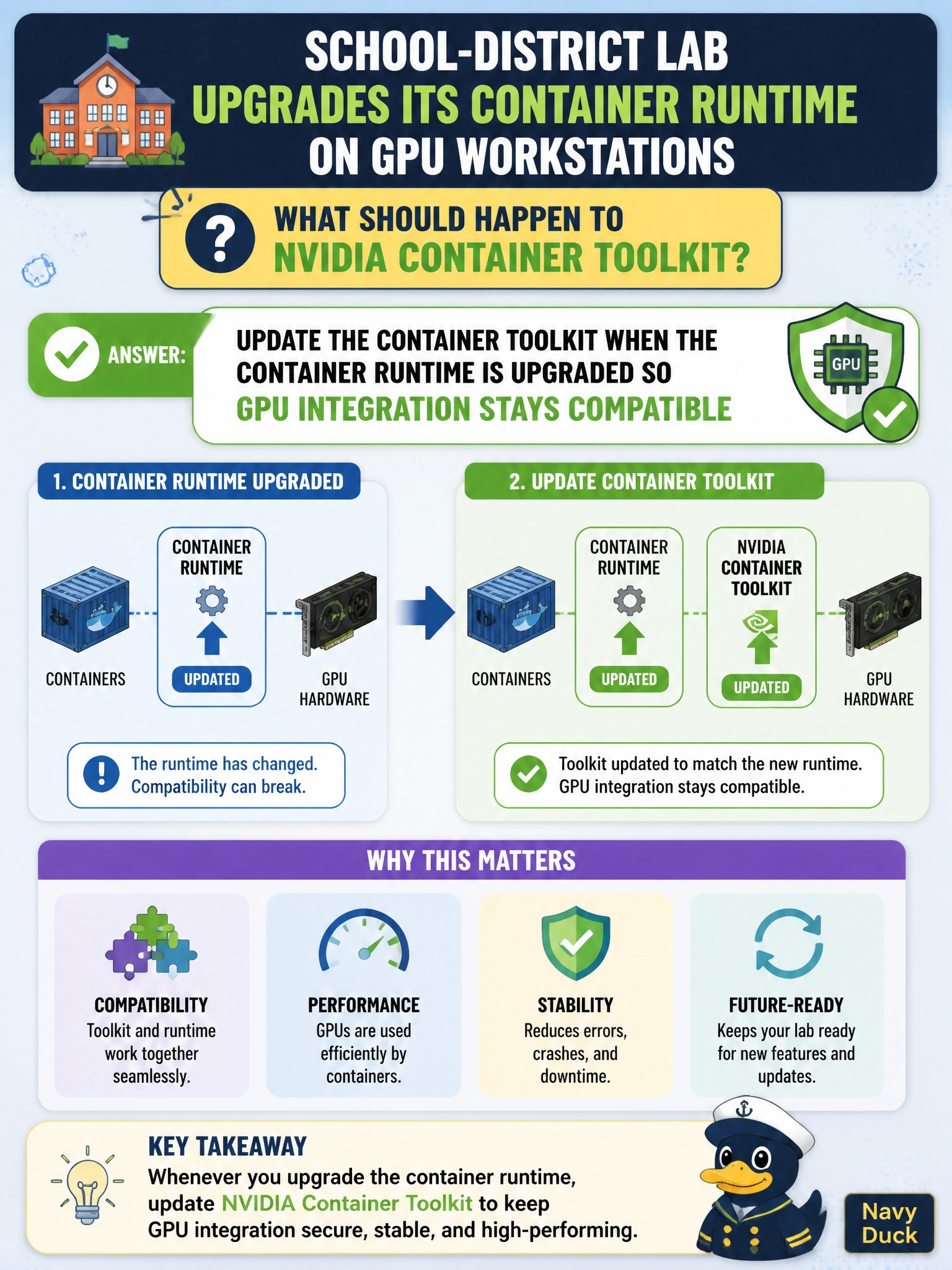
When the lab’s container runtime moves, update the NVIDIA Container Toolkit too—keep the bridge matched to the road. Freezing the toolkit forever invites breakage.
Full Explanation
When a school-district lab upgrades its container runtime on GPU workstations, NVIDIA Container Toolkit should be updated so GPU integration stays compatible with the new runtime. Major runtime changes can alter plugin/hook interfaces; freezing or omitting toolkit updates is a common source of “GPUs vanished from containers” after an otherwise successful Docker/Podman upgrade in the lab. Treat toolkit currency as part of runtime change control, not a separate optional chore.
Leaving the toolkit frozen forever regardless of runtime changes ignores compatibility coupling between runtime and NVIDIA integration. Removing the toolkit and never reinstalling it after upgrades permanently breaks GPU containers students and staff expect to use. Ignoring toolkit release notes when the runtime major version changes skips the guidance that tells operators when coordinated updates are required.
Exam caveat: runtime upgrades imply toolkit maintenance for continued GPU integration—freeze forever, remove permanently, or ignore release notes are wrong.
Operational check: include Container Toolkit version review in the runtime change ticket, apply compatible toolkit updates, run a GPU container smoke test on a lab workstation, then proceed with wider rollout.