
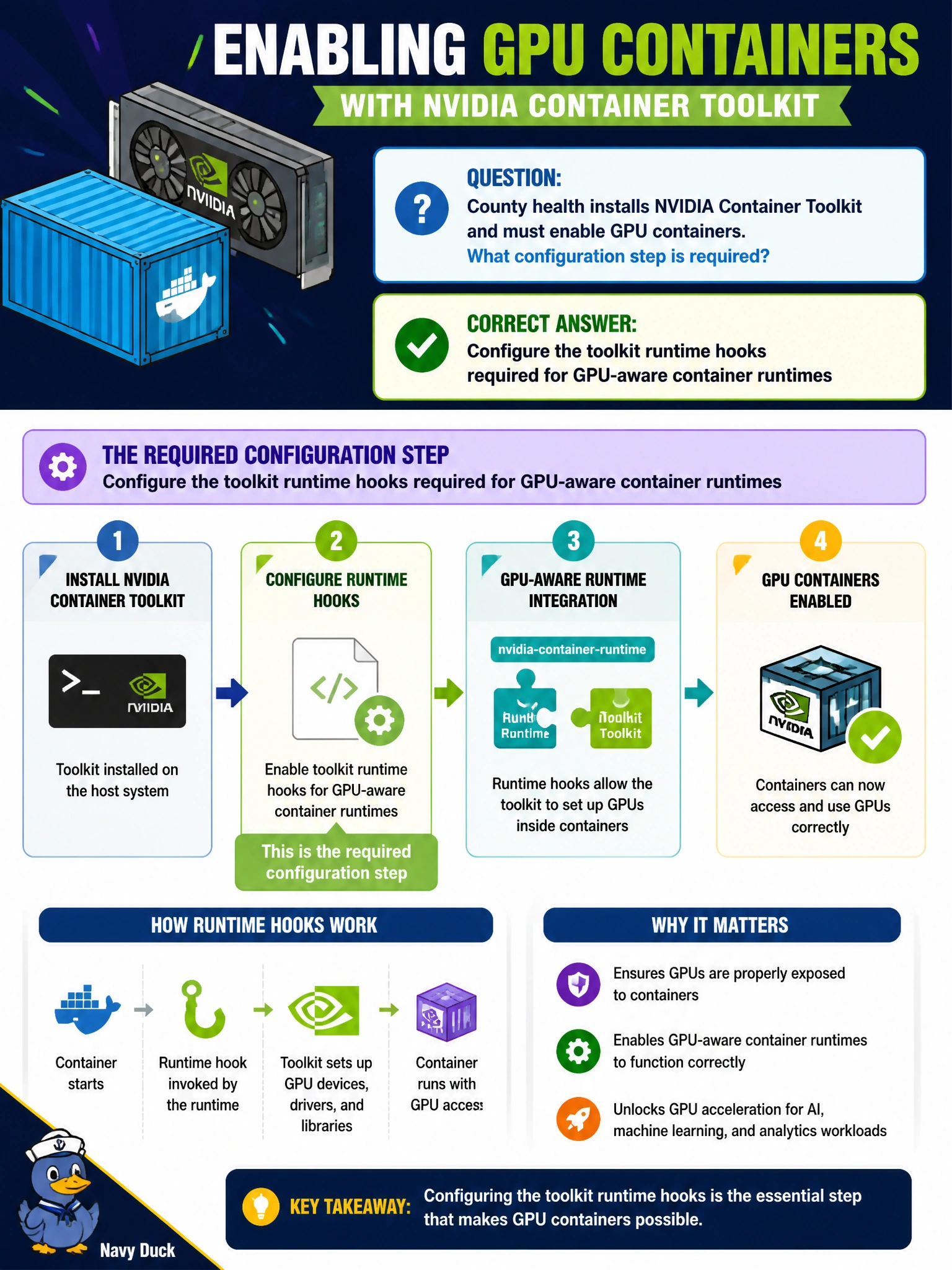
County health installs NVIDIA Container Toolkit and must enable GPU containers. What configuration step is required?
Select an answer to reveal the explanation.
Short Explanation
After the toolkit lands, turn on the runtime hooks that let GPU containers work—like opening the clinic’s pharmacy window after stocking shelves. Hooks off means GPUs stay invisible.
Full Explanation
After installing NVIDIA Container Toolkit on county health hosts, operators must configure the toolkit’s runtime hooks (or equivalent runtime integration) so GPU-aware containers function. Package presence alone is incomplete: hooks wire the runtime to perform NVIDIA device setup when containers start. Enabling that configuration is the step that turns toolkit bits into working GPU containers for flu-season and related models on the farm, and it belongs in the same change window as the package install.
Disabling all runtime hooks so containers never see devices actively prevents GPU access and negates the toolkit install. Pointing the toolkit only at CPU cgroup controllers and ignoring GPUs misconfigures the integration away from accelerators. Uninstalling Docker immediately after toolkit install with no runtime config removes the runtime before GPU integration is proven and skips required configuration.
Exam caveat: toolkit install questions often hinge on configuring runtime hooks—not disabling them, CPU-only miswiring, or immediately removing the runtime.
Operational check: configure Docker/Podman for the NVIDIA runtime/hooks per toolkit docs, restart the runtime if required, and launch a GPU test container on a county health node to confirm devices appear.