
A city needs Docker or Podman on BCM-managed nodes to access GPUs for civic models. What must be installed?
Select an answer to reveal the explanation.
Short Explanation
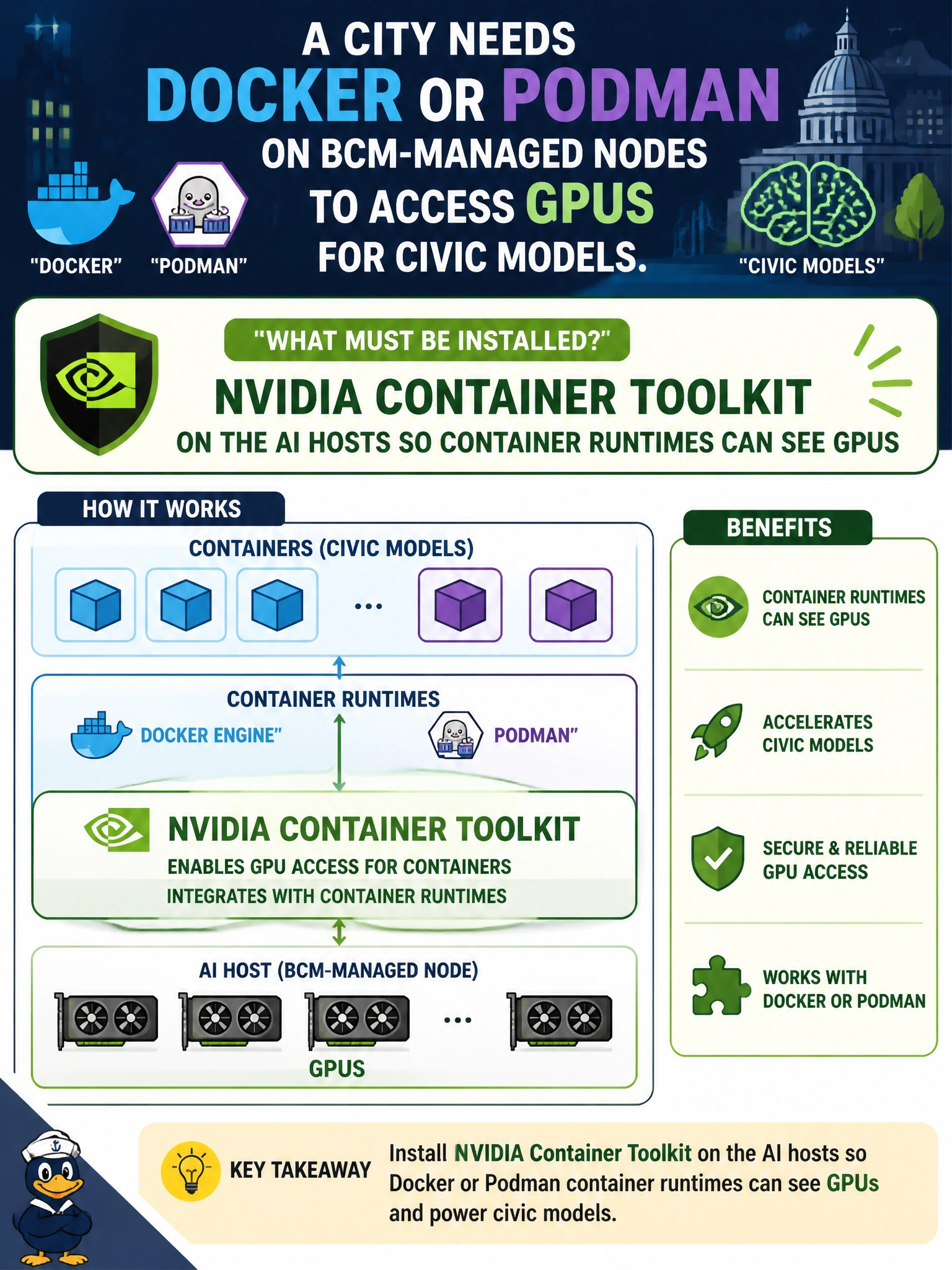
Install the NVIDIA Container Toolkit so Docker/Podman on those city nodes can actually see GPUs—toolkit is the bridge. Themes and spreadsheets are not.
Full Explanation
For city Docker/Podman workloads that must see GPUs on BCM-managed nodes, NVIDIA Container Toolkit must be installed on the AI hosts. The toolkit integrates the container runtime with the NVIDIA driver stack so devices, libraries, and capabilities are injected into containers running civic models. Without it, runtimes typically cannot expose GPUs even when drivers are present on the host, which blocks containerized permitting or planning models that the city expects to schedule on those nodes.
A GUI theme pack with no container runtime integration does nothing for GPU device access and is cosmetic noise in an AI bring-up checklist. A spreadsheet macro that pretends to inject GPU devices is not a runtime integration mechanism and cannot satisfy CDI/hook requirements. SELinux labels for printers instead of any GPU container stack address unrelated policy objects and leave containers GPU-blind.
Exam caveat: GPU containers on Docker/Podman require NVIDIA Container Toolkit on the AI hosts—cosmetic packages and unrelated SELinux printer labels are distractors.
Operational check: install the toolkit via the BCM image/category for city AI hosts, configure the runtime, and run a sample GPU container to confirm device visibility before production jobs.