
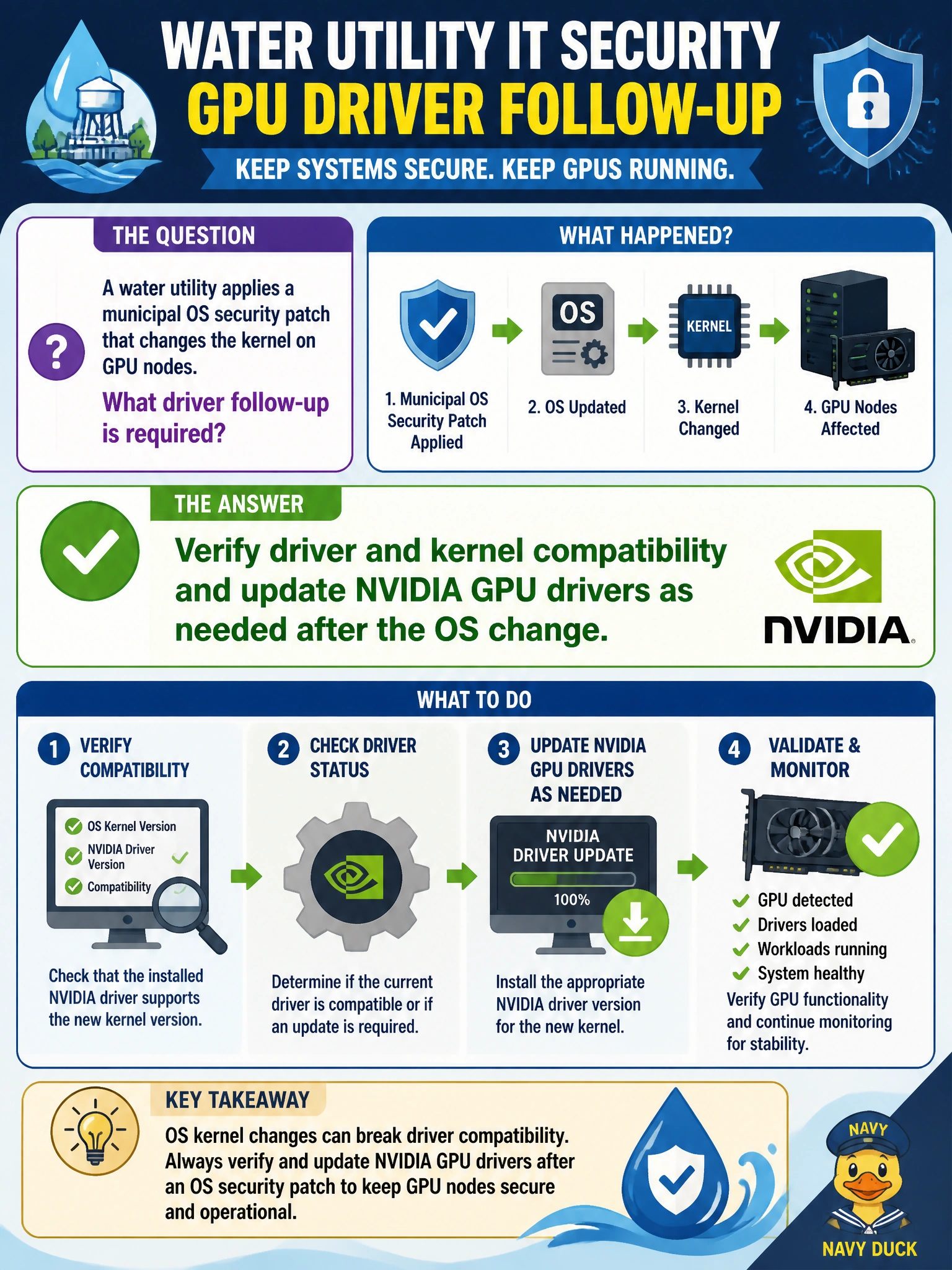
A water utility applies a municipal OS security patch that changes the kernel on GPU nodes. What driver follow-up is required?
Select an answer to reveal the explanation.
Short Explanation
Kernel security patches and GPU drivers are a matched set—check compatibility and update drivers when the water-utility OS moves. Hoping old modules just work is gambling.
Full Explanation
When a water-utility OS security patch changes the kernel on GPU nodes, operators must verify NVIDIA driver/kernel compatibility and update GPU drivers as needed. Proprietary GPU modules are built against specific kernel ABIs; a new kernel without a matching driver rebuild or package update commonly yields missing modules, failed binds, or silent loss of accelerators after patch night on digital-twin racks. Treating driver follow-up as part of the patch is how the utility keeps both security and AI capacity online.
Assuming old GPU modules always bind to every new kernel is unsafe and frequently false after ABI changes. Blacklisting all GPU devices until the next fiscal year removes AI capacity instead of completing the patch follow-up. Downgrading the OS patch immediately without reviewing driver support prioritizes avoiding driver work over security process and may violate municipal patch policy.
Exam caveat: kernel-changing OS patches imply a driver compatibility check and update path—not perpetual-module assumptions, year-long GPU blacklists, or blind rollbacks.
Operational check: after kernel patch, check NVIDIA support for the new kernel, install/rebuild the matching driver, reboot, run nvidia-smi, and only then return water-utility digital-twin nodes to production.