
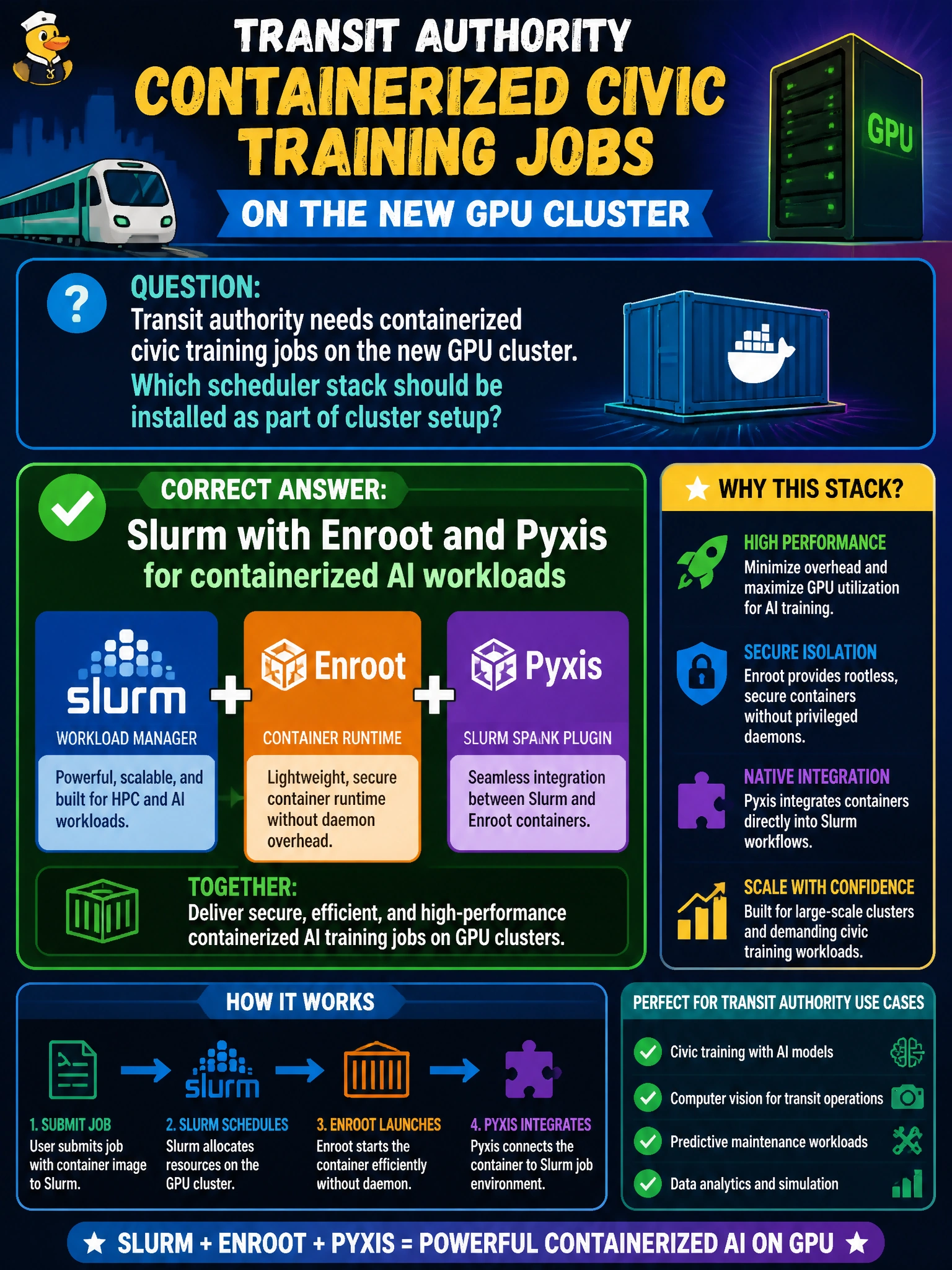
Transit authority needs containerized civic training jobs on the new GPU cluster. Which scheduler stack should be installed as part of cluster setup?
Select an answer to reveal the explanation.
Short Explanation
You’ll want Slurm with Enroot and Pyxis so transit training jobs can use containers and share the cluster’s GPU resources. A print-spooler queue, Cron alone, or a whiteboard signup sheet cannot provide the needed GPU-aware cluster scheduling.
Full Explanation
Transit authority containerized civic training jobs need a scheduler stack that supports multi-node GPU work and containers. Installing Slurm with Enroot and Pyxis as part of cluster setup provides batch scheduling, GPU resource accounting (GRES), and a supported path to run containerized AI workloads on the new GPU cluster. In this curriculum context, that combination is the standard HPC/AI bring-up pattern for BCM-managed training nodes and matches how transit operations should expose shared accelerators. A print-spooler queue with no GPU or container support cannot schedule accelerators or AI containers, so it is the wrong abstraction. Cron alone lacks multi-node scheduling, fair-share, GPU allocation, and container integration required for cluster training. A whiteboard signup sheet is not a scheduler and provides neither enforcement nor resource visibility for transit GPU capacity. Exam caveat: cluster software installation for containerized AI points to Slurm plus Enroot/Pyxis; Cron, print-spooler queues, and manual signup sheets do not meet the need. Practical check: install Slurm with GPU GRES and Enroot/Pyxis integration on the transit nodes, submit a test GPU container job, and confirm allocation and GPU visibility before releasing the queue to users.