
A city AI factory must differentiate training and inference GPU nodes under BCM. What should administrators configure?
Select an answer to reveal the explanation.
Short Explanation
Use BCM categories like separate lanes for training and inference gear—different jobs, different software profiles. One mushy bucket fights role-based installs.
Full Explanation
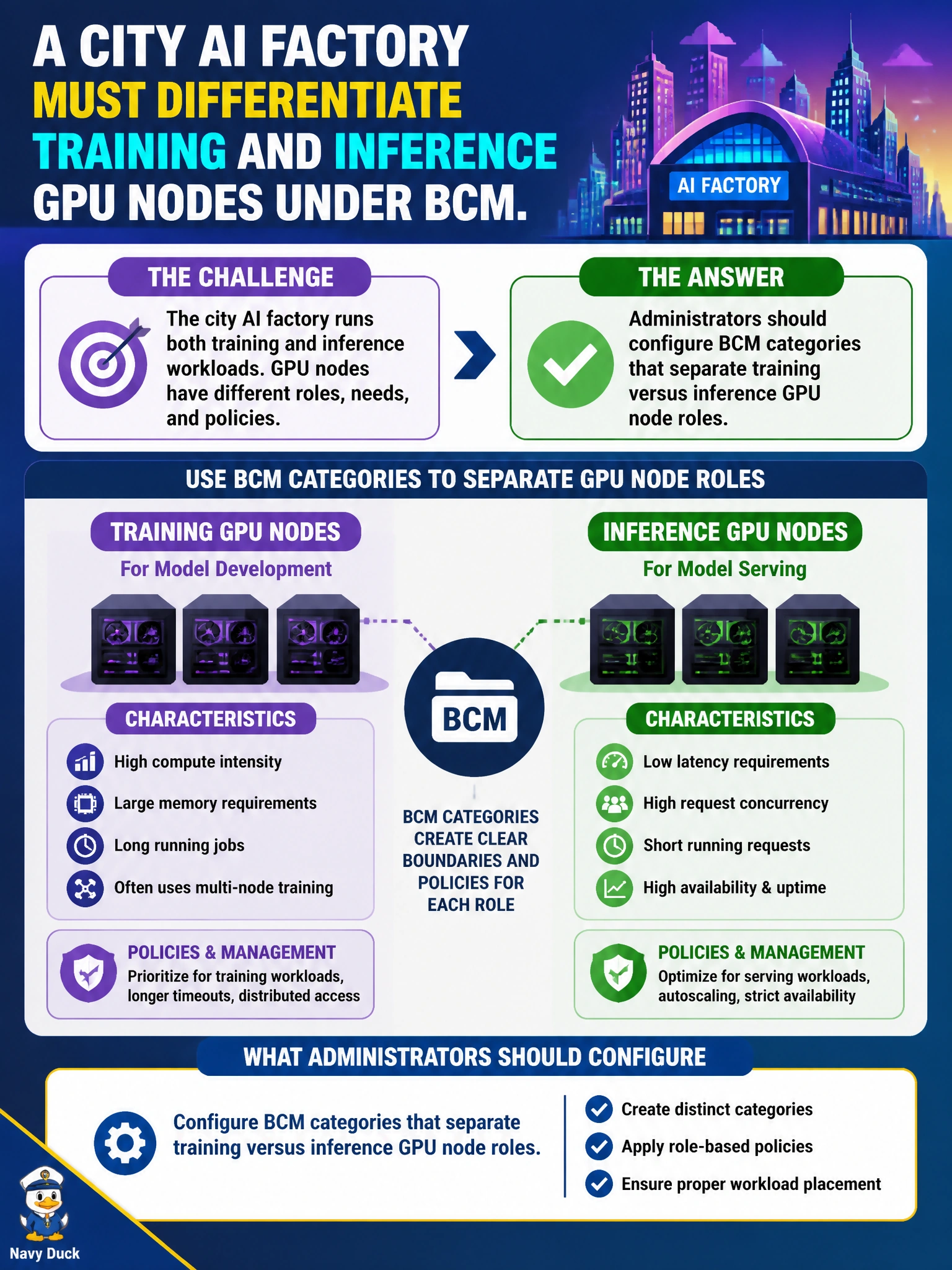
A city AI factory should configure BCM categories that separate training versus inference GPU node roles so each role receives the right software, drivers, networking, and scheduler settings. Categories are how BCM applies differentiated images and policies at scale; training nodes often need different container, storage, and GRES profiles than latency-sensitive inference nodes. Role-based categories keep installs intentional instead of one-size-fits-none across the factory floor.
A single undifferentiated category that forces identical software on every role collapses distinct operational needs and invites wrong packages or tuning on half the fleet. Categories only for printers and never for GPU nodes misuse the feature on irrelevant devices while leaving the AI factory unmanaged by role. No categories so every node invents its own software set abandons control-plane consistency and creates snowflake hosts that resist automation.
Exam caveat: BCM install/config questions favor role-based categories for GPU fleets (training vs inference)—not printer-only categories or deliberate non-categorization.
Operational check: create training and inference categories, assign nodes by role before image push, verify software profiles differ appropriately, and confirm new nodes inherit the correct category on onboard.