
Housing-authority analytics nodes complete OS provisioning from BCM. What confirms install success?
Select an answer to reveal the explanation.
Short Explanation
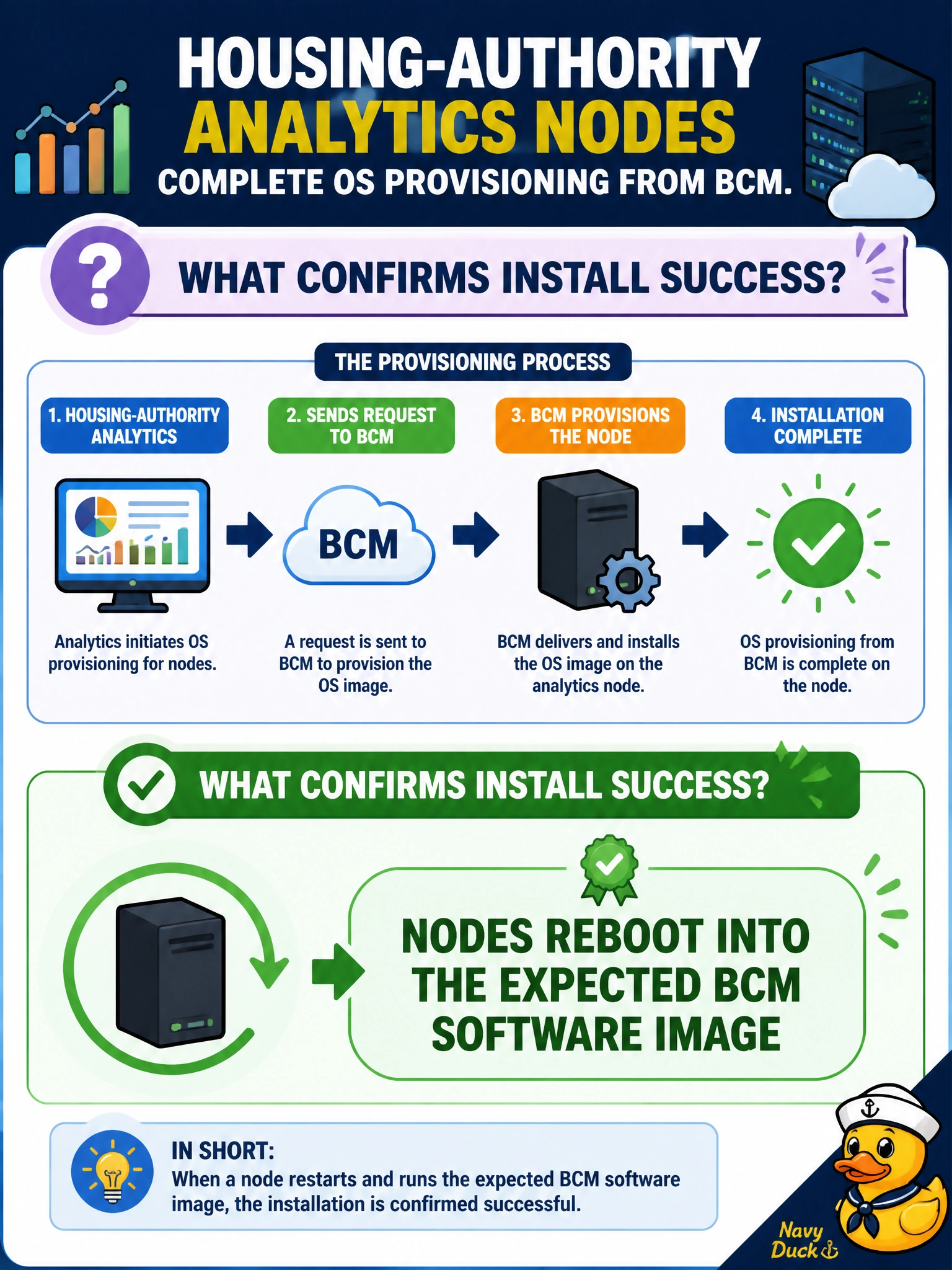
Success means the housing nodes reboot into the BCM image you meant to push—not sitting forever in the installer. Assume-it-worked is not a check.
Full Explanation
Housing-authority analytics nodes show OS provisioning success when they reboot into the expected BCM software image. That end state proves the provisioned OS and software profile actually took effect: the installer finished, the bootloader points at the intended image, and the node returns under the control plane’s defined configuration rather than lingering in a partial install. Closing the ticket on that reboot evidence keeps the housing GPU fleet consistent with category policy.
Nodes remaining stuck in the installer and never booting is failure, not confirmation—the provisioned image never became the running system. Skipping reboot checks and assuming imaging worked leaves silent provisioning defects that surface later during driver or job bring-up. Booting a random unrelated laptop image from USB proves external media boot, not BCM image success, and breaks consistency across the housing analytics fleet.
Exam caveat: success criteria are reboot into the expected BCM-provisioned image—not installer limbo, assumption, or foreign USB images.
Operational check: after provisioning, force or observe reboot, confirm the running image/profile matches the BCM assignment, spot-check packages or category markers, and only then mark the node ready for GPU software.