
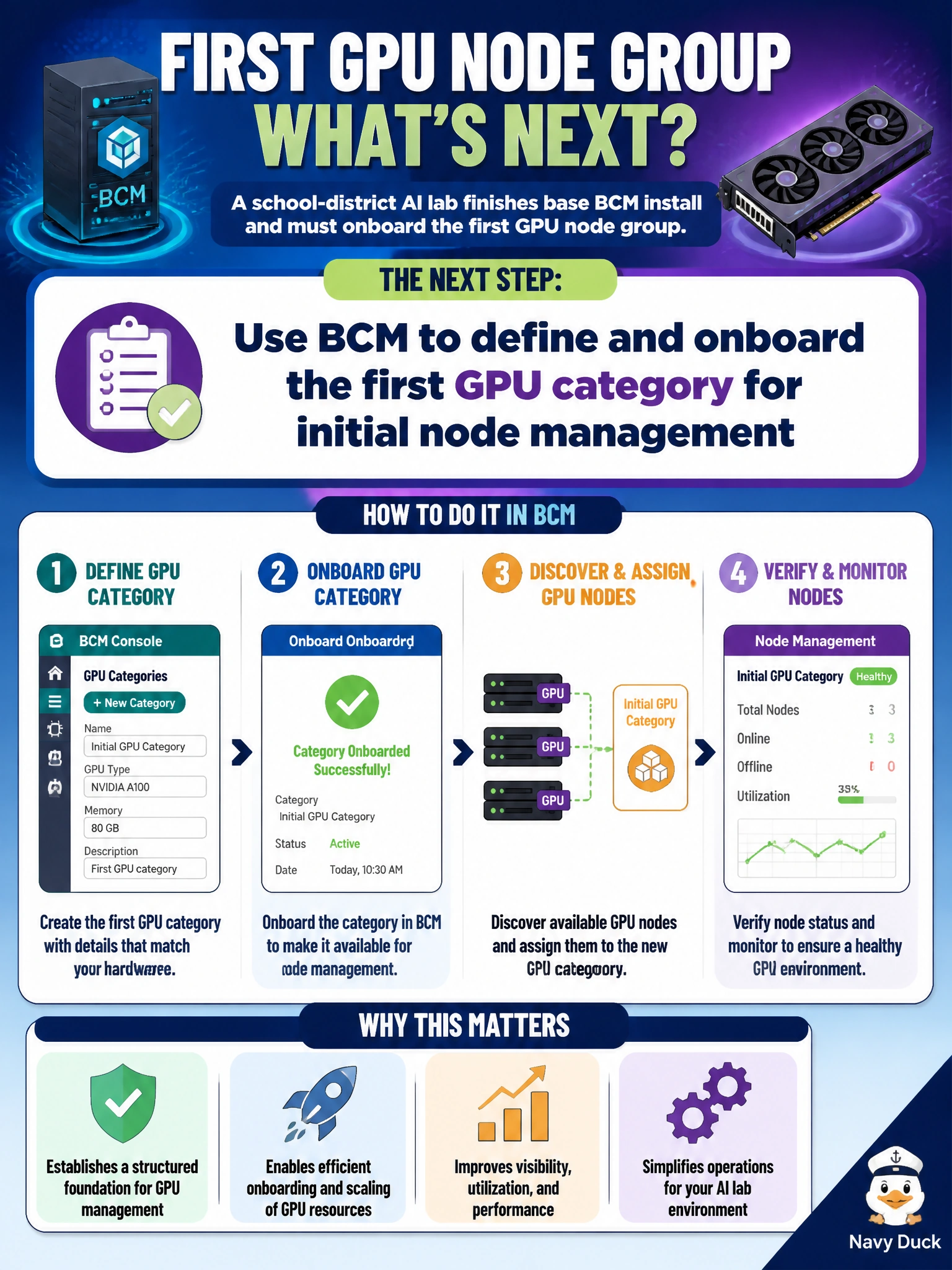
A school-district AI lab finishes base BCM install and must onboard the first GPU node group. What should operators do next?
Select an answer to reveal the explanation.
Short Explanation
After BCM is up, treat categories like classroom seating charts—put the first GPU group into BCM so nodes are managed on purpose. Random DHCP notes are not a control plane.
Full Explanation
After base BCM install, the school-district AI lab’s next control-plane step is to define and onboard the first GPU category so those nodes enter managed inventory under intentional software and policy. Categories are BCM’s grouping mechanism for applying images, packages, and network roles consistently; without them, the first GPU group remains an unmanaged set of hosts even if the head node is healthy. Using BCM to create that category and onboard nodes establishes the inventory, provisioning target, and operational identity the district needs before driver, toolkit, or scheduler work scales.
Hand-editing random DHCP leases as the only inventory fails because leases are transient addressing state, not a control plane: they do not carry software profiles, categories, or audited node membership for classroom GPU servers. Deleting the head-node database so categories never form destroys the BCM state the install just created and guarantees nodes cannot be grouped or reprovisioned. Ignoring categories and only power-cycling classroom switches overnight confuses Layer-2 recovery theater with node onboarding; reboots do not enroll GPUs into BCM management.
Exam caveat: questions often contrast BCM category/onboarding work with ad-hoc network notes or destructive head-node actions—pick the managed inventory path after install, not improvisation.
Operational check: in BCM, confirm the new GPU category exists, the first node group is assigned to it, and a node shows as managed with the expected category membership before pushing further software.