
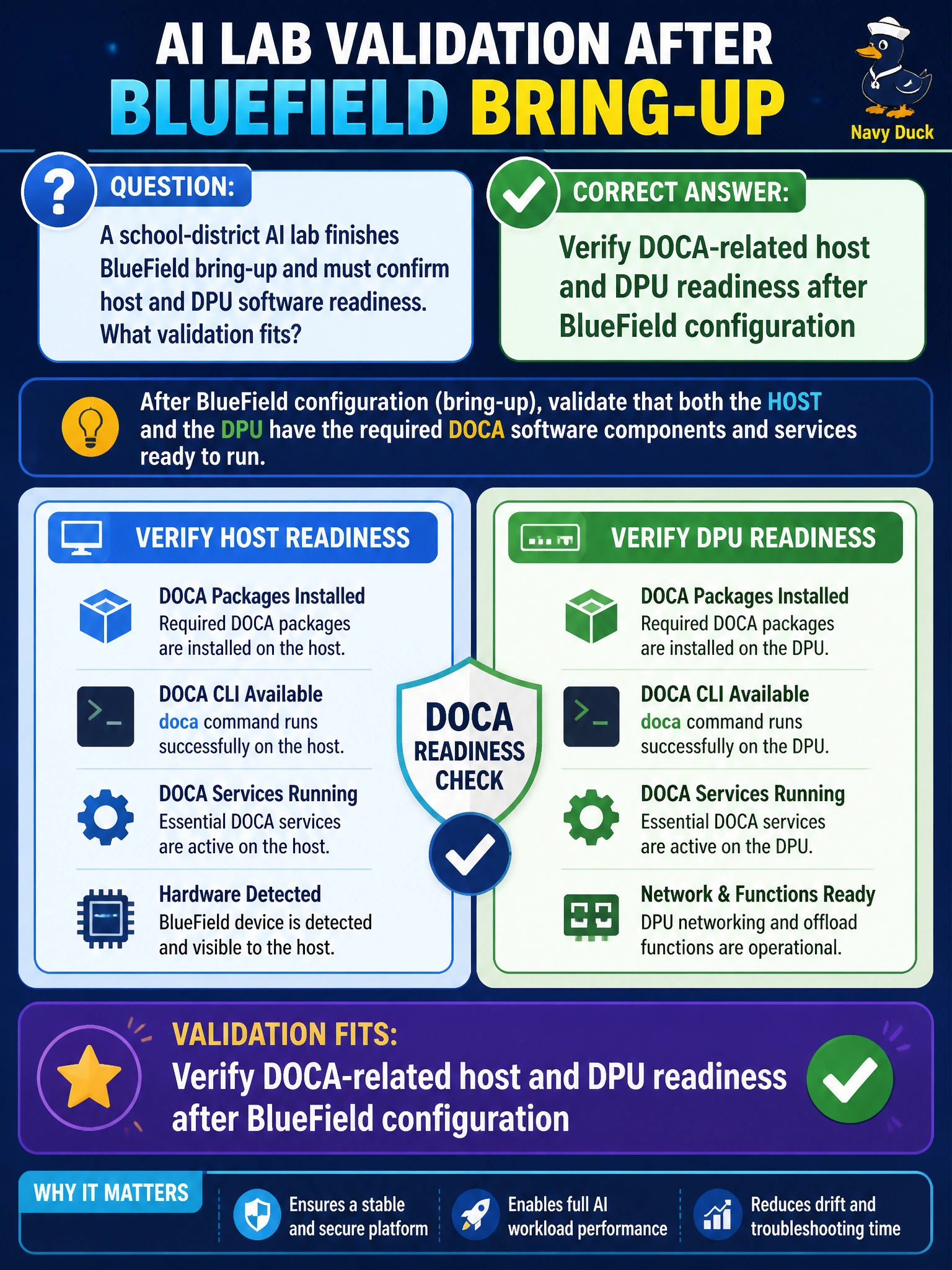
A school-district AI lab finishes BlueField bring-up and must confirm host and DPU software readiness. What validation fits?
Select an answer to reveal the explanation.
Short Explanation
After BlueField is up, check the DOCA-side readiness on host and DPU—like confirming both radio ends work before the school bus convoy moves. LED blinks alone are not enough.
Full Explanation
A school-district AI lab finishing BlueField bring-up must confirm host and DPU software readiness, including DOCA-related checks after configuration. BlueField value for municipal multi-tenant networking depends on both sides of the host/DPU software stack being present and healthy; LED blinks do not prove DOCA components, drivers, or services are ready. Validation closes the gap between “card configured” and “platform usable.” Assuming readiness if the DPU LEDs once blinked fails by concept: link or power LEDs are not software-stack validation. Skipping DOCA-related checks because containers hide networking forever fails by concept: containers still rely on host/DPU networking capabilities; hiding complexity does not remove the need for readiness checks. Uninstalling host drivers immediately after every successful check fails by concept: destroying a working stack after validation undoes bring-up rather than confirming it. Exam caveat: DOCA-related readiness depends on the lab’s chosen BlueField features; verify the components your design actually uses rather than treating every DOCA package as mandatory on every node. Operational check: after BlueField configuration, verify DOCA-related host and DPU readiness on the school-district nodes, run a simple offload or connectivity validation, document versions, and only then mark BlueField bring-up complete.