
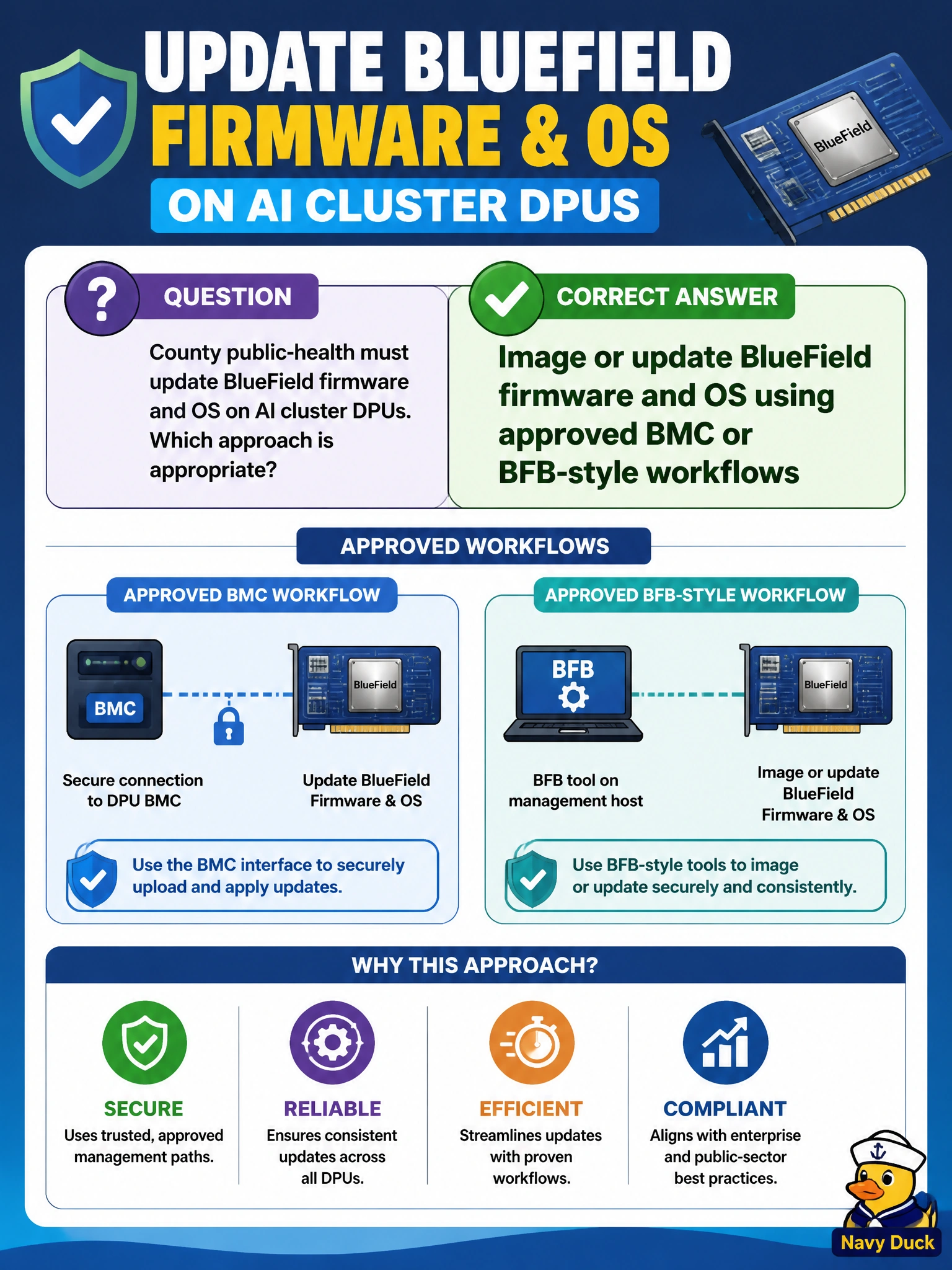
County public-health must update BlueField firmware and OS on AI cluster DPUs. Which approach is appropriate?
Select an answer to reveal the explanation.
Short Explanation
Treat BlueField firmware/OS like controlled vaccine fridge firmware—use the approved BMC/BFB-style path, not random USB mystery images.
Full Explanation
County public-health updating BlueField firmware and OS on AI cluster DPUs must use approved BMC or BFB-style workflows so images are provenance-controlled and recoverable. DPU firmware/OS is part of the trusted municipal platform; uncontrolled flashes create supportability and security risk especially on nodes that may touch health-adjacent infrastructure. Approved update paths exist specifically so operators can image or update BlueField without improvising from random media. Flashing random USB images with no provenance checks fails by concept: untrusted images can brick DPUs or introduce malware into the management plane. Never updating BlueField after unboxing regardless of advisories fails by concept: security and interoperability fixes require controlled updates, not permanent freeze at factory revision. Overwriting BlueField with a desktop Linux ISO meant for laptops fails by concept: laptop installers are not BlueField platform images and will not correctly provision the DPU environment. Exam caveat: approved BMC/BFB-style workflows still require matching the correct image to the BlueField hardware and following host reboot/maintenance sequencing so the county cluster is not left half-updated. Operational check: obtain the approved BlueField firmware/OS image, apply it via the supported BMC or BFB workflow on a maintenance window, verify DPU version and health after update, and only then return the public-health AI node to service.