
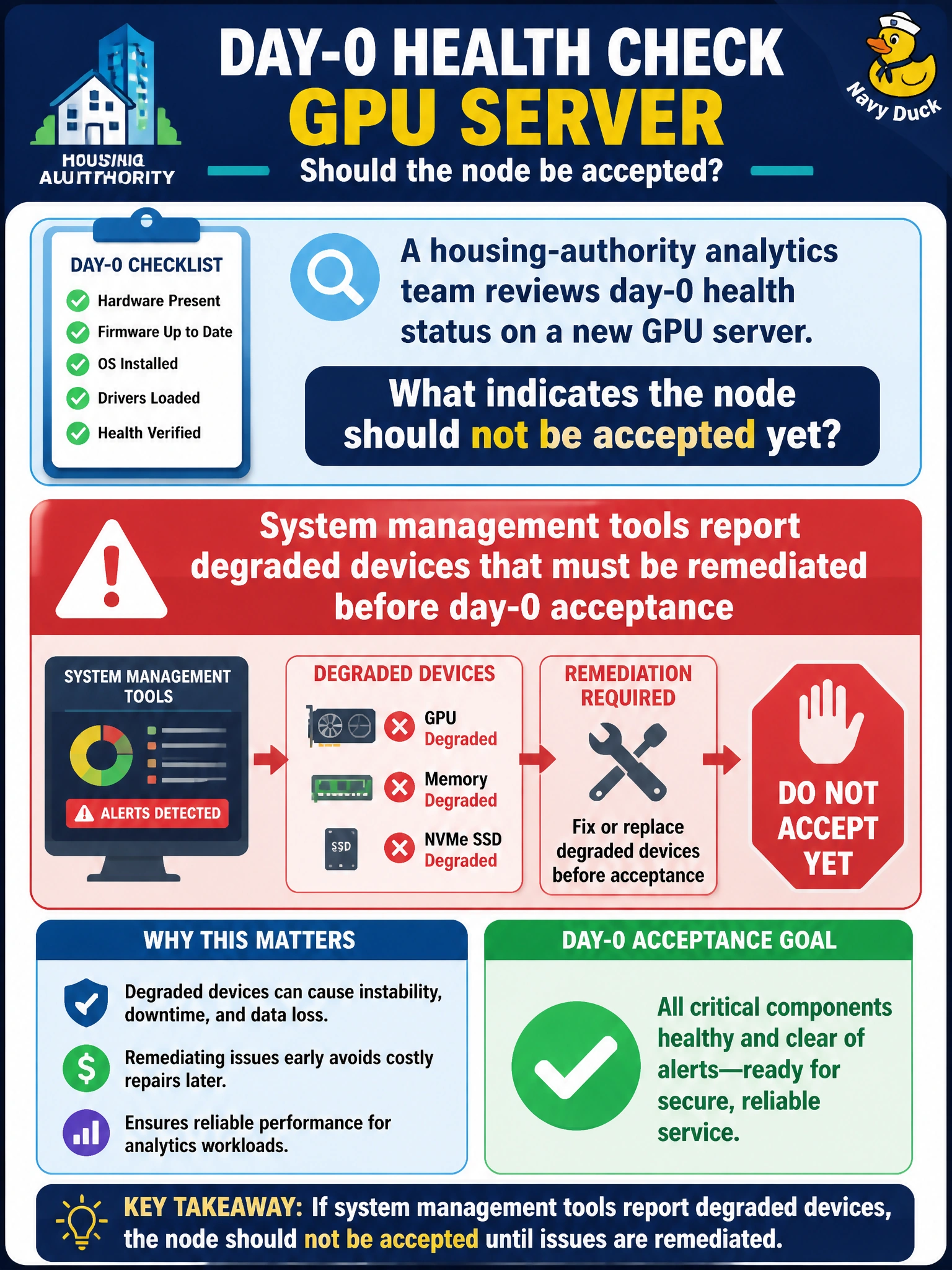
A housing-authority analytics team reviews day-0 health status on a new GPU server. What indicates the node should not be accepted yet?
Select an answer to reveal the explanation.
Short Explanation
Degraded in the management tools means the housing node is limping on day-0—fix it before acceptance. Pretty BMC themes and bezel photos are not health clearance.
Full Explanation
On day-0 health review for a housing-authority analytics GPU server, system management tools reporting degraded devices mean the node should not be accepted yet and those devices must be remediated first. Degraded status is an explicit management-plane signal that something in the inventory—GPU, NIC, fan, PSU, or related component—is not in a healthy service state. Day-0 acceptance exists to keep such nodes out of the analytics pool until the degradation is cleared, not to rubber-stamp partial health.
All managed devices reporting healthy with no degraded flags is the acceptance-friendly state, not a reason to reject the node. BMC wallpaper matching city branding is cosmetic and unrelated to device health. Photographing only front bezel LEDs for the ticket captures incomplete visual evidence and misses management-tool degradation flags that may not map one-to-one to a pretty front panel.
Exam caveat: degraded devices in system management tools block day-0 acceptance until remediated—healthy inventory passes; branding and bezel photos do not override degradation. Operational check: review NVSM/BMC/DCGM-class (or equivalent) health on the housing-authority node, list any degraded components, remediate or replace, re-check until healthy, and only then mark day-0 acceptance complete.