
Emergency-management standby inference hosts need known GPU operational settings after install. What should operators validate with nvidia-smi?
Select an answer to reveal the explanation.
Short Explanation
Standby 911-NLP hosts should wake up in the mode you expect—persistence and compute settings are part of that handshake. Use nvidia-smi to confirm the operational knobs match the municipal standard, not the jump-box wallpaper.
Full Explanation
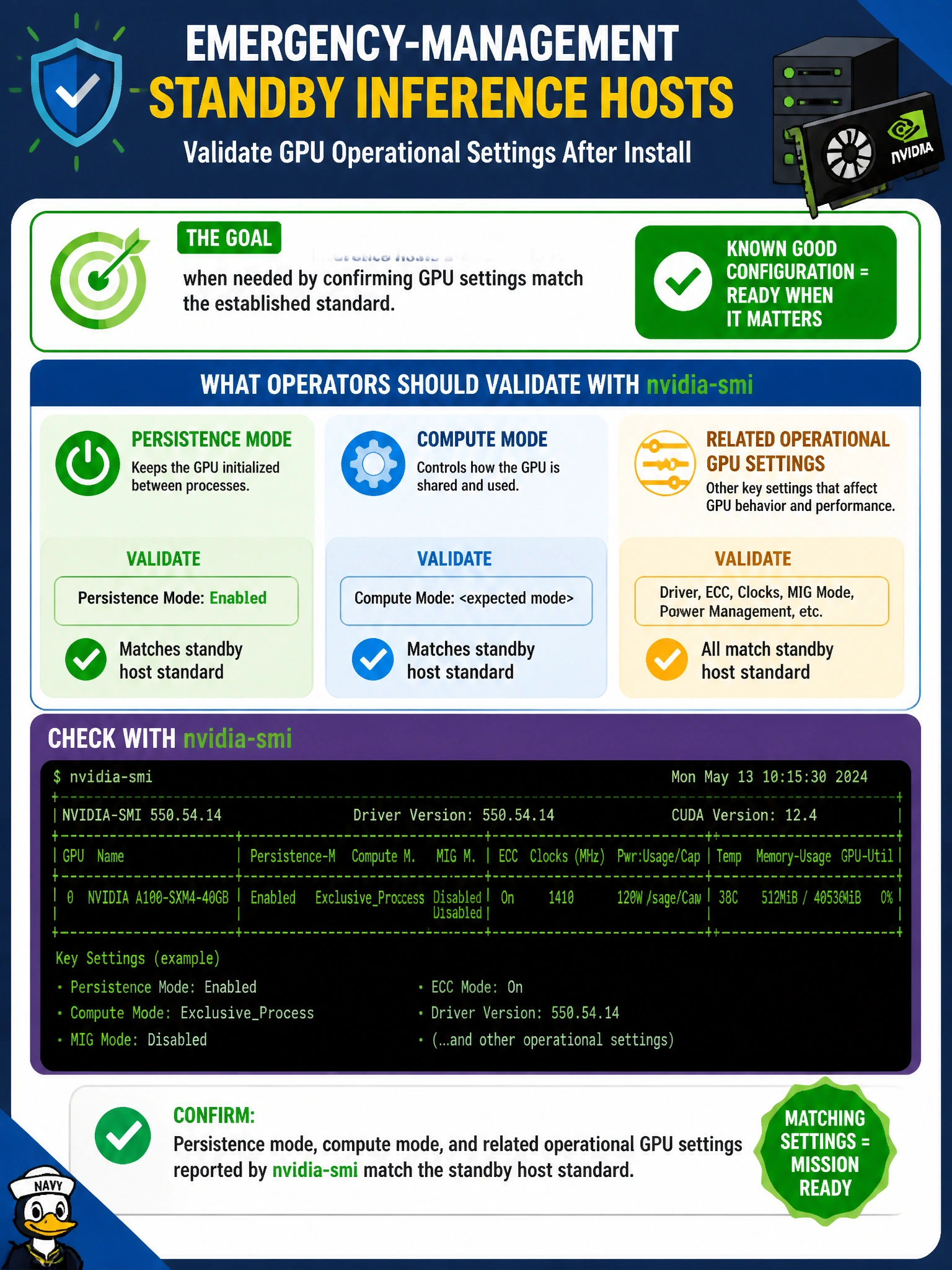
Emergency-management standby inference hosts need known GPU operational settings after install, so operators should validate with nvidia-smi that persistence mode, compute mode, and related operational GPU settings match the standby host standard. Standby civic inference boxes must wake into a predictable accelerator posture; persistence and compute modes (and related SMI-reported settings) are part of that contract. Checking them after install prevents silent drift where a host looks powered and networked but will behave differently under a surge of emergency NLP or situational models.
Validating only the wallpaper theme on the jump box checks aesthetics, not GPU mode state. Checking whether the BMC DHCP lease looks pretty in a spreadsheet validates addressing cosmetics, not accelerator operational settings. Confirming that the municipal DNS logo resolves over HTTP proves web content reachability unrelated to nvidia-smi mode configuration on the standby hosts.
Exam caveat: standby GPU readiness includes SMI-reported operational settings (persistence, compute mode, and related fields) matching standard—not jump-box themes, DHCP aesthetics, or DNS logos. Operational check: after install, run nvidia-smi queries for persistence and compute (and any mandated related settings) on each emergency-management standby host, compare to the written standard, remediate mismatches, and record the pass before placing the host in the standby pool.