
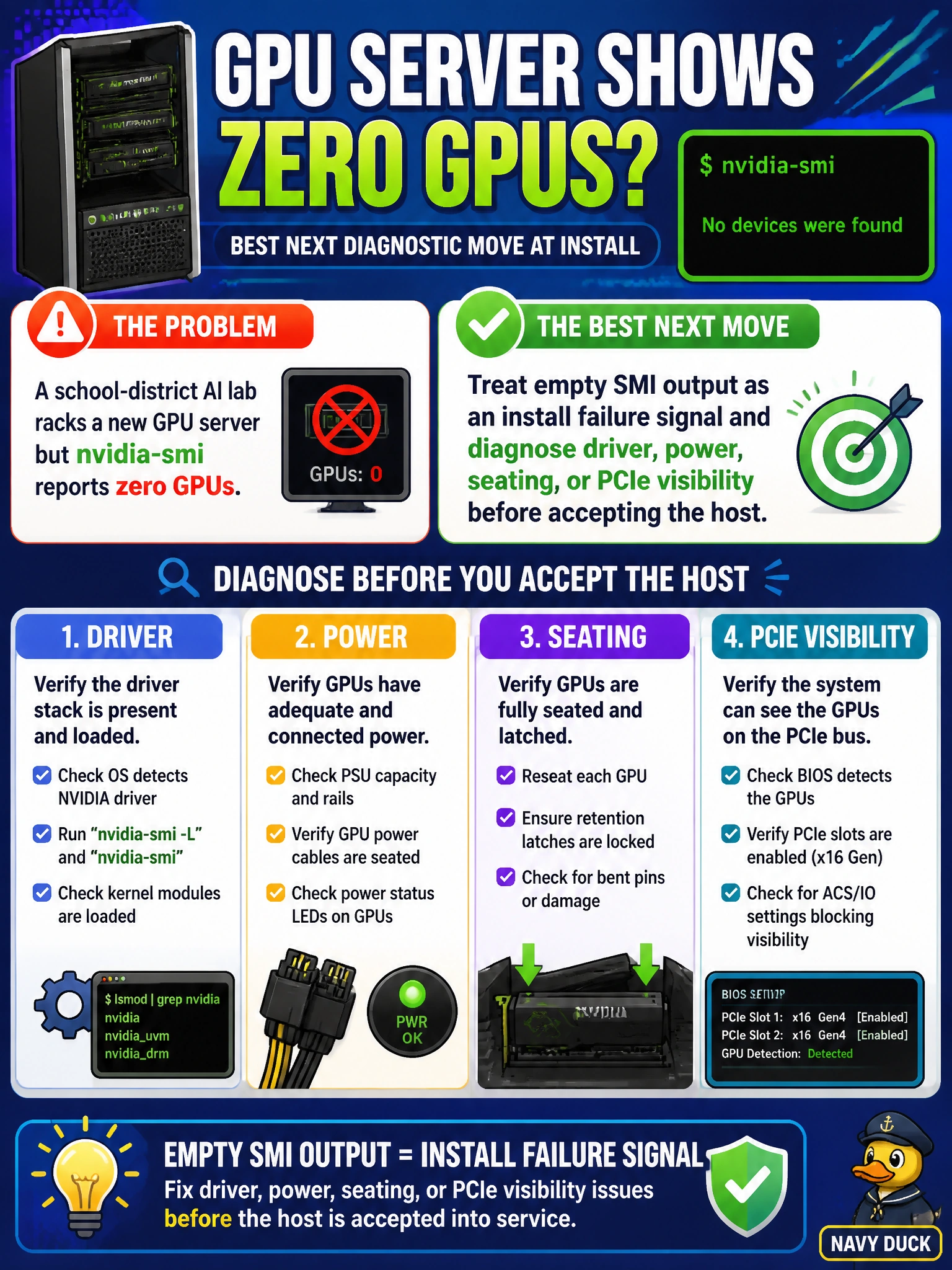
A school-district AI lab racks a new GPU server but nvidia-smi reports zero GPUs. What is the best next diagnostic move at install?
Select an answer to reveal the explanation.
Short Explanation
Zero GPUs in SMI means the iron is not talking—like a lab projector with no bulb. Call it an install failure and chase driver, power, seating, or PCIe visibility before you stamp the host accepted.
Full Explanation
If a school-district AI lab racks a new GPU server and nvidia-smi reports zero GPUs, the correct install response is to treat empty SMI output as an install failure signal and diagnose driver, power, seating, or PCIe visibility before accepting the host. Zero devices means the software stack cannot see accelerators the lab schedule assumes exist. Accepting the host anyway exports a broken teaching platform to students and instructors. Systematic diagnosis of driver install, GPU power/cabling, physical seating, and PCIe link visibility is how install teams convert an empty SMI reading into a repaired, acceptable server.
Declaring the lab complete and publishing the course schedule ignores the failure and locks curriculum to non-functional GPUs. Increasing batch size in the syllabus so empty GPUs feel busier is pedagogical theater that cannot create devices SMI does not list. Masking the issue by renaming the hostname to include “gpu” changes DNS cosmetics without enumerating hardware.
Exam caveat: empty nvidia-smi output at install is a hard failure requiring driver/power/seating/PCIe diagnosis—not schedule publication, syllabus tweaks, or hostname tricks. Operational check: on zero-GPU SMI, halt school-district acceptance, verify driver packages and kernel modules, reseat and power-check GPUs, inspect PCIe link state, re-run nvidia-smi, and only accept the host when expected devices appear.