
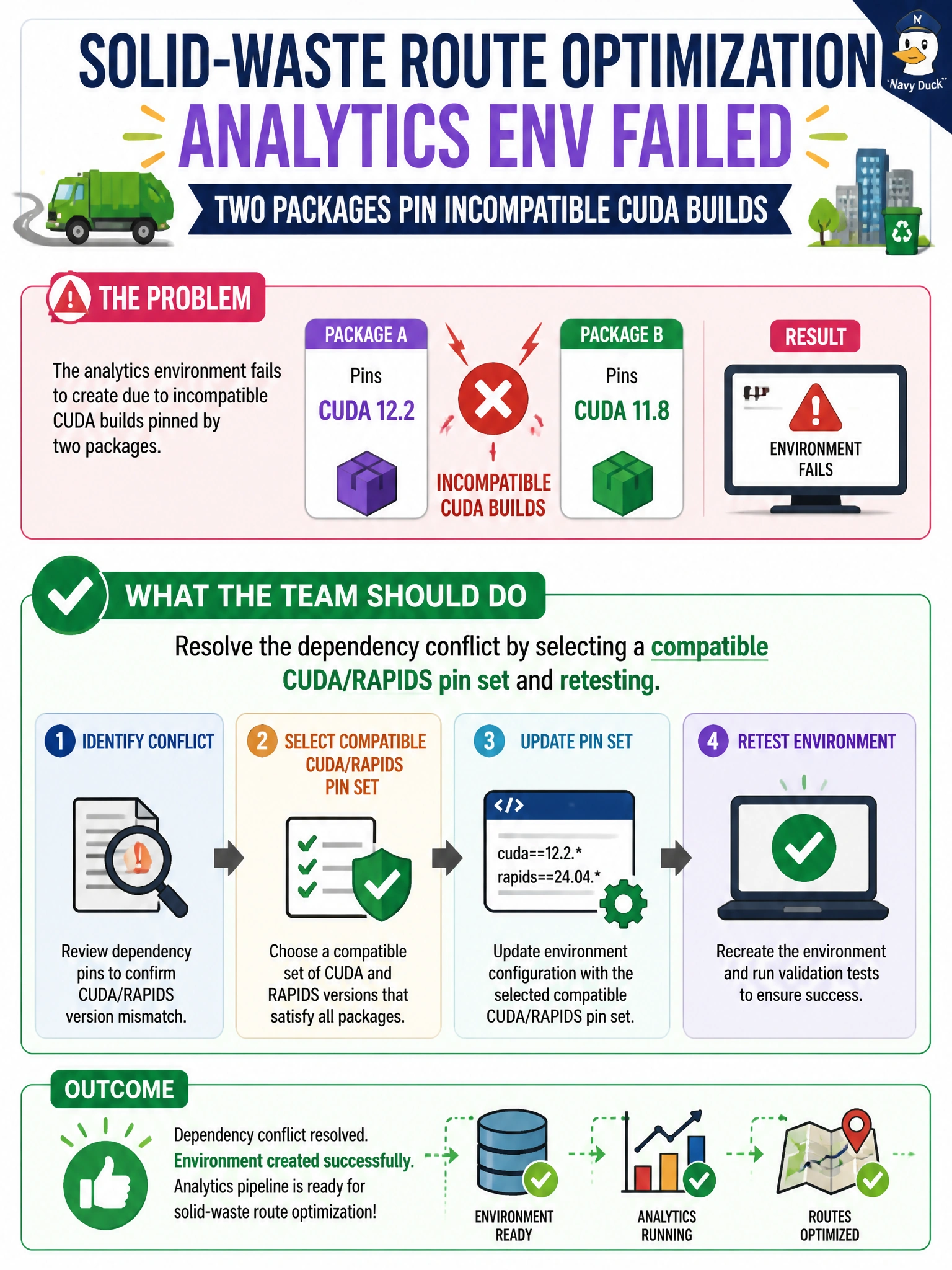
A solid-waste route optimization analytics env fails because two packages pin incompatible CUDA builds. What should the team do?
Select an answer to reveal the explanation.
Short Explanation
When two packages require incompatible CUDA builds, you need a coherent dependency solve—not a workaround. Choose a compatible CUDA/RAPIDS pin set, rebuild the environment, and retest the route model so its libraries share a compatible binary interface.
Full Explanation
When two packages pin incompatible CUDA builds in a solid-waste route optimization environment, select a compatible CUDA/RAPIDS pin set and retest. GPU Python packages need matching CUDA major/minor builds; a coherent set lets the route optimization stack share a compatible binary ABI. Ignoring the solver error and forcing both packages with --no-deps hides the conflict rather than resolving it, risking runtime crashes or silent corruption. Randomly downgrading the OS kernel targets the wrong layer and can destabilize the host; one successful import does not establish a reliable environment. Installing both CUDA major versions into the same environment and relying on import order is also unreliable: overlapping libraries can make dynamic loading unpredictable. Exam caveat: compatible pins are often specified by a RAPIDS release selector or documented metapackages, and mixing the latest versions of unrelated GPU packages commonly causes CUDA build clashes. Practical check: read the solver conflict, choose one supported CUDA/RAPIDS combination, recreate the environment with those pins, check nvidia-smi and RAPIDS imports, run a route optimization smoke test, and record the working pins in the project constraints file.