
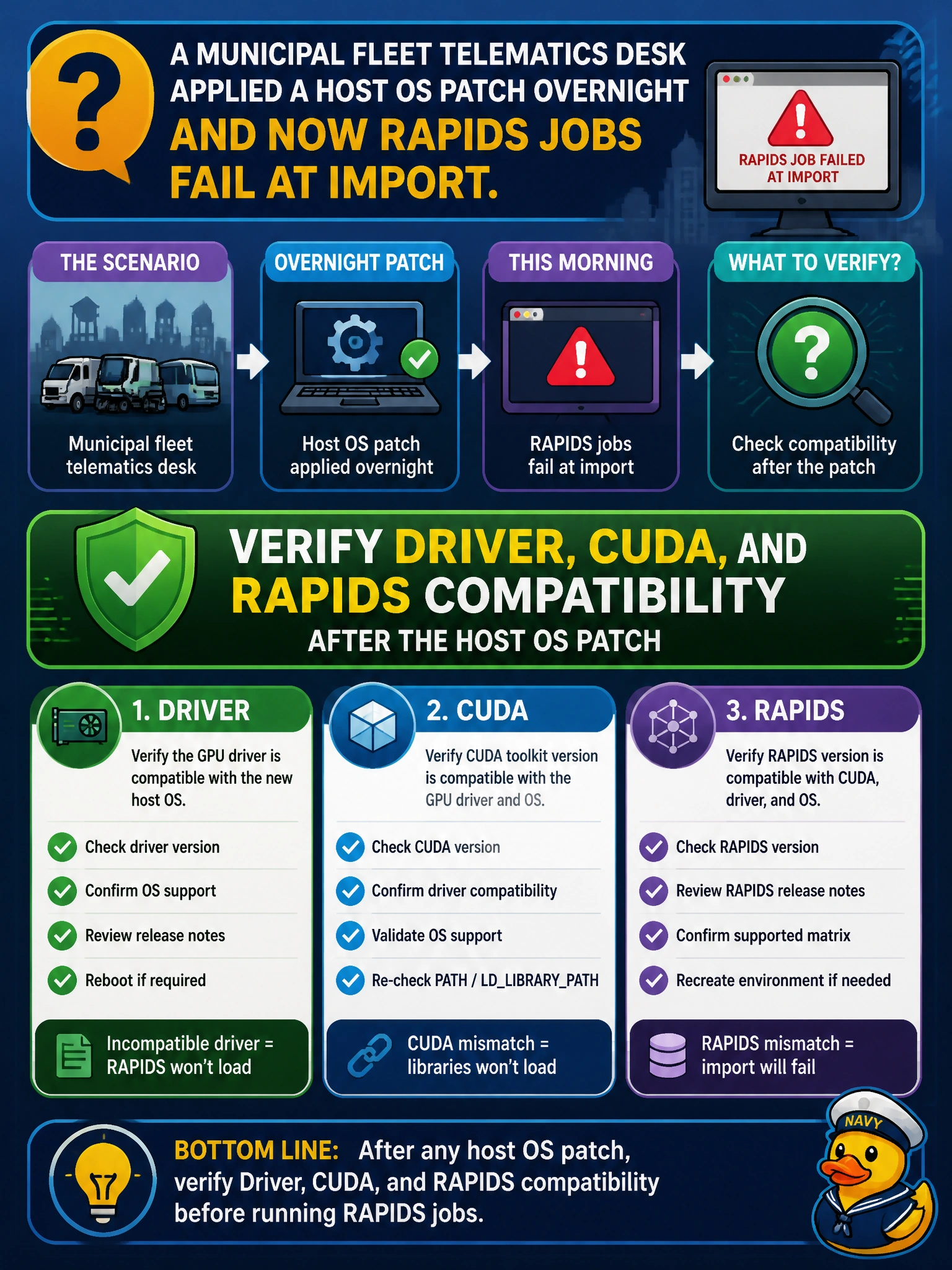
A municipal fleet telematics desk applied a host OS patch overnight and now RAPIDS jobs fail at import. What should they verify?
Select an answer to reveal the explanation.
Short Explanation
After an OS patch, check that the driver, CUDA, and RAPIDS versions still shake hands—broken handshakes look like mysterious import failures.
Full Explanation
A municipal fleet telematics desk whose RAPIDS jobs fail at import after an overnight host OS patch should suspect stack compatibility first. OS patches can update or disrupt NVIDIA drivers and related user-space expectations, breaking the contract among driver, CUDA runtime, and RAPIDS builds. The correct verification is that driver, CUDA, and RAPIDS remain compatible after the host OS patch.
Checking that office printer firmware matches the Jupyter theme color is unrelated theater. Deleting nvidia-smi to remove error messages destroys diagnostics without fixing the import path. Only adjusting aesthetic font size in the notebook UI cannot restore a broken CUDA/RAPIDS linkage.
Exam caveat: “compatible” means a tested triad—host driver version, CUDA user-space libraries expected by the RAPIDS packages, and the RAPIDS version pins in the environment. After OS patches, even previously good environments can break if the driver moved outside RAPIDS’ support window.
Operational check: capture nvidia-smi driver version post-patch, compare against the RAPIDS support matrix for the pinned release, reinstall or repin the environment if needed, confirm imports on a telematics smoke job, and document the new known-good triad in the fleet analytics runbook.