
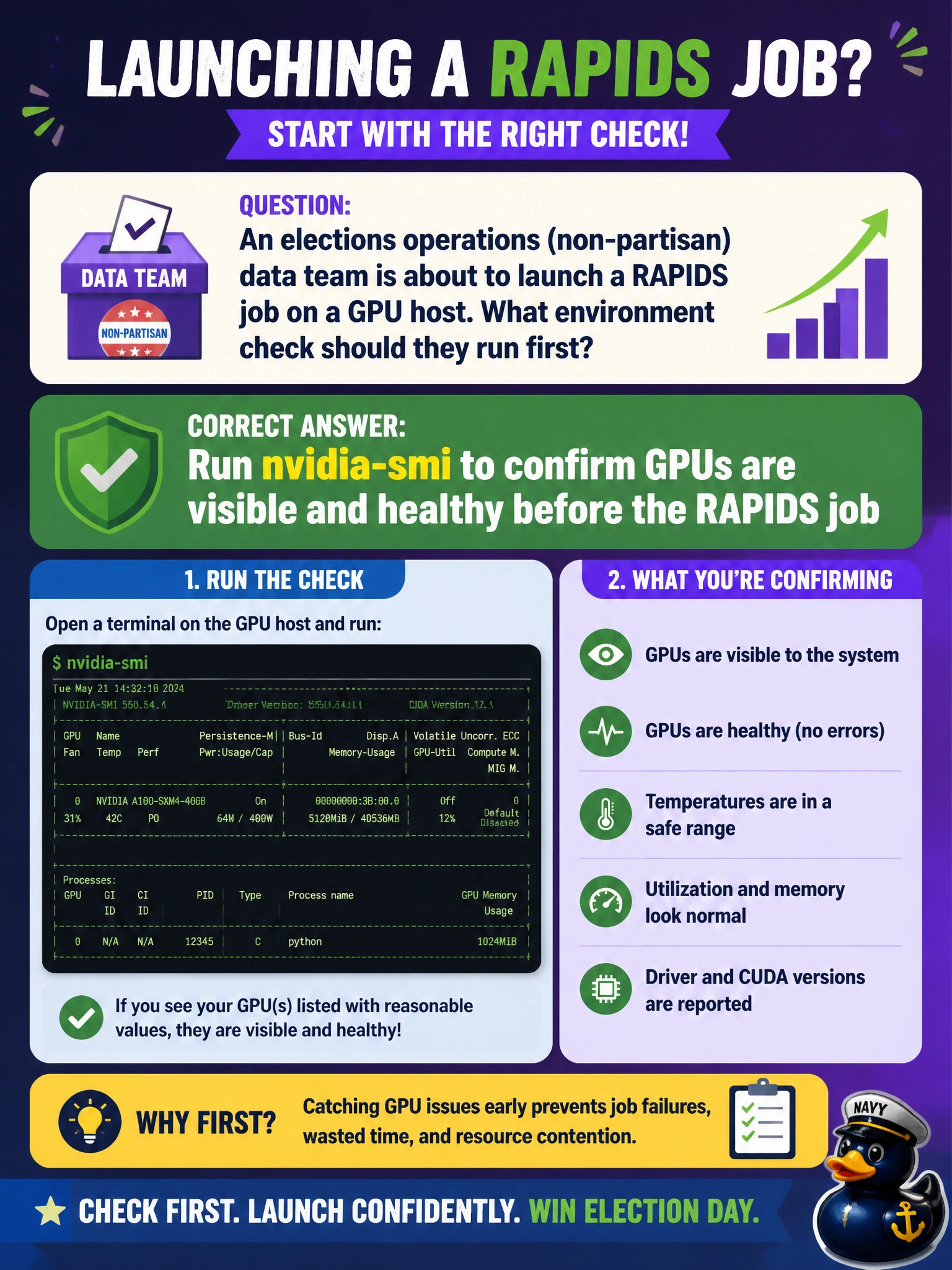
An elections operations (non-partisan) data team is about to launch a RAPIDS job on a GPU host. What environment check should they run first?
Select an answer to reveal the explanation.
Short Explanation
Before the big RAPIDS race, glance at the pit board—nvidia-smi tells you the GPUs are actually in the car and warmed up.
Full Explanation
An elections operations (non-partisan) data team about to launch a RAPIDS job on a GPU host should confirm the hardware is visible and healthy before trusting accelerated execution. The standard first environment check is to run nvidia-smi to confirm GPUs are present, enumerating devices, driver version, and basic utilization/memory state. That quick check catches missing devices, driver failures, and occupied GPUs before a long RAPIDS job fails opaquely.
Skipping device checks because RAPIDS invents GPUs if none are present is false—RAPIDS requires real CUDA devices (or an explicit CPU fallback path you configured). Only pinging the public website of the GPU vendor tests internet reachability, not local device health. Deleting CUDA libraries to force a CPU fallback automatically sabotages the accelerated stack and is not a diagnostic—it is destruction.
Exam caveat: nvidia-smi validates host driver/device visibility; it does not by itself prove that the RAPIDS build matches the driver/CUDA runtime. Follow with a small cudf import and frame operation after smi looks clean. Elections workloads also need change control—record the smi snapshot in the run log for auditability.
Operational check: before the RAPIDS job, run nvidia-smi, confirm expected GPU count and driver version against the runbook, ensure enough free memory for the elections dataset, then execute a one-line RAPIDS smoke import prior to the full pipeline.