
A city open-data portal team must choose hardware for rolling statistics on a year-long fleet telematics series. What should they do?
Select an answer to reveal the explanation.
Short Explanation
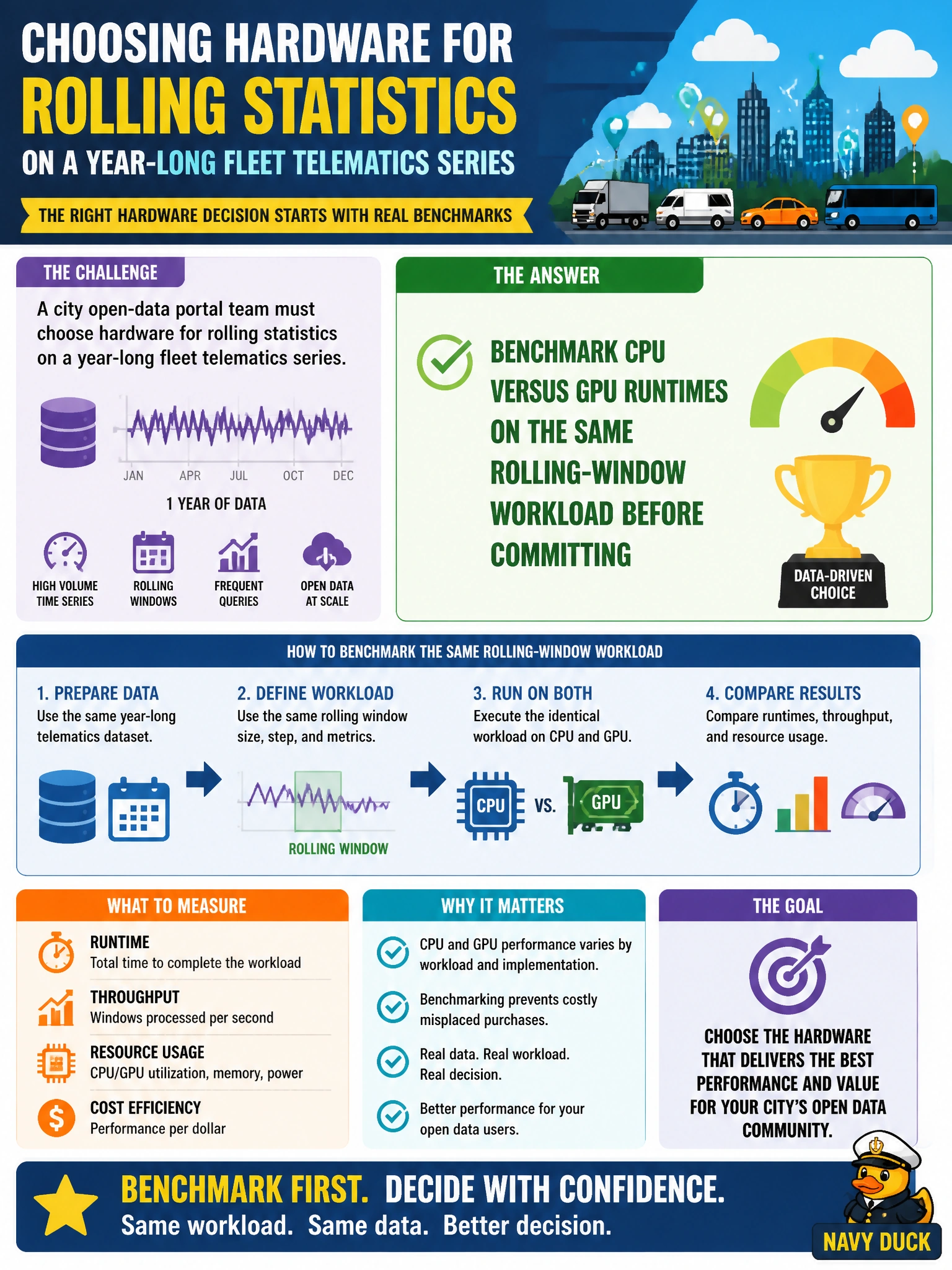
Don't buy the sports car before a stopwatch test—time the same rolling-window job on CPU and GPU, then pick the winner for that year-long telematics series.
Full Explanation
A city open-data portal team choosing hardware for rolling statistics on a year-long fleet telematics series should decide with evidence, not vendor folklore. Rolling-window workloads can benefit from GPU acceleration when series volume amortizes host-to-device transfer, but they can also be slower on GPU when kernels are light or data movement dominates. The correct practice is to benchmark CPU versus GPU runtimes on the same rolling-window workload before committing hardware or scheduling defaults for the portal.
Assuming GPU is always faster and skipping any CPU baseline timing is a classic associate trap: without a stopwatch comparison you cannot know whether RAPIDS helps this specific telematics volume and window size. Using only CPU because telematics data supposedly cannot run on RAPIDS is false—numeric temporal series are a common RAPIDS target when sized appropriately. Picking hardware solely from GPU list price without measuring wall time optimizes procurement theater, not citizen-facing portal latency or batch SLA.
Exam caveat: a single microbenchmark on a toy sample is insufficient; scale the test to representative year-long (or partitioned) telematics volume and the actual window widths used in production rollups. Also distinguish one-time ETL cost from repeated dashboard refreshes.
Operational check: time identical rolling-mean or rolling-sum jobs on CPU and GPU with warm caches documented, record transfer versus compute shares if available, and publish the chosen backend with the measured speedup (or slowdown) in the portal runbook so future analysts do not re-litigate the decision from price sheets alone.