
You're in a GPU monitoring dashboard looking at real-time metrics, and you see a field labeled "GPU Utilization: 45%". What does that number actually represent?
Select an answer to reveal the explanation.
Short Explanation and Infographic
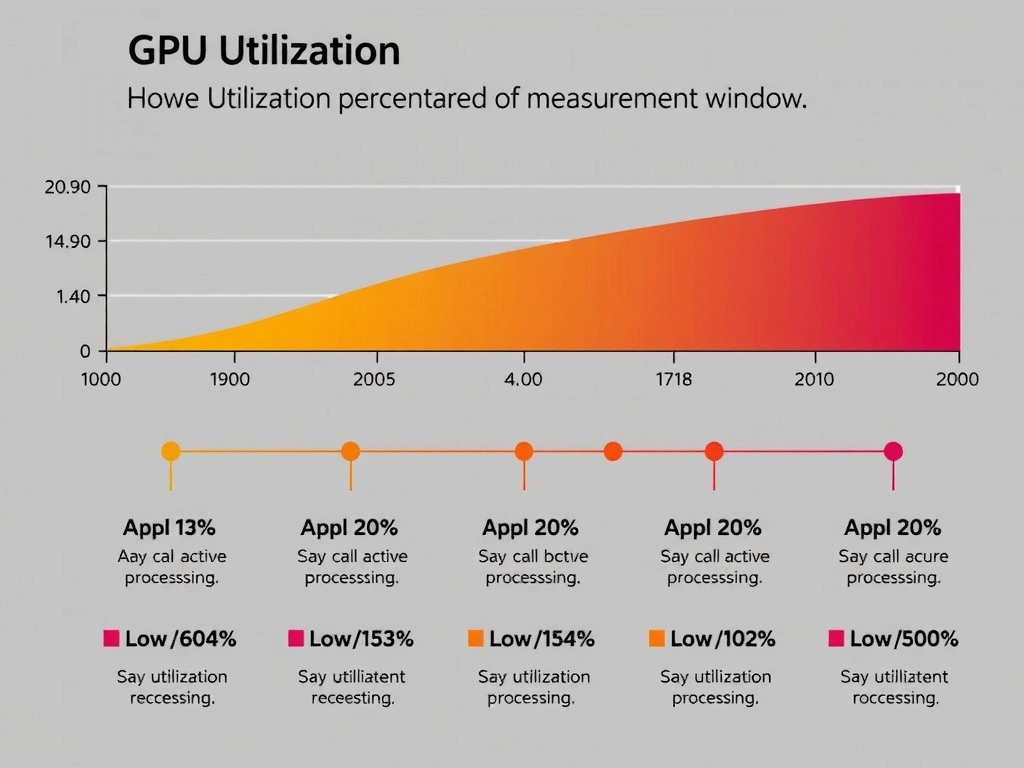
GPU utilization is about time, not cores or memory. It's the percentage of time the GPU is actively working. If it says 45%, that means the GPU spent 45% of the measurement window actively processing, and 55% idle or waiting. That's different from memory usage (how much GPU RAM you're using) or core count (total available cores).
Full explanation below image
Full Explanation
GPU utilization is one of the most important metrics, and it's frequently misunderstood. It measures the percentage of time the GPU's processing cores are actively executing instructions — not the number of cores in use, not the amount of memory used, and not the total available cores. If GPU utilization is 45%, that means over your measurement window, the GPU was doing useful work 45% of the time and was idle or waiting the other 55%. High GPU utilization (85–99%) is generally good — you're keeping the GPU busy. Low GPU utilization (below 30%) often indicates a bottleneck elsewhere: maybe your data pipeline is slow and the GPU is waiting for data, or your batch size is too small, or your kernel isn't parallelizing well. Here's the key: GPU utilization doesn't tell you if your algorithm is efficient. You could have 95% GPU utilization but be running a suboptimal kernel. Similarly, low utilization doesn't mean you're failing — sometimes it means you've prioritized latency over throughput (typical in inference). But in training, low GPU utilization is almost always a red flag worth investigating.