
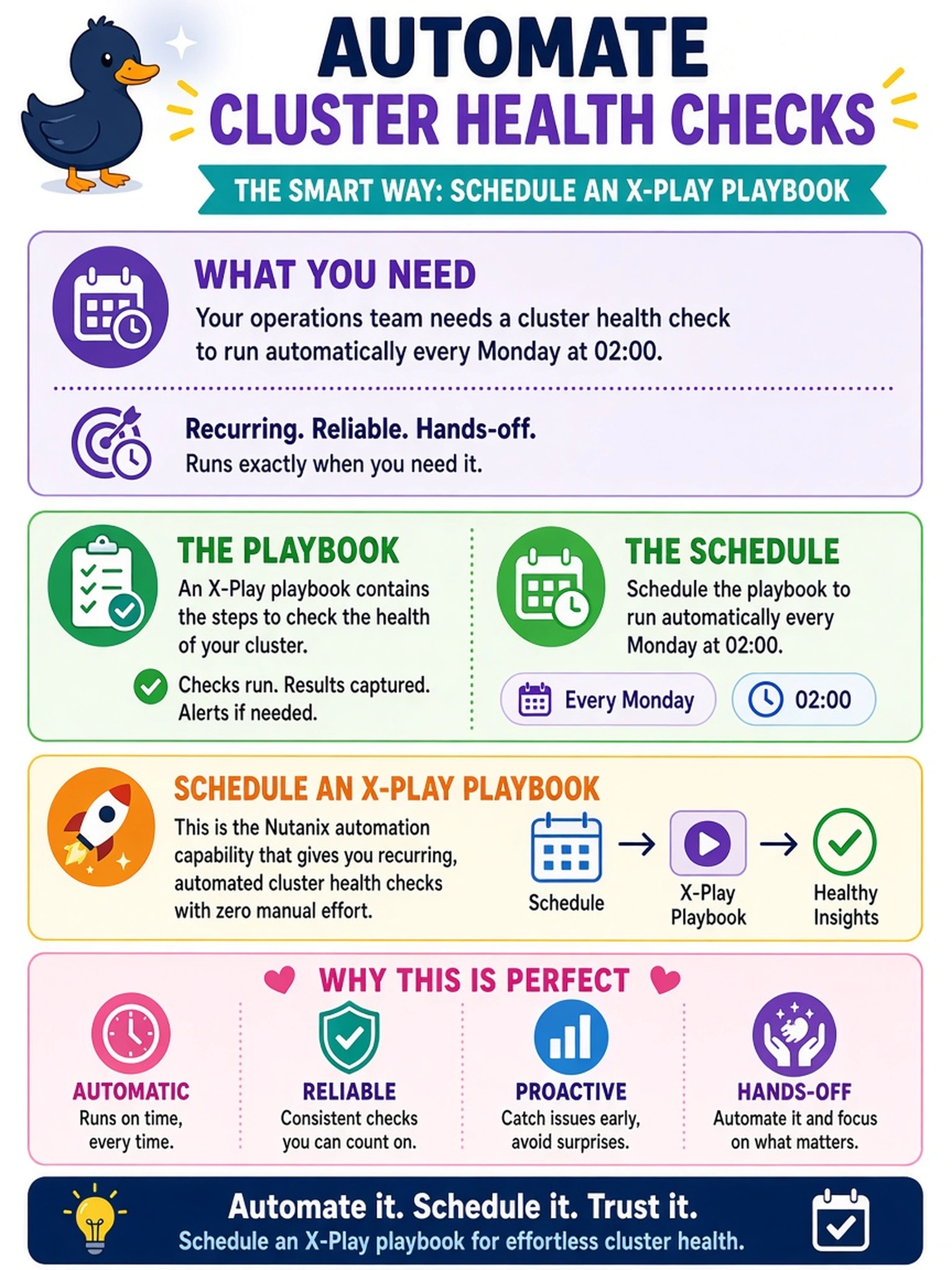
Your operations team requires a cluster health check to run automatically every Monday at 02:00. Which Nutanix automation capability should you use?
Select an answer to reveal the explanation.
Short Explanation
Think of it like setting a recurring calendar invite for a robot: you don't want to remember to run the health check every Monday. You put the task in a playbook and schedule it to fire at 02:00. The trap is treating NCC as something you have to type manually every week.
Full Explanation
Nutanix automation playbooks are intended for recurring operational tasks that must execute without an administrator present. A scheduled X-Play playbook can run a defined health-check task on a calendar trigger, producing consistent timing and an auditable result record. A manually invoked NCC health check is useful for on-demand validation, but it does not satisfy the automation requirement because it depends on someone logging in and issuing the command at the correct time. An alert policy or health status display reacts to events and presents results; it does not define a recurring execution schedule for running the checks. A host crontab or CVM cron entry may run a command in a general Linux sense, but it bypasses the supported Nutanix automation workflow, is harder to govern across clusters, and is not the method the exam expects for scheduled operational automation. Exam caveat: The exam is testing the automation mechanism, not the exact menu path or script syntax. Operational check: Before production, create the playbook in a non-production cluster, configure the weekly trigger, run it once manually, and verify the health-check output appears in the playbook result.