
Your X-Play playbook triggers on an alert and automatically runs a risky remediation action on a production VM. The administrator must prevent the action from executing until an authorized operator explicitly approves it, while keeping the playbook event-driven. How should the playbook be designed?
Select an answer to reveal the explanation.
Short Explanation
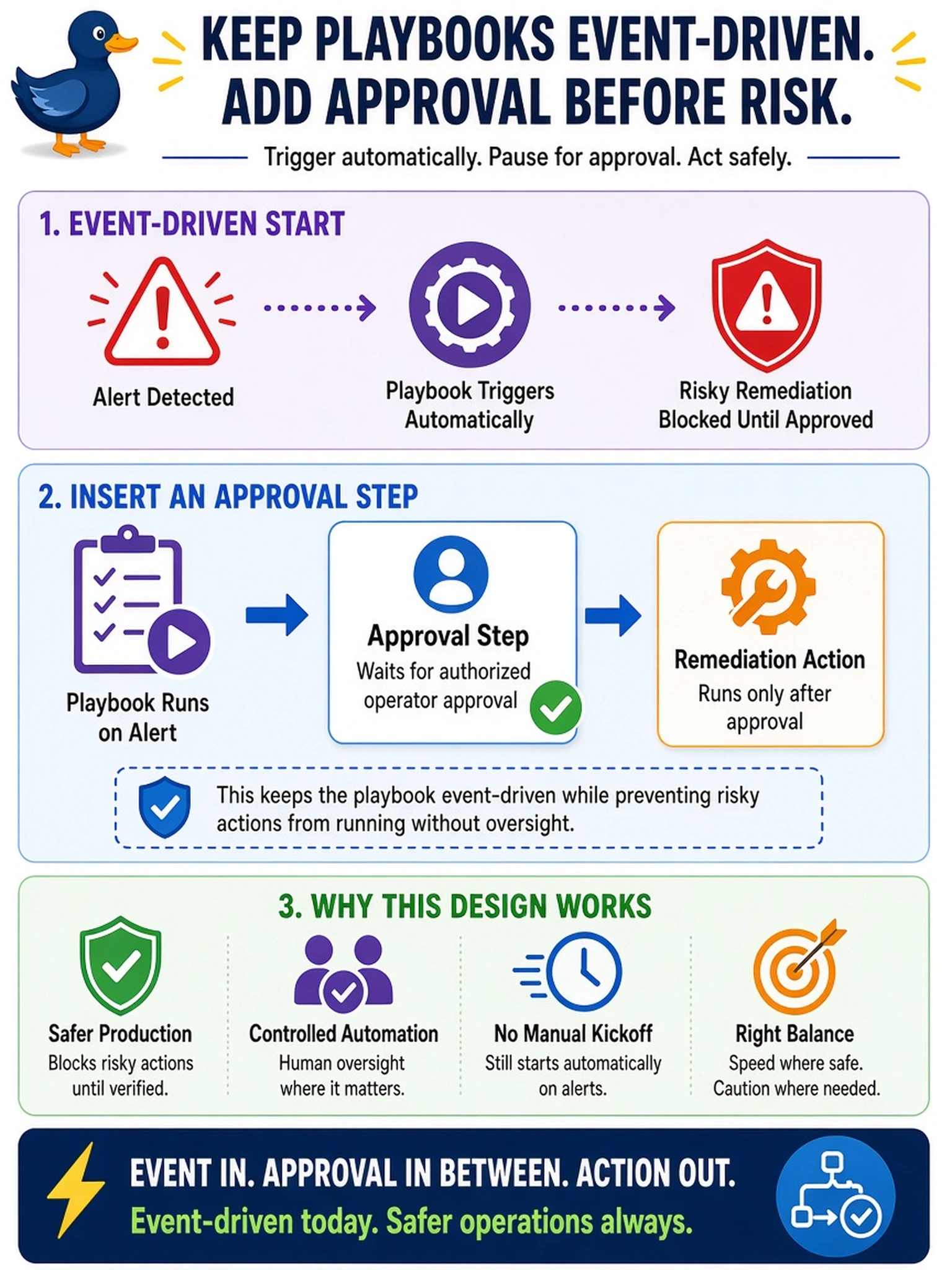
Think of a risky remediation like pressing the big red button: you want a human to sign off before the action fires, not a notification after the fact. In a playbook, that's an approval step placed before the remediation. If you put it after the action, you're only apologizing after the outage.
Full Explanation
X-Play playbooks are event-driven, so a remediation action will execute as soon as its trigger and preceding steps allow. For a risky change, the playbook should contain an approval step immediately before the remediation action; the workflow pauses until an authorized operator approves, preventing unintended automation from changing production state. The approval step is the control that changes the workflow from fully automatic to supervised. A notification or webhook sent after the remediation is useful for audit or escalation, but it does not gate the action because the risky work has already happened. A condition that checks whether the action already ran only prevents duplicate execution; it does not evaluate whether a human has authorized the change. An alert acknowledgement or maintenance-window restriction can reduce noise or control timing, but it does not create a mandatory human approval gate in the playbook itself. Exam caveat: do not confuse alert acknowledgement, scheduling, or post-action notifications with an approval step that pauses execution. Operational check: test the playbook with a non-production VM or maintenance window and confirm the workflow remains pending until approval is recorded before the remediation action runs.