
A Prism Central alert fires when a production VM's CPU ready exceeds an administrator-defined threshold. The team wants the cluster to automatically pause the VM and notify the owner without manual intervention. Which Nutanix capability should be used to implement this alert-driven remediation?
Select an answer to reveal the explanation.
Short Explanation
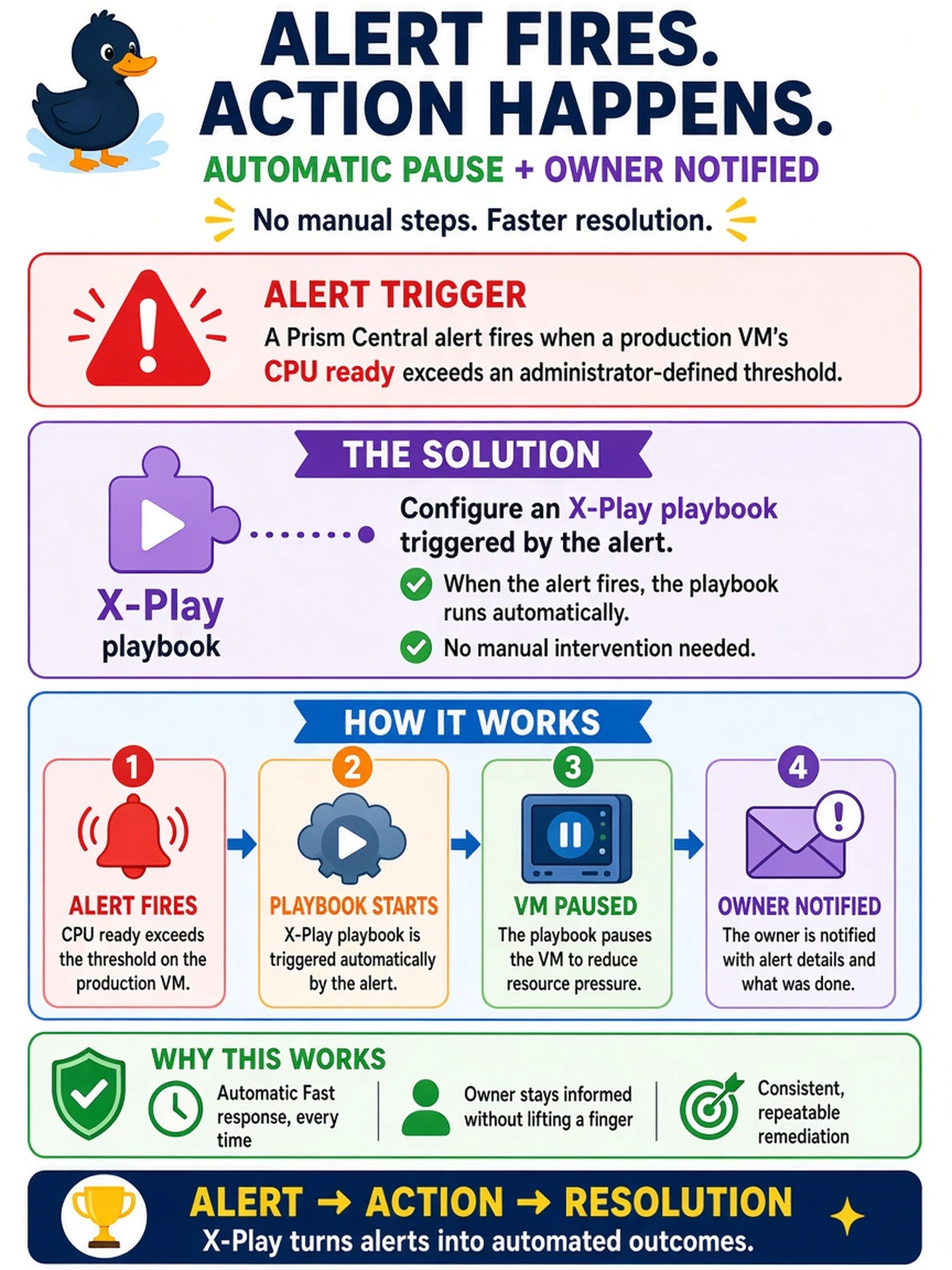
Think of an alert like a smoke alarm: it should do more than make noise; it should call the fire department. You want the alert to kick off an X-Play playbook that pauses the VM, not just send an email. The trap is confusing detection with remediation; reports, SNMP traps, and NCC checks can tell you about trouble, but they don't act on it.
Full Explanation
X-Play is Nutanix's workflow automation capability in Prism Central. It lets you define a playbook that starts when a defined alert condition occurs, then runs ordered tasks such as pausing a VM, adding a comment, or notifying an owner. The key is that the alert is the trigger, and the playbook contains the remediation actions, so the response happens without an administrator manually running a command. A report or email only informs people after the fact; it does not change the VM state or enforce an operational workflow. An SNMP trap or external monitoring integration can pass the event to another system, but in this scenario no external orchestrator is given, so it does not itself pause the VM or notify the owner inside Nutanix automation. An NCC health check is a diagnostic tool that evaluates cluster health and outputs findings; scheduling it after an alert may help troubleshoot, but it does not remediate the VM or implement the required automated action. Exam caveat: choose the feature that both reacts to the alert and executes remediation, not merely detects or reports it. Operational check: validate the playbook with a test alert, confirm the VM pause action runs, and review the X-Play execution history for success or failure.