
An administrator must deliver a daily capacity report for a multi-cluster Nutanix estate without logging into Prism each morning. Which automation method should be used?
Select an answer to reveal the explanation.
Short Explanation
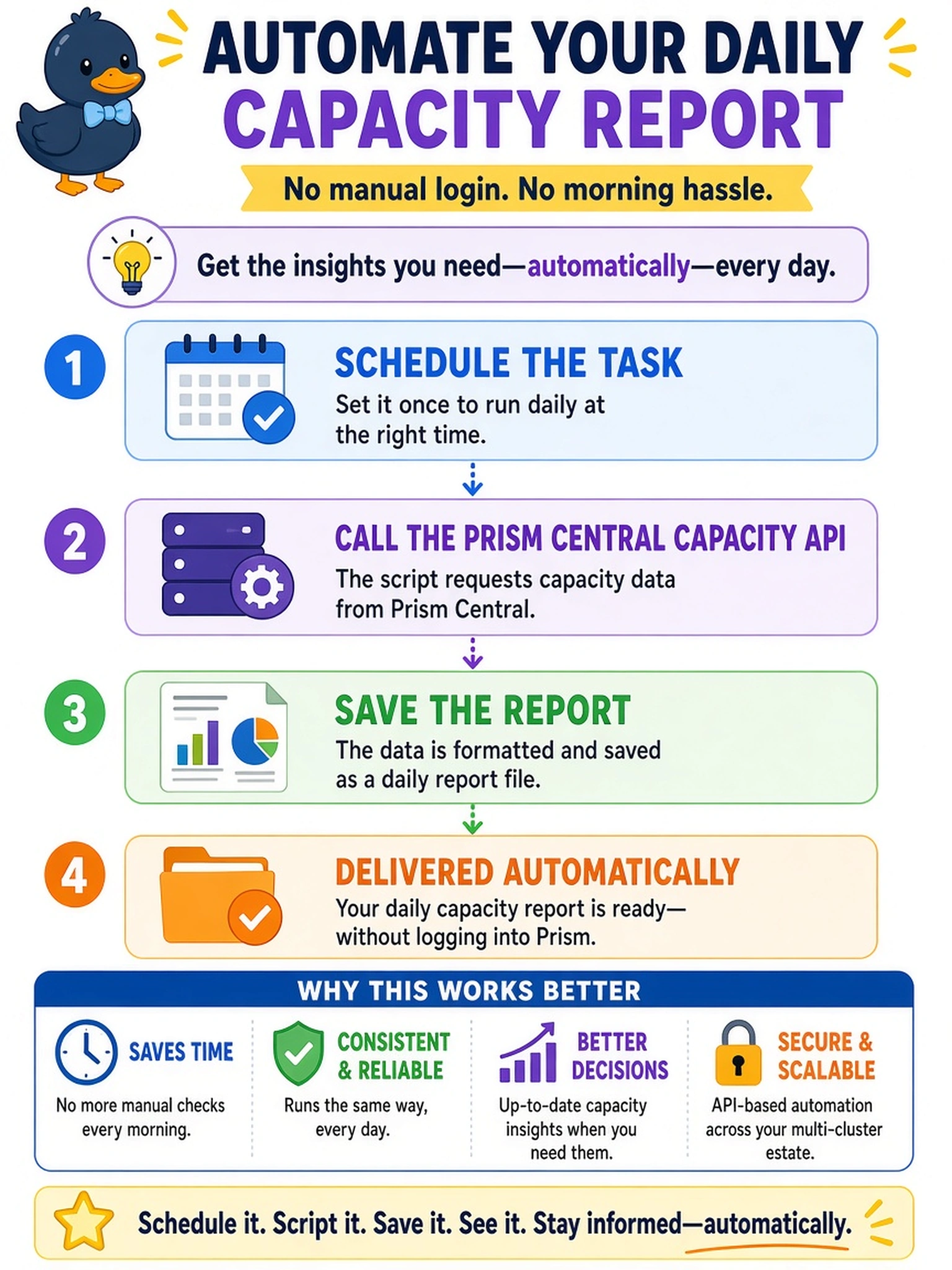
Think of automation like a coffee maker: set it once, and it runs without you pressing a button every morning. If you need a daily capacity report, you schedule an API call to Prism Central and let the script save the output. Alert thresholds only speak up when something breaks, so they aren't a dependable daily report.
Full Explanation
Prism Central exposes capacity data through REST APIs, so an administrator can retrieve cluster and container capacity metrics programmatically. A scheduled job on a supported automation host can call the capacity endpoint daily, format or save the response, and deliver the report without interactive console access. This matches the requirement because the data source, retrieval method, and timing are all automated. An alert policy that emails metrics when a threshold is crossed is wrong because it is event-driven and silent while capacity remains under the threshold, so it does not produce a guaranteed daily report. An X-Play playbook that powers off VMs when capacity drops is wrong because it performs a remediation action rather than collecting and reporting capacity data, and the trigger is a condition rather than a daily schedule. Manually exporting a report from Prism Element is wrong because it requires console access and operator action each day, which fails the no-manual-console requirement. Exam caveat: the exam may test the concept of API-driven scheduled reporting, not a specific menu path or script language. Operational check: verify the scheduled job returns valid JSON from the capacity endpoint and writes a timestamped report without interactive login.