
A Nutanix administrator must identify which Prism Central REST endpoints exist and see sample request bodies before automating VM creation. Which approach should they use?
Select an answer to reveal the explanation.
Short Explanation
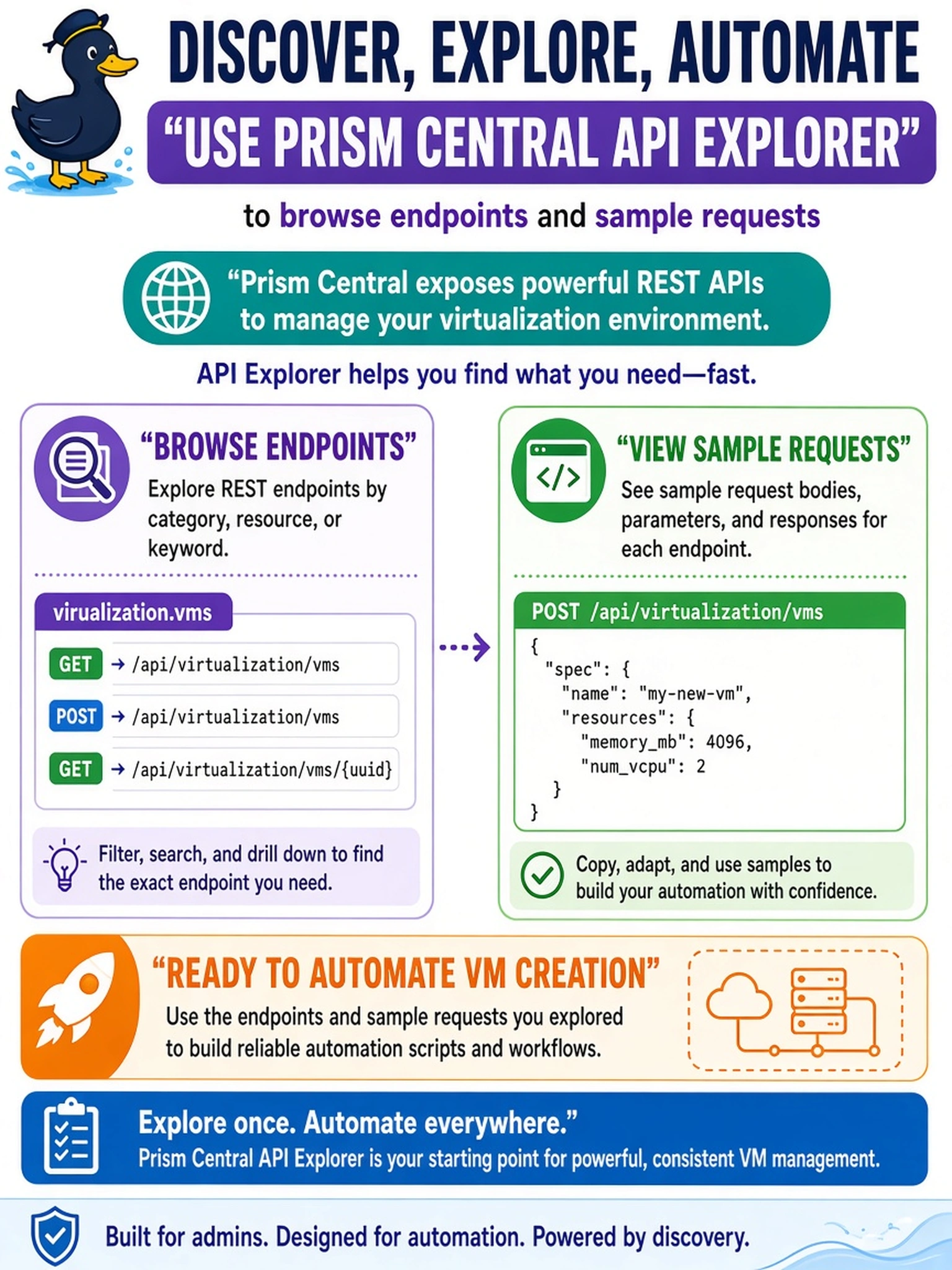
Think of API Explorer as the catalog card for the REST API: it shows you endpoints and sample requests before you automate anything. Don't let X-Play or NCC tempt you—they act or check health, they don't discover the API surface.
Full Explanation
The Prism Central API Explorer is the intended discovery tool for Nutanix REST APIs. It exposes the current endpoint catalog for the connected Prism instance, describes parameters, and can generate sample request payloads, so an administrator can confirm the correct URI, method, and JSON structure before writing scripts or playbooks. This matters because Prism Central and Prism Element API surfaces evolve between releases, and a published external example may not match the deployed version. An X-Play playbook is an automation construct: it can invoke a known API, but it does not enumerate endpoints or validate request schemas. NCC is a cluster health-check framework that evaluates CVM, storage, network, and service conditions; it does not publish REST endpoint definitions or sample API bodies. Prism Central alert definitions describe monitoring conditions and notification behavior, and their event payloads are not equivalent to REST API request examples. Exam caveat: choose the tool that discovers or documents the API surface, not the tool that executes an already-known automation step. Operational check: open Prism Central API Explorer, search the endpoint family for VMs or the intended resource, copy a sample request, then confirm the method, path, and required JSON fields against the deployed API version before adding it to a script.