
A Prism Central administrator notices a Nutanix AHV cluster's storage container usage growing faster than expected after many VMs are cloned from the same Windows template. VM sizes and snapshots appear normal in the VM list, but capacity runway shortens. Which action should you take first to identify the cause?
Select an answer to reveal the explanation.
Short Explanation
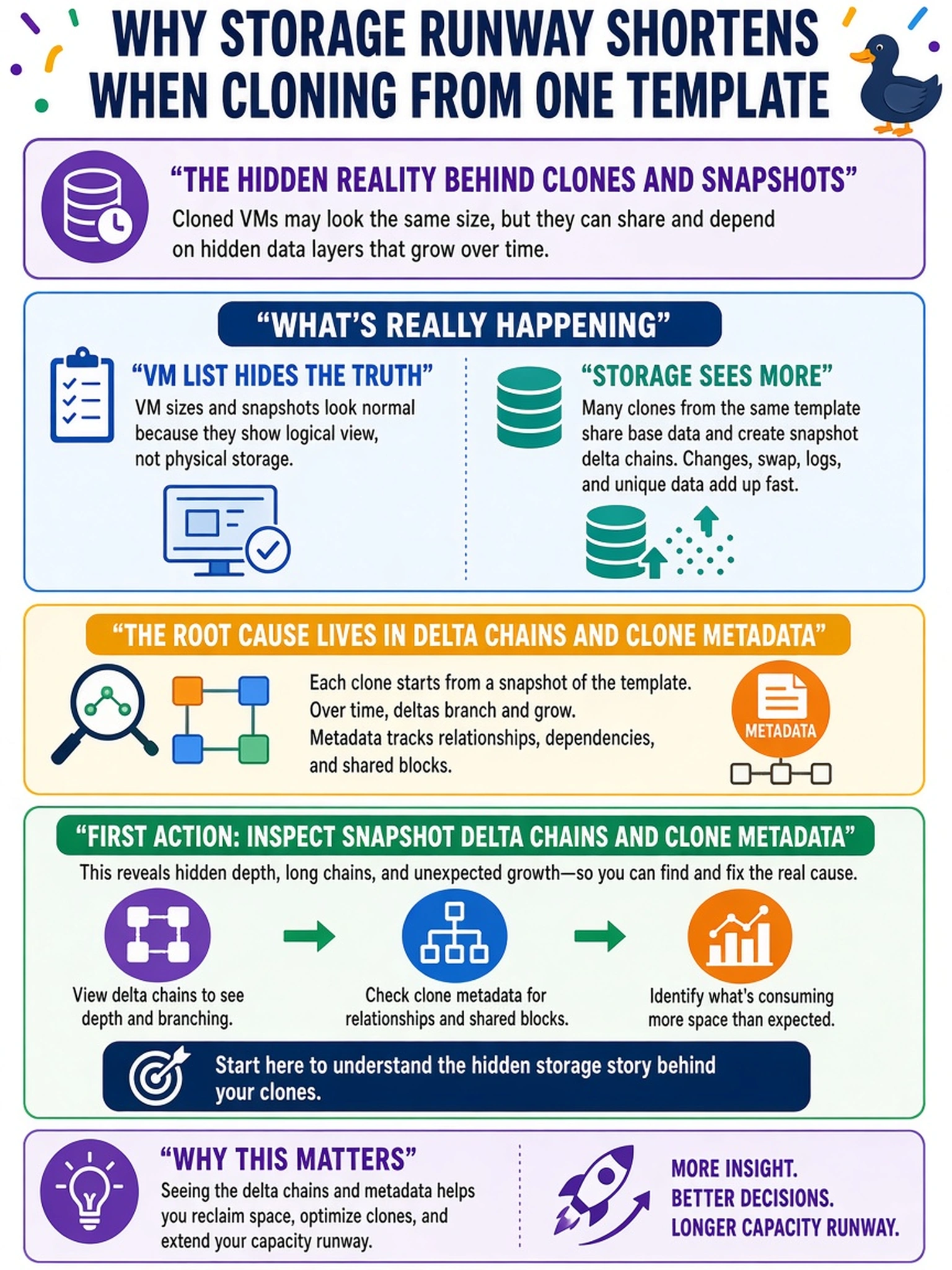
Think of capacity like a closet: the clothes are the VM disks, but hangers and tags are metadata and snapshot deltas. If you only count the clothes, you'll be confused when the door won't close. You need to inspect deltas and clone metadata before blaming RF or expanding the container.
Full Explanation
Nutanix capacity is measured at the storage layer, not only from the VM's visible provisioned disk. Mass cloning can create disk relationships and metadata, while snapshots create delta chains that consume container capacity even when the current VM disk size appears unchanged. Reviewing snapshot deltas and clone metadata identifies the hidden growth before changing storage design. Increasing replication factor from 2 to 3 adds redundancy overhead and can raise usage, but it is a capacity change, not a diagnostic for clone or snapshot growth. Enabling compression and deduplication may reduce some data footprint later, yet it does not explain the sudden increase and does not target snapshot deltas or metadata. Expanding the container or adjusting reservations masks the symptom and does not account for hidden delta overhead. Exam caveat: unexpected growth after cloning or snapshotting points to delta and metadata inspection before RF, dedupe, or expansion. Operational check: review container capacity breakdown for snapshot and metadata consumption, then compare VM logical disk sizes with physical usage using Prism capacity views or NCC reports.