
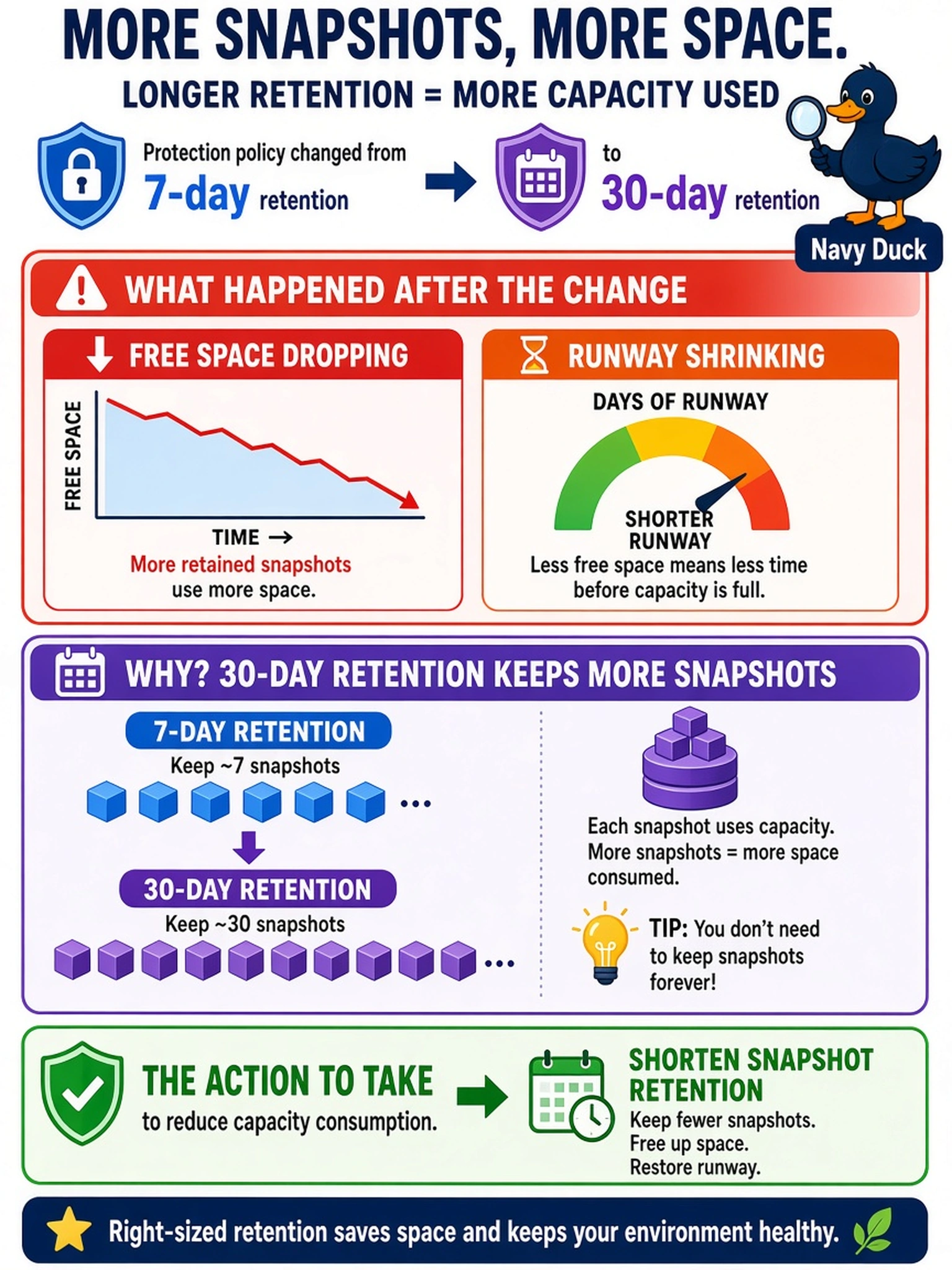
A capacity report shows free space dropping and runway shrinking after a protection policy was changed from 7-day snapshot retention to 30-day snapshot retention. Which action should the administrator take to reduce the capacity consumption caused by this change?
Select an answer to reveal the explanation.
Short Explanation
Think of snapshots as insurance that gets pricier the longer you keep it. If retention jumps, your capacity runway shrinks because those old snapshots still consume storage. The fix is to shorten the retention window or delete expired snapshots.
Full Explanation
Snapshot retention is a capacity driver because each retained snapshot preserves blocks that cannot be reclaimed as new writes replace them. When a schedule changes from shorter to longer retention, the number of retained recovery points rises, so the cluster's used capacity increases and the forecast runway shortens even if VM growth is unchanged. The correct response is to reduce the number of retained snapshots, or otherwise shorten the retention window, because that directly lowers the amount of protected data that remains reserved for recovery. A higher replication factor increases the number of copies written to storage, so it consumes more capacity rather than relieving pressure. Moving workloads to a larger container may provide temporary headroom, but it does not reduce the snapshot consumption caused by the policy and can obscure the forecasting signal. Adding CVMs expands compute and memory resources for cluster services, not the storage space occupied by snapshots, so it does not address capacity runway. Exam caveat: Capacity questions often ask for the policy change that caused the trend, not a workaround that adds hardware. Operational check: Compare the current snapshot retention schedule with the capacity runway trend and confirm that expired snapshots are being deleted as expected.