
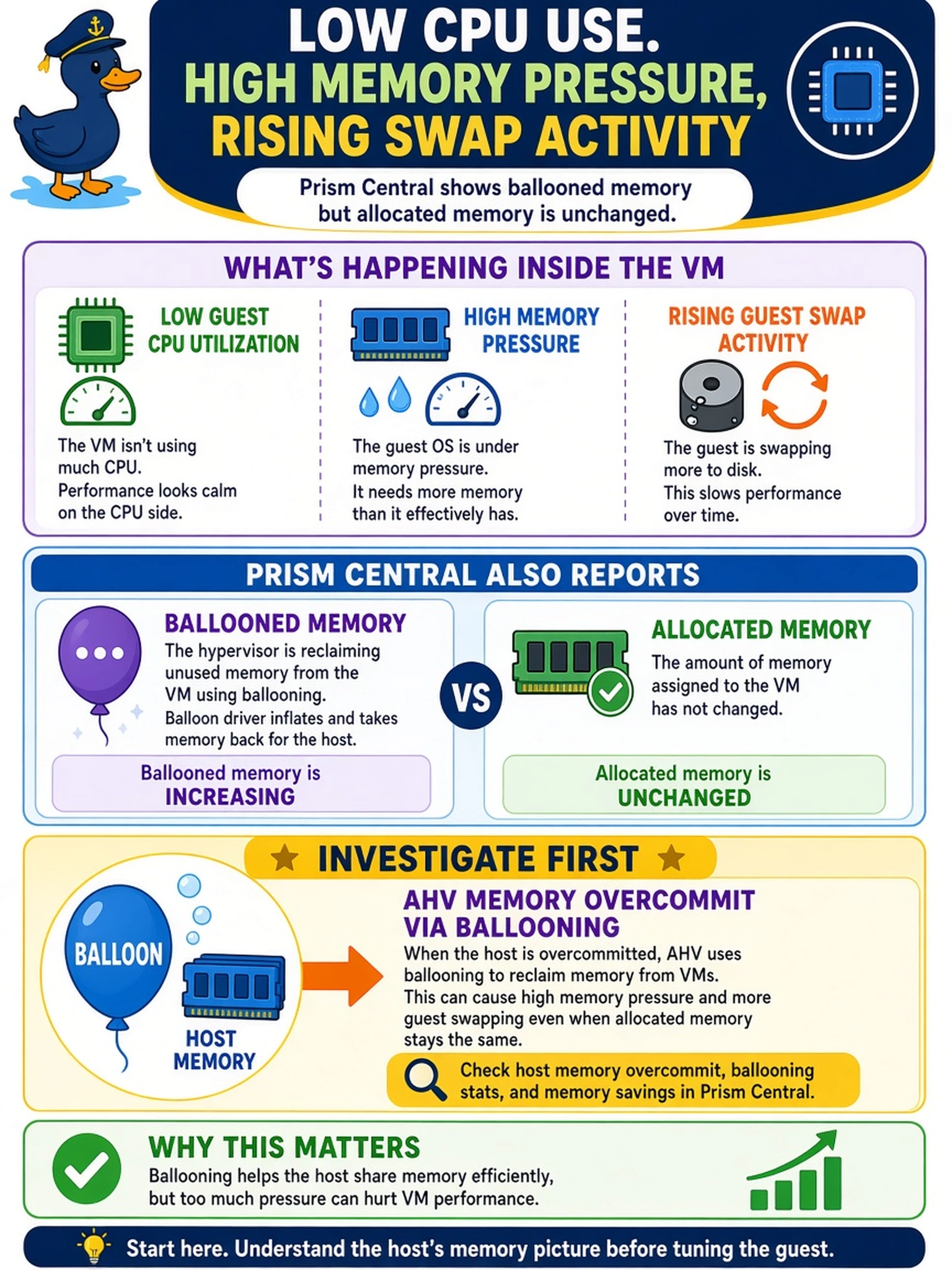
An AHV VM shows low guest CPU utilization, high memory pressure, and rising guest swap activity. Prism Central also reports ballooned memory for the VM, while its allocated memory has not changed. What should you investigate first?
Select an answer to reveal the explanation.
Short Explanation
Think of ballooning as a landlord asking tenants to give back unused space before the building gets cramped. If Prism Central shows ballooned memory and guest swap, you’re not chasing storage or CPU first—you check memory overcommit. The trap is seeing swap and blaming the guest page file while AHV is already telling you memory was reclaimed.
Full Explanation
AHV memory overcommit relies on the balloon driver to reclaim guest memory when host memory demand exceeds available capacity. As the balloon inflates, the guest sees less usable RAM, so the guest OS may page to swap and application performance degrades. Prism Central’s ballooned-memory and memory-pressure metrics identify this as a hypervisor memory-reclamation issue rather than a storage or CPU fault. Storage contention through Stargate would appear as elevated storage latency or I/O queueing, not as ballooned memory tied to guest paging. Guest page-file configuration can increase paging, but it does not explain hypervisor-reported ballooned memory; that metric points to memory reclaim by AHV. Incorrect CPU pinning or NUMA placement affects scheduling and CPU-ready time, not the memory balloon or guest swap activity. Exam caveat: When Prism Central reports ballooned memory, treat it as a memory-overcommit signal before investigating storage or CPU subsystems. Operational check: Review the VM’s memory usage, ballooned memory, and host overcommit metrics in Prism Central, then adjust memory allocation or reservation before changing guest OS paging settings.