
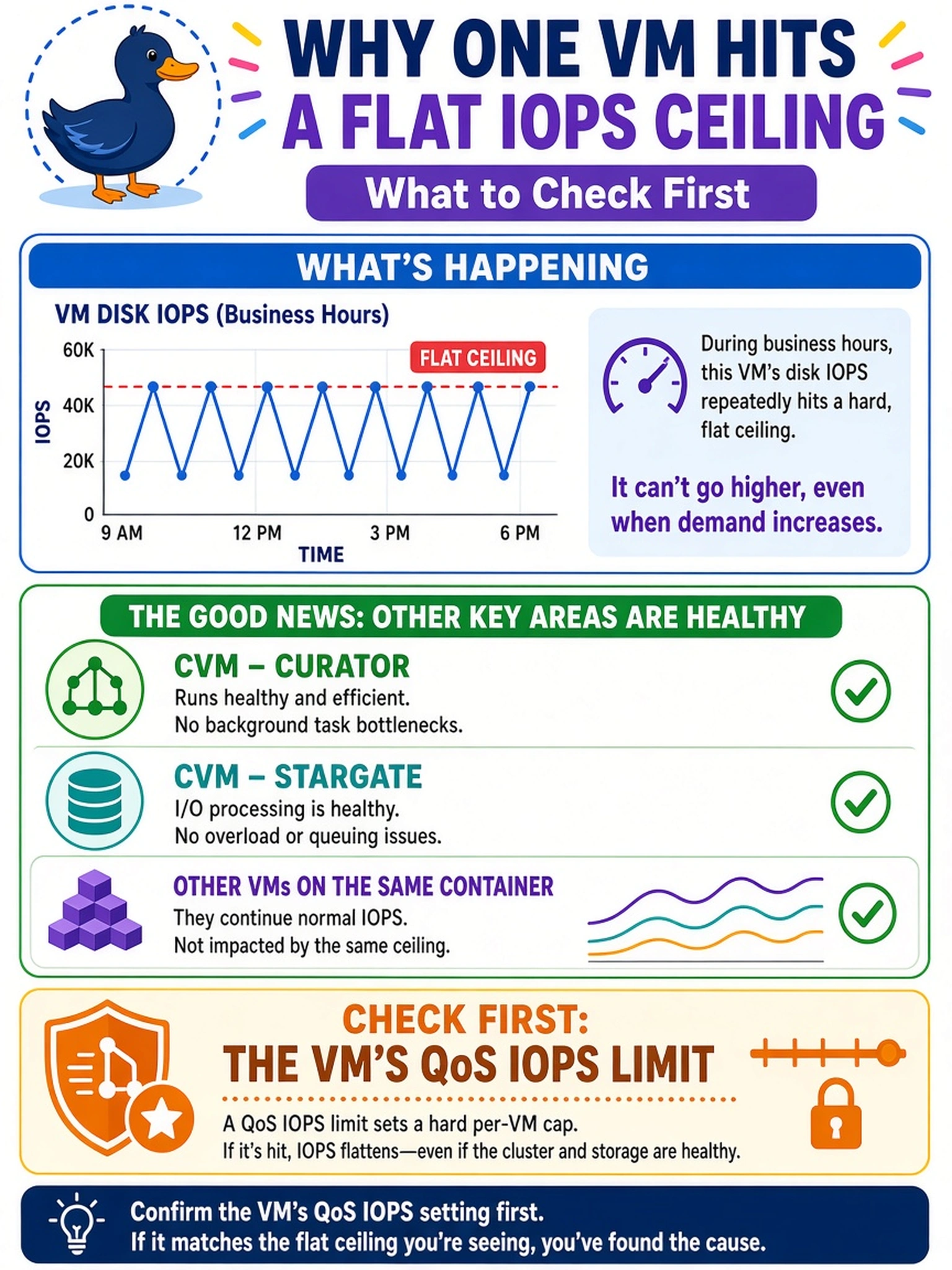
A Prism performance chart shows a single AHV VM's disk IOPS repeatedly hitting a flat ceiling during business hours, while the CVM's Curator and Stargate metrics remain healthy and other VMs on the same container are not affected. What should you check first to confirm the cause of this flat IOPS pattern?
Select an answer to reveal the explanation.
Short Explanation
Think of a speed limiter: the engine might be fine, but the car won't go faster than the cap. When one VM's IOPS chart hits a flat ceiling, you check the QoS limit first. Don't chase CVM metrics or memory when a configured cap is the obvious plateau.
Full Explanation
A flat IOPS ceiling on one VM while cluster storage services remain healthy usually means the workload is being intentionally constrained rather than contending for resources. Nutanix QoS can impose per-VM or per-disk IOPS limits, so when demand reaches the configured maximum, throughput stops rising and the chart looks like a plateau. In this scenario, the single-VM scope and healthy CVM metrics point to a policy limit. A changed replication factor or EC-X setting affects data protection and capacity efficiency, not a hard per-VM IOPS cap, and would not by itself create a stable ceiling for one workload. Stargate throttling would affect I/O paths served by that CVM and would likely show broader impact across VMs or CVM metrics, not a clean single-VM plateau. A working set larger than available CVM memory can reduce cache hit rates and raise latency, but it does not enforce a fixed IOPS maximum; performance would vary with cache misses rather than stop at a configured limit. Exam caveat: distinguish a configured QoS ceiling from resource pressure by checking whether the limit is constant and scoped to one VM. Operational check: review the VM or disk QoS configuration in Prism and temporarily raise or remove the IOPS limit in a maintenance window to confirm the plateau disappears.