
A VM on AHV is reported by the guest application as having slow disk response. Prism performance charts show low storage latency and no storage contention. Which action should the administrator take first?
Select an answer to reveal the explanation.
Short Explanation
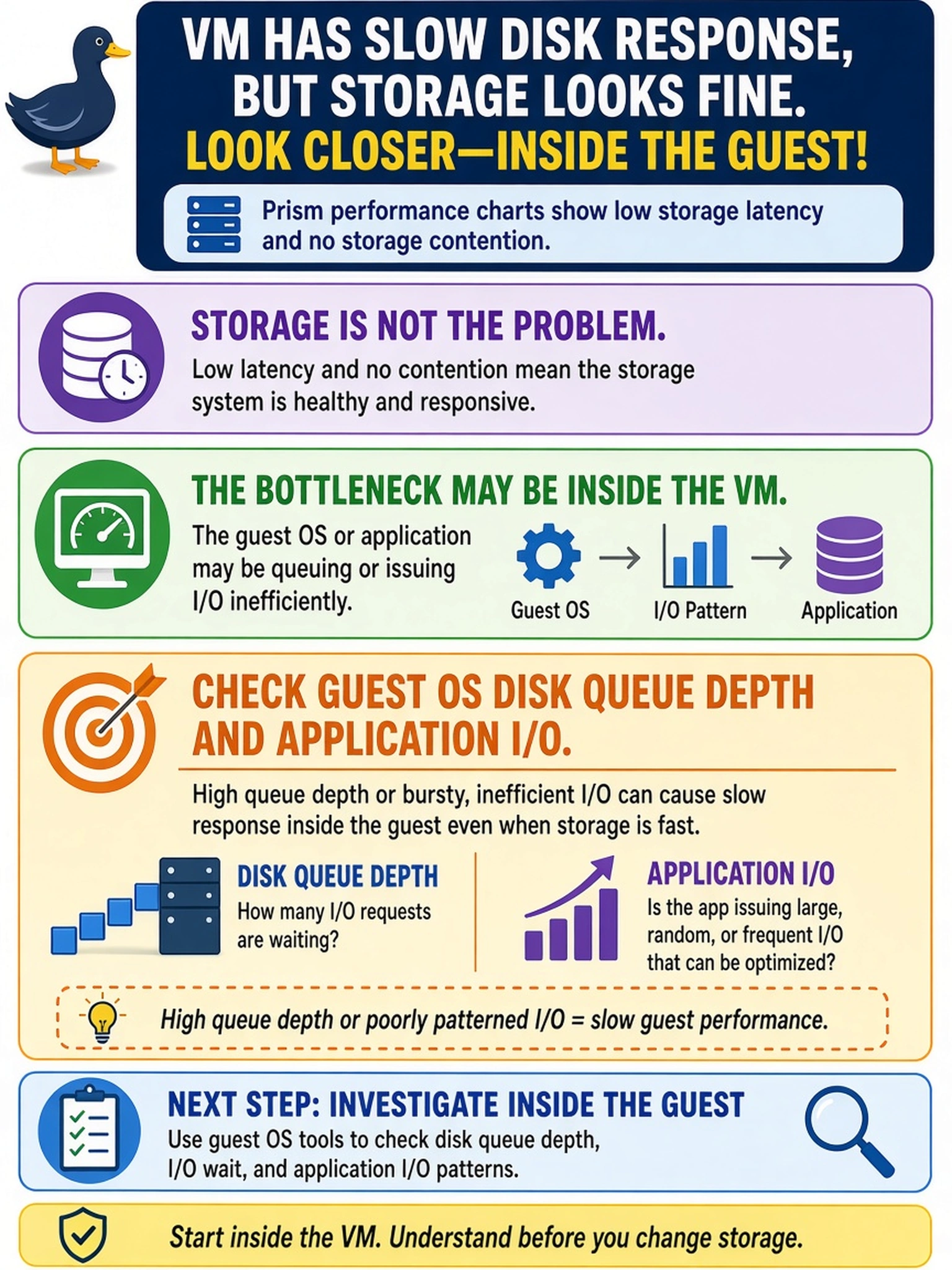
When the storage metrics look clean but the app still says 'slow disk,' the problem often lives inside the guest, not on your Nutanix cluster. Check the guest disk queue and what the application is actually asking for. You're chasing I/O behavior, not a phantom storage fault.
Full Explanation
Low Nutanix storage latency means the cluster path from VM disk to storage container is responding quickly, so the remaining variables are guest OS scheduling, file system queueing, application I/O patterns, or guest disk controller behavior. In a guest performance investigation, you correlate host metrics with in-guest queue depth, CPU ready, interrupts, and application logs; if guest queue depth is high while storage latency is low, the bottleneck is in the VM or application. Increasing a container replication factor changes durability and write amplification characteristics, not guest disk queueing, and can increase overhead rather than resolve reported slowness. Migrating the VM to another AHV host addresses host-local contention such as CPU ready or storage traffic on that node, but it is not the first action when Nutanix storage metrics are already low and the symptom is guest-reported. Enabling inline compression targets capacity efficiency and may increase CPU or processing overhead; it does not diagnose or correct guest disk queue depth or application I/O behavior. Exam caveat: low storage latency does not prove the application is healthy, so do not escalate to storage tuning before validating guest and application metrics. Operational check: compare Prism storage latency with in-guest disk queue depth and application transaction logs for the same time window.