
During nightly backups, Prism shows increased I/O latency for AHV VMs and slower protection-domain replication. Network monitoring shows inter-node latency spikes when backup traffic saturates the storage fabric, while disk utilization and CPU remain normal. Which factor most likely explains the degradation?
Select an answer to reveal the explanation.
Short Explanation
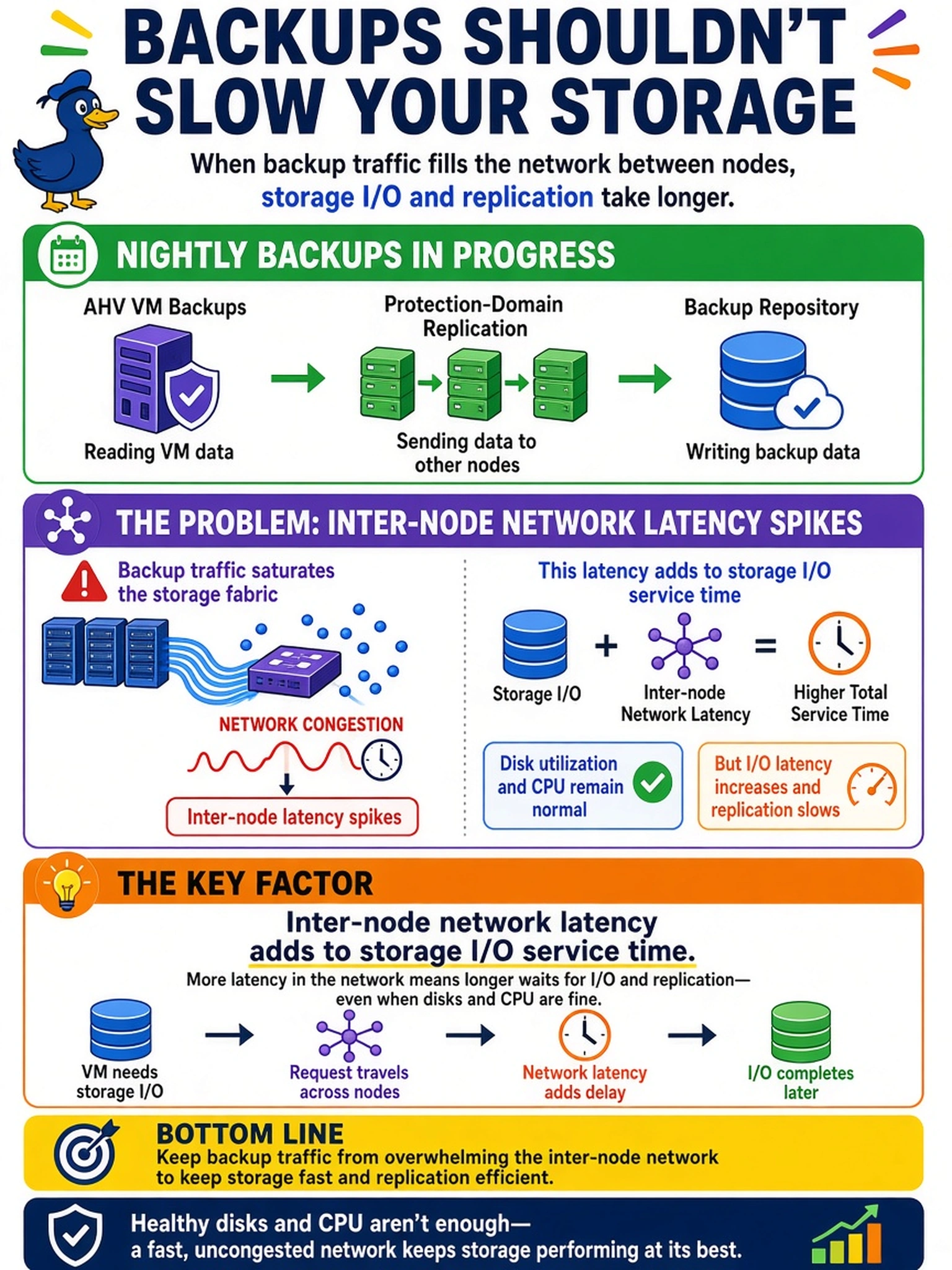
Think of storage traffic like a hallway: if backups flood the inter-node network, every I/O has to wait longer, even when the disks are fine. You might blame snapshots or replication mode, but the latency graph is telling you the path is congested.
Full Explanation
Storage I/O on AHV is distributed: guest I/O traverses the network to reach data on other nodes, and replication traffic also consumes that fabric. When backup jobs saturate the inter-node network, added latency becomes part of the I/O service time seen by Prism and can slow replication as well. The normal disk and CPU metrics point away from local compute or disk bottlenecks. Asynchronous replication does not itself create latency spikes; it is designed to tolerate distance and can still degrade if the network is congested, but the mode is not the root cause. A larger working set may increase capacity pressure and background storage work, yet Curator activity is not the direct reason for simultaneous network latency and replication slowdown when disk/CPU are normal. An aggressive snapshot schedule can add metadata or backup load, but it would not explain inter-node latency spikes unless the network path itself is saturated; CVM overload would usually show CPU, queue, or disk symptoms. Exam caveat: latency can be a symptom of another bottleneck, so correlate network, disk, and CPU before blaming storage. Operational check: compare Prism latency graphs with backup traffic counters and switch/fabric utilization during the same window.