
A single AHV VM’s application working set has grown over several days. Prism shows IOPS are similar, but the VM is now touching more unique data than before. What is the most likely performance symptom?
Select an answer to reveal the explanation.
Short Explanation
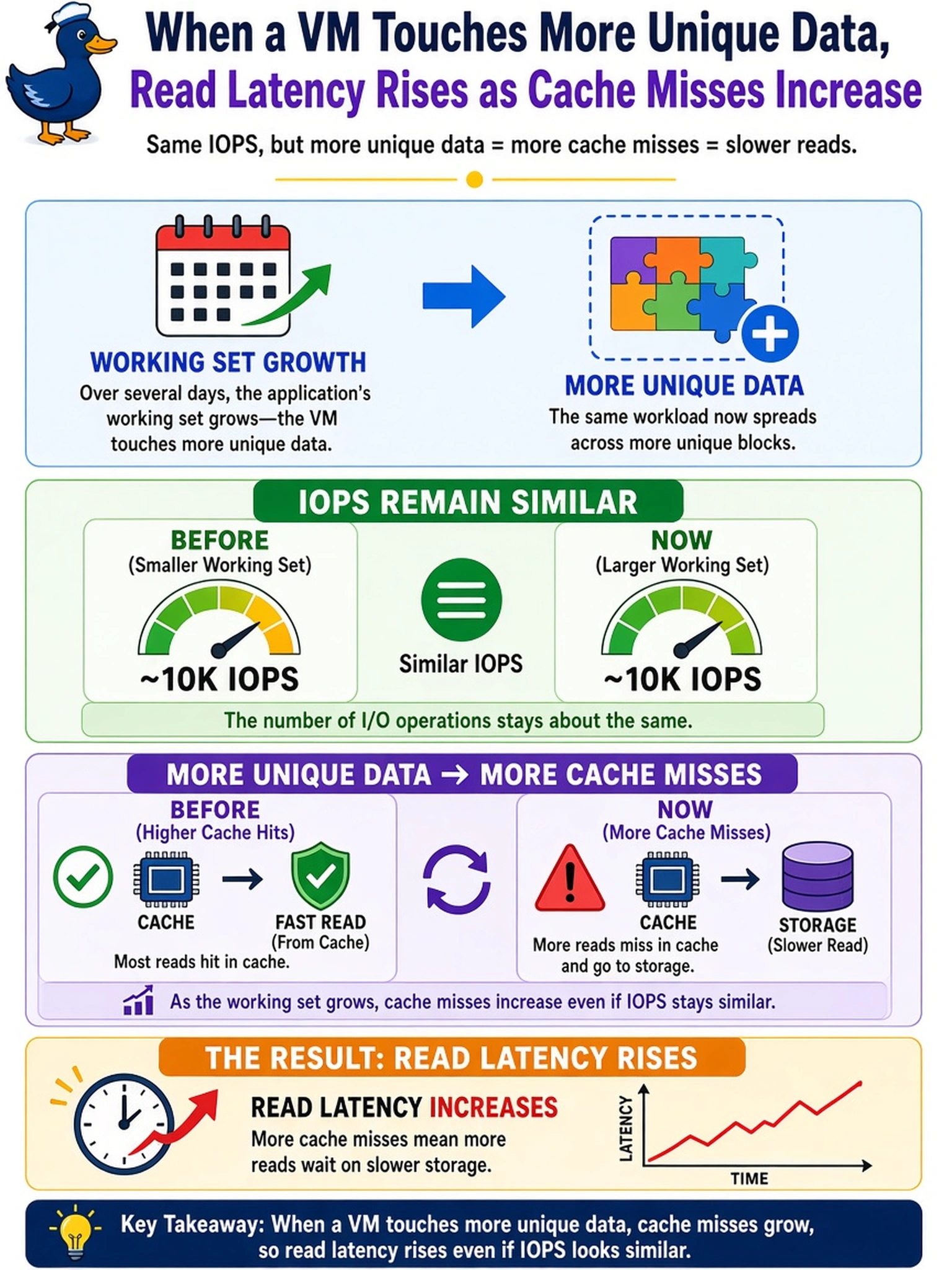
Think of your VM’s hot data like the files you keep on your desk. When the pile outgrows the desk, you’re reaching into the filing cabinet, and every fetch takes longer. Don’t chase IOPS alone—read latency is the giveaway.
Full Explanation
Working set describes the amount of active data a VM touches over a measurement window. When that footprint exceeds the memory or cache that can hold hot blocks, reads miss the fast path and must be fetched from slower backing storage, so read latency increases even if IOPS remain steady. This is why growth in unique data, not necessarily more IOPS, can make an application feel slower. A write latency spike from disabled deduplication is the wrong concept because deduplication affects capacity and write amplification, not the cache-miss path for a growing read working set. Memory ballooning can reclaim guest memory but does not explain rising storage latency; it may hurt the guest OS, yet it is not the mechanism by which a storage working set causes cache misses. Falling network latency and flat IOPS are also wrong because a larger working set stresses storage/cache hit ratios, not the physical network, and capacity utilization would not naturally drop as active data increases. Exam caveat: distinguish storage latency from CPU-ready or network latency before blaming the hypervisor. Operational check: compare Prism latency trends with working-set/cache metrics for the VM and verify the application's hot data footprint before resizing memory or storage.