
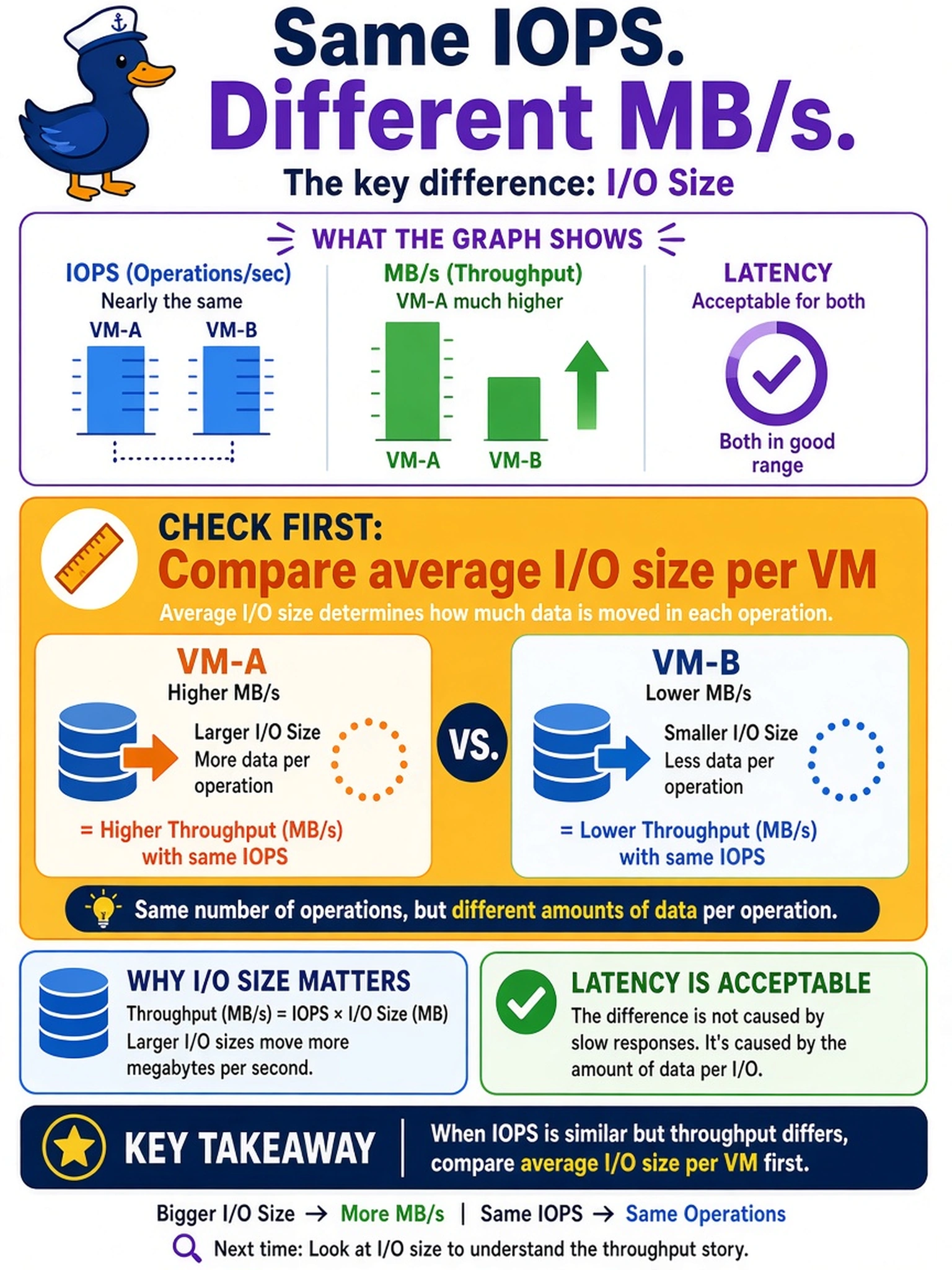
A Prism Central performance graph shows two AHV VMs with nearly the same IOPS, but VM-A has much higher MB/s than VM-B. Latency is acceptable for both. What should you check first to explain the throughput difference?
Select an answer to reveal the explanation.
Short Explanation
Think about IOPS as the number of trips to the store, not how big each shopping cart is. If two VMs make the same number of trips but one moves more data, your first check is the average I/O size. Don't chase RF, cache, or counters before comparing the size of each trip.
Full Explanation
Throughput is the product of IOPS and average I/O size, so two workloads can have similar request rates while one transfers more megabytes per second because each request moves a larger block. In Nutanix performance analysis, IOPS measures the count of storage operations, while MB/s measures data volume; when latency is acceptable and IOPS are close, the size of the I/O is the first variable that explains the MB/s gap. A working set comparison is useful for cache hit rate and latency, but it does not change the amount of data moved by each storage operation. Storage container redundancy factor affects protection, capacity consumption, and some rebuild behavior, not the direct relationship between request count and bytes transferred. CVM disk bandwidth counters can show whether a disk is saturated, but they describe a symptom rather than the cause of a throughput difference when request rates are similar and latency is acceptable. Exam caveat: when IOPS are similar but throughput differs, look for block size or I/O size first, not network or hypervisor counters. Operational check: compare the average I/O size and throughput metrics for both VMs in Prism, then correlate them with application block size and queue behavior.