
A Prism alert reports a storage container capacity warning. The administrator wants to validate only that condition without running a broad cluster health sweep. Which action should be taken?
Select an answer to reveal the explanation.
Short Explanation
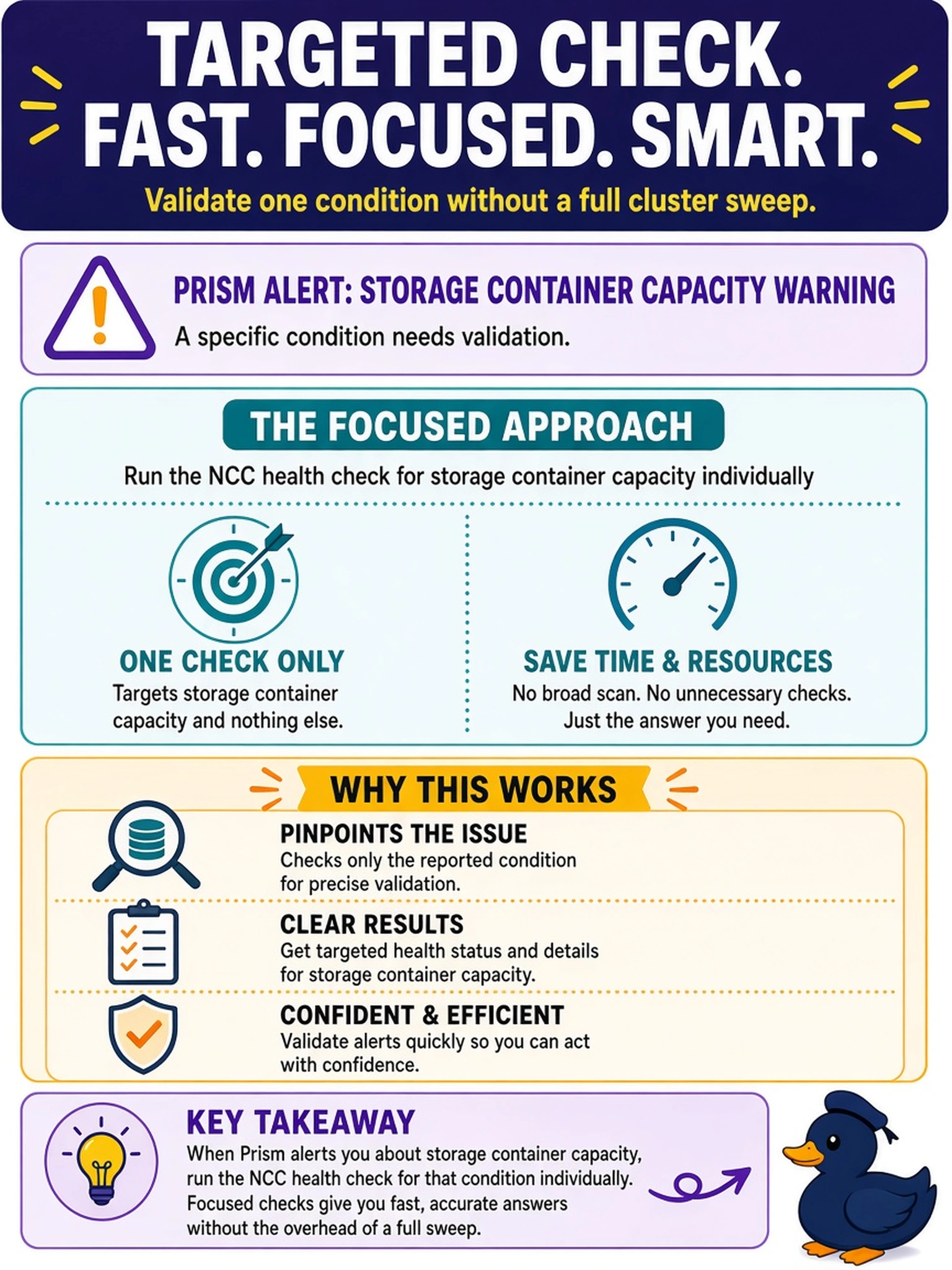
Think of health checks like a doctor's visit: you don't need a full-body scan just to check a known bruise. Run the specific NCC container-capacity check, and you'll get a focused answer without dragging every subsystem into your review.
Full Explanation
NCC health checks are designed to be run either across the cluster or against a single named check. When an alert points to a specific storage container capacity condition, running the relevant NCC health check individually gives you a focused result: it evaluates the same capacity logic used by the platform, reports whether the container is truly at risk, and avoids the time and noise of a full sweep. A full NCC health check run is useful after a change or when the cause is unclear, but it is broader than needed here and can obscure the one signal you are trying to confirm. Running the storage category is still a group of related checks, so it may return multiple storage findings that are unrelated to the container warning and require extra filtering. Relying on the Prism alert alone is also insufficient because the alert indicates a condition, while the health check provides the validation needed before remediation. Exam caveat: on the exam, choose the narrowest supported NCC action that matches the stated condition unless the question asks for a post-change or comprehensive review. Operational check: from a cluster CLI, list available NCC health checks, identify the container capacity check, and run only that check before escalating to a full health sweep.