
A VM is powered off unexpectedly in a Prism Central-managed Nutanix AHV cluster. Operations must prove which authenticated user issued the power-off command. Which source should you check first?
Select an answer to reveal the explanation.
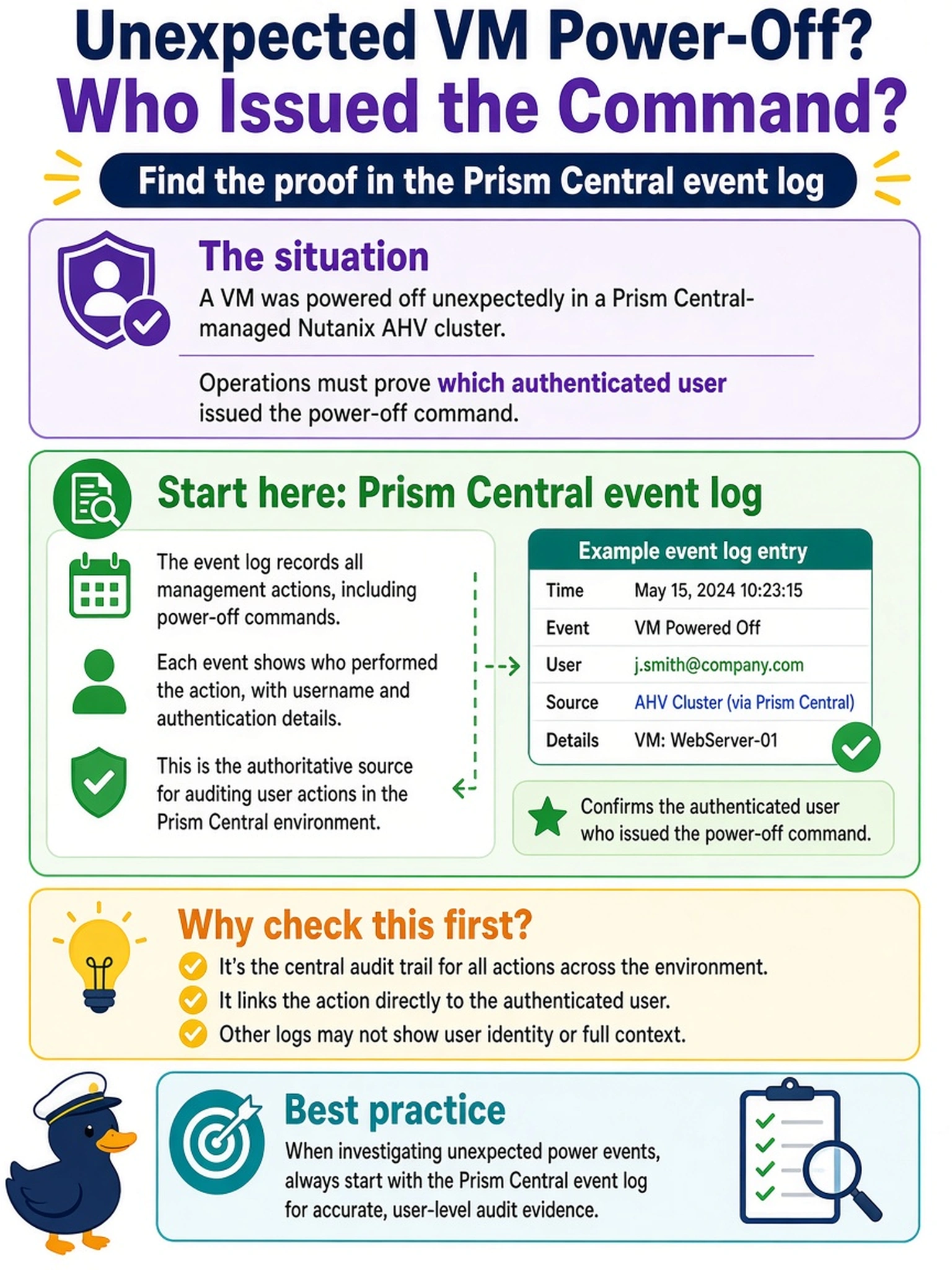
Short Explanation
Think of it like a security camera: if you want to know who pressed the button, you check the log that records the button press, not the health report. Prism Central event log shows user-driven VM actions with timestamps. NCC health checks tell you if the cluster’s healthy — they don’t name the operator.
Full Explanation
Prism Central event log is the correct source because it records management operations performed against objects in the Nutanix environment, including the authenticated user, affected VM, action, and timestamp. In a Prism Central-managed estate, user-attributed administrative actions are captured at the management layer before they are delivered to CVMs and AHV hosts, making this the most direct accountability trail. NCC health checks evaluate cluster health signals such as CVM status, storage health, networking state, and service availability; they are diagnostic checks for infrastructure conditions, not a record of who executed a workflow. AHV host libvirt or SSH logs may expose hypervisor-level VM state transitions, but they generally reflect local host activity and do not reliably preserve the Prism user identity, particularly when the request arrives through Prism Central or an API. Curator process logs cover background data services such as compression, deduplication, encryption, and garbage collection, so they are unrelated to administrative attribution. Exam caveat: when the requirement is accountability, choose the management event or audit source rather than a health, host, or data-service log. Operational check: filter the Prism Central event log by the VM name, power-off action, and incident window, then export or screenshot the entry that includes the username.