
An administrator manages Nutanix AHV VMs backed up to an external target with a 30-day retention policy. Before the next DR audit, you need to prove that backups are usable and that recovery plans meet RTO assumptions. What should you do?
Select an answer to reveal the explanation.
Short Explanation
Think of backups like a fire extinguisher: checking the tag isn't enough. You pull it out and test it. A restore proves the copy boots, the network works, and your recovery plan matches reality.
Full Explanation
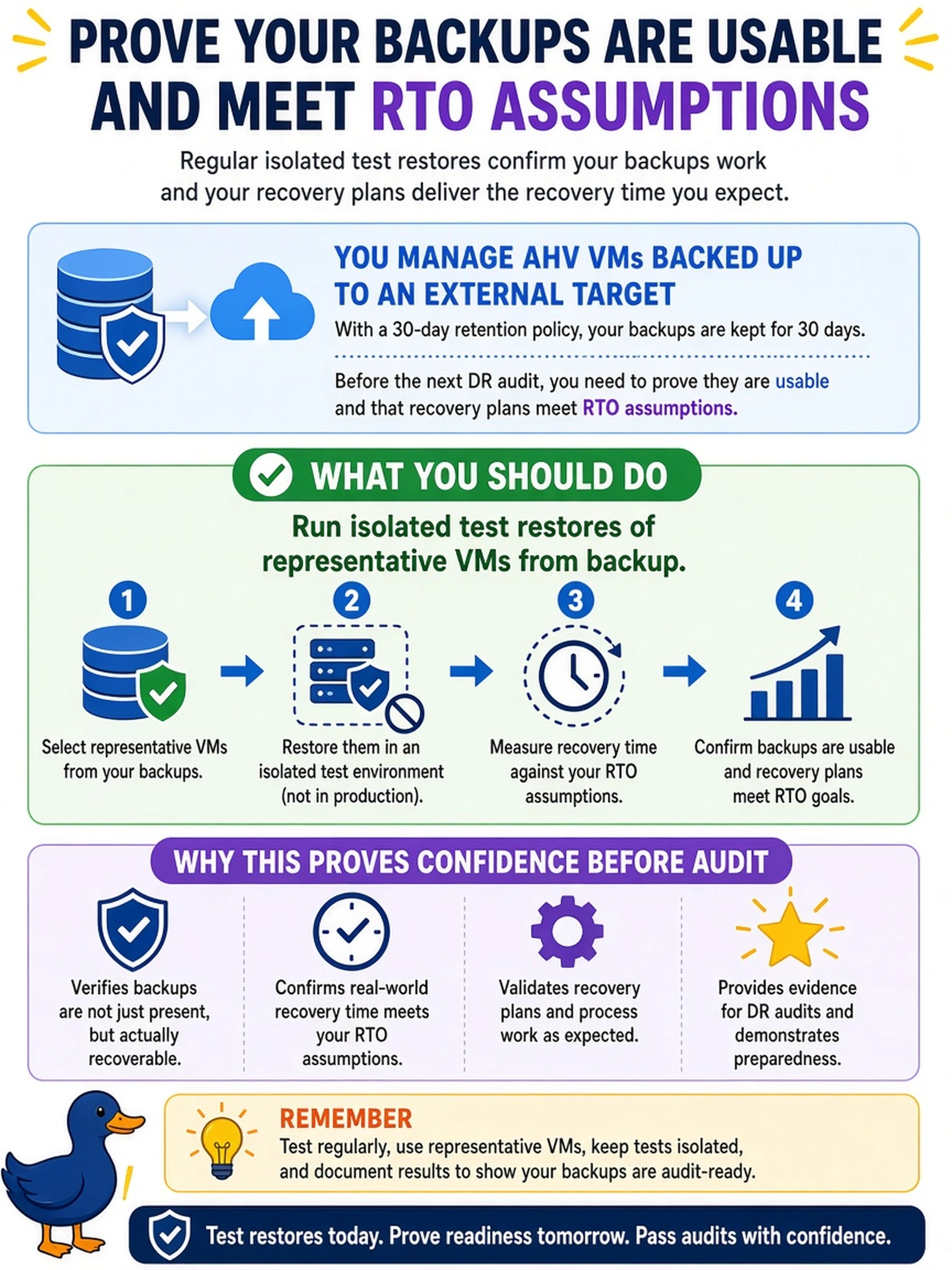
Backup validation is a data-integrity and recovery-readiness task, not just a policy check. A test restore proves the copied VM data is readable, the hypervisor can boot it, storage and network mappings are correct, and the recovery plan steps actually reduce downtime. It also exposes dependency problems, stale backups, or target compatibility issues that schedule reviews cannot reveal. Reviewing the backup schedule and retention count confirms how often copies are taken and how long they are kept, but it does not prove a restore will succeed. Increasing retention changes the compliance window and may add copies, yet it still leaves the usability of those copies untested. Monitoring async replication health between primary and DR sites measures replication lag and availability for continuous DR, not backup target restoration or backup recovery assumptions. Exam caveat: on this exam, assume that a recovery plan is validated only when a representative workload is restored and verified. Operational check: restore a non-critical VM from a recent backup into an isolated network, confirm the OS and application start, then record the elapsed restore time against the RTO.