
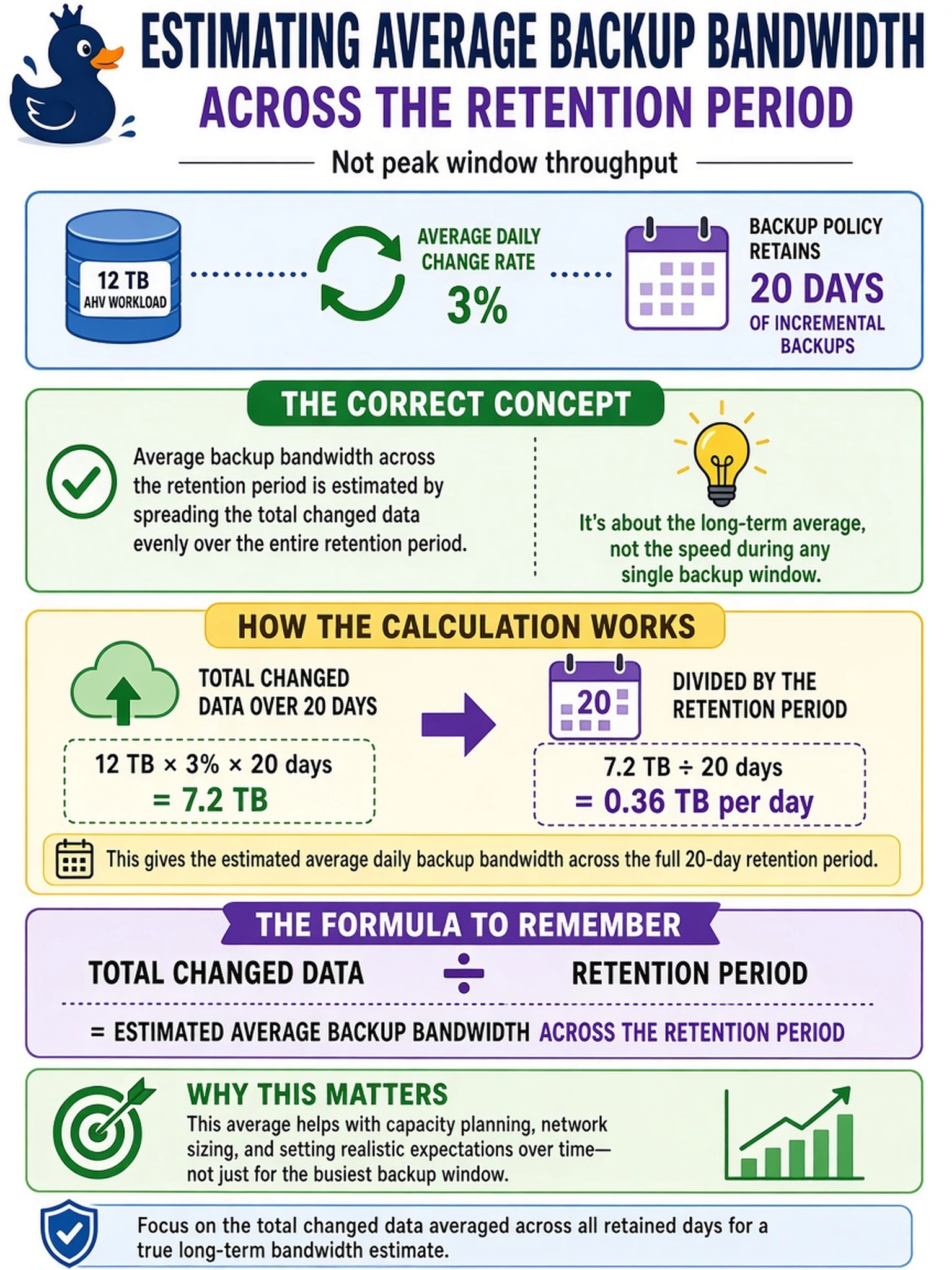
A 12 TB AHV workload has an average daily change rate of 3%. A backup policy retains 20 days of incremental backups. Which calculation estimates average backup bandwidth across the retention period, not peak window throughput?
Select an answer to reveal the explanation.
Short Explanation
Think of backup bandwidth like a hose: you care how much water moves over the whole retention window, not just the burst when the hose is running. If you're sizing average traffic, divide the total changed data by the retention period. The trap is grabbing the backup window, which gives you a peak rate, not the retention-period average.
Full Explanation
When the goal is average backup bandwidth across a retention period, first calculate the total data moved during that period. For incremental backups, that is workload size multiplied by the daily change rate and by the number of retention days, plus any scheduled full backups if the policy includes them. Then divide that total transfer volume by the full retention duration, converted to the same time units used for bandwidth. This yields the average transfer rate over the whole period and is the concept behind using change rate and retention policy together. Using total source capacity divided by a backup window describes a worst-case full-copy transfer, not incremental retention traffic. Using daily changed data divided by the backup window estimates peak nightly throughput during the allowed window, not the average over the retention period. Multiplying changed data by retention days and then dividing by a backup window double-counts retention and collapses the entire retention volume into one window, inflating the estimate. Exam caveat: read whether the question asks for average bandwidth across retention or peak bandwidth inside a backup window, because the denominator changes. Operational check: build a spreadsheet that lists each backup type, size, interval, and retention duration, then divide total bytes by the retention period to derive average bits per second.