
An admin is designing backup for AHV VMs on a Nutanix cluster. The backup tool must retain snapshots and be supported during AOS upgrades. Which approach meets this requirement?
Select an answer to reveal the explanation.
Short Explanation
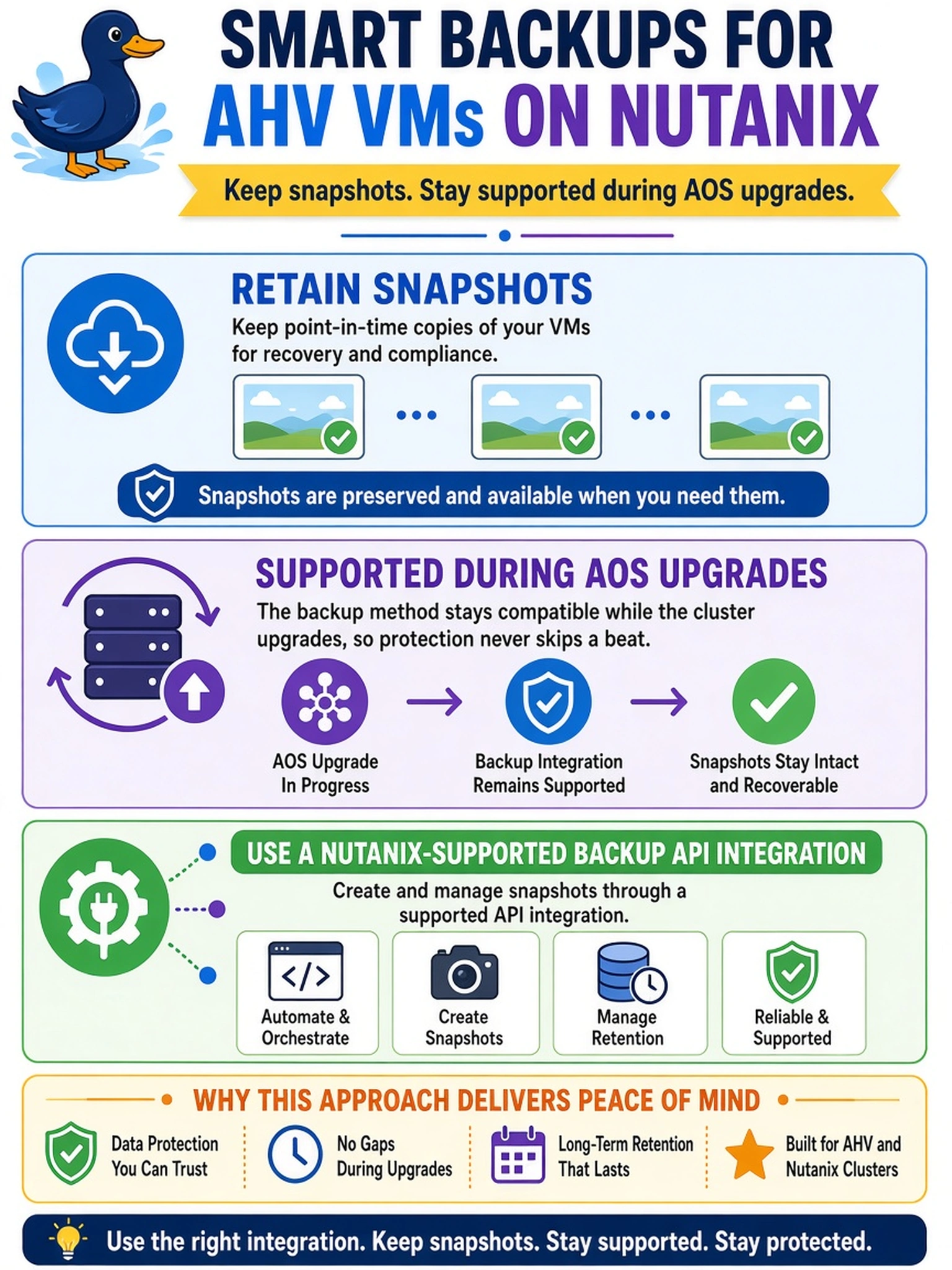
Think of backups like using the front door instead of climbing through the wall: supported Nutanix APIs are the door. If your backup tool bypasses the API and grabs raw disks, you’re asking for trouble during upgrades or support cases. You want the tool to create and manage snapshots through Nutanix’s supported integration path.
Full Explanation
Nutanix backup integration should use documented Nutanix APIs or partner integrations that request snapshots, manage retention, and respect cluster state. This keeps backup operations aligned with AOS storage semantics, metadata, replication, and upgrade compatibility. Direct disk access is not a supported backup method because Nutanix storage is managed by cluster services, not as a simple local filesystem that can be safely copied. Attaching virtual disks to a backup proxy and copying raw files can bypass snapshot consistency, metadata, and protection policies, leading to inconsistent or unrecoverable backups. Exporting volume files from the container filesystem assumes direct access to storage objects, which is not a supported operational path and can interfere with cluster-managed data integrity. Using host-level utilities to copy VM disk images while powered on ignores hypervisor and storage consistency requirements, and even quiescing does not make unsupported raw access acceptable. Exam caveat: the exam expects you to identify supported integration points rather than inventing direct storage access as a workaround. Operational check: confirm that the backup application registers as a supported Nutanix integration and creates snapshots through the supported API before enabling retention policies.