
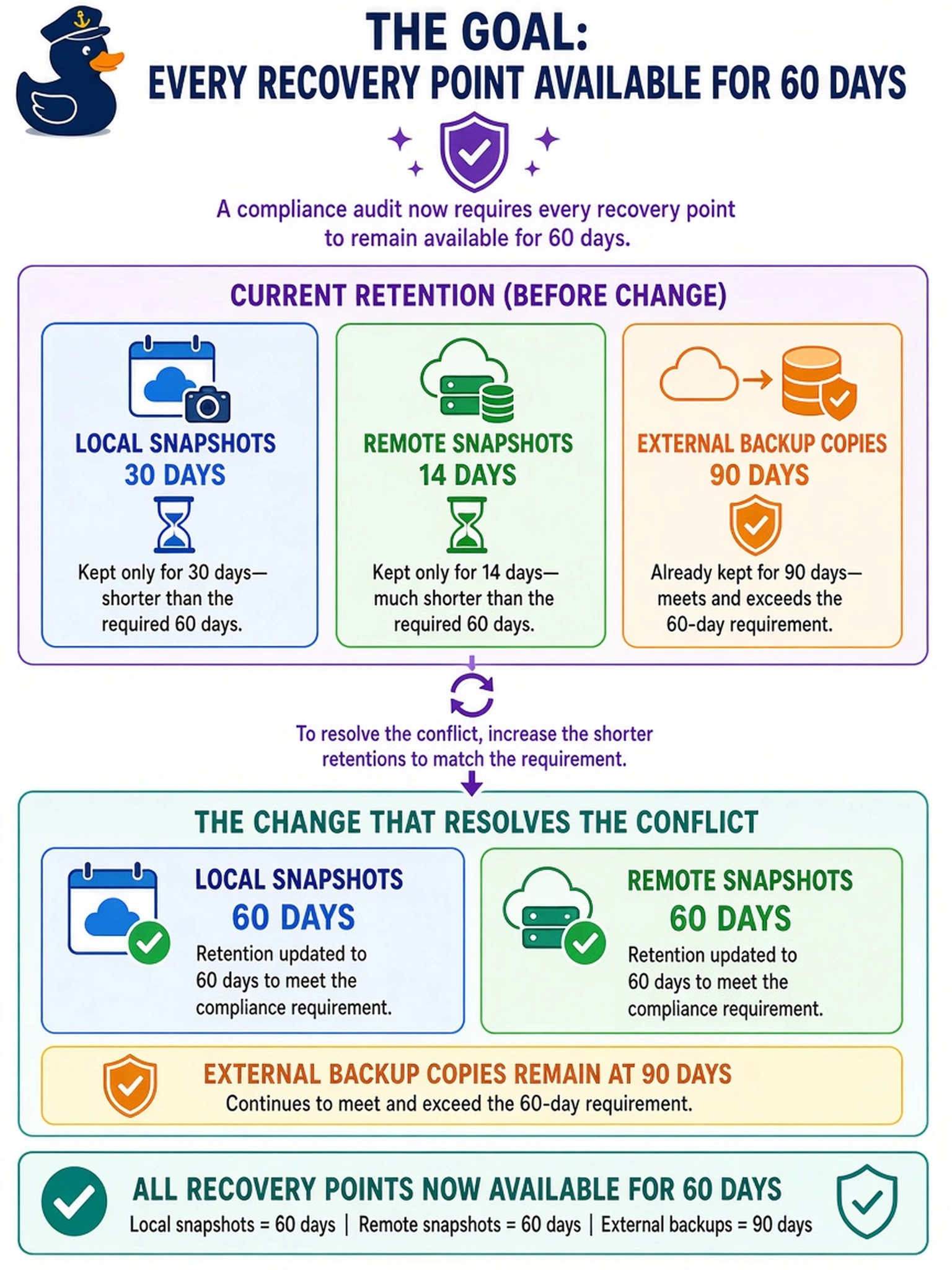
Your protection domain keeps local snapshots for 30 days, remote snapshots for 14 days, and external backup copies for 90 days. A compliance audit now requires every recovery point to remain available for 60 days. Which change resolves the conflict?
Select an answer to reveal the explanation.
Short Explanation
Think of retention like a chain: the weakest link sets your compliance result. If local snapshots expire at 30 days and remote copies at 14, a 60-day audit fails even when backups last 90 days. You fix the recovery points themselves, not just the backup copies.
Full Explanation
In Nutanix data protection, retention is evaluated separately for each recovery target. Local snapshots and remote snapshots are recovery points, so a 60-day availability requirement means both snapshot policies must meet or exceed 60 days. External backup copies are a different recovery target; their longer retention does not compensate for snapshot policies that expire sooner. The shortest applicable retention on a required recovery path determines whether the requirement is satisfied.
Reducing local retention to 14 days worsens the conflict because it shortens an already noncompliant local recovery-point window. Increasing external backup retention to 120 days does not solve the issue because backup copies are not the same artifact as snapshots and do not extend snapshot availability. Creating a second protection domain with 60-day retention may preserve some VMs, but it leaves the original local and remote snapshot schedules unchanged and adds unnecessary operational complexity.
Exam caveat: distinguish snapshot retention from backup retention and identify which target the requirement applies to before choosing a remedy. Operational check: review the protection domain's snapshot schedule and remote policy, confirm both windows meet the required duration, then validate that the oldest retained recovery point is at least 60 days old.