
A team must prove its Nutanix recovery plan works before a DR test window, but production VMs must remain online. Which action validates the plan without causing a production outage?
Select an answer to reveal the explanation.
Short Explanation
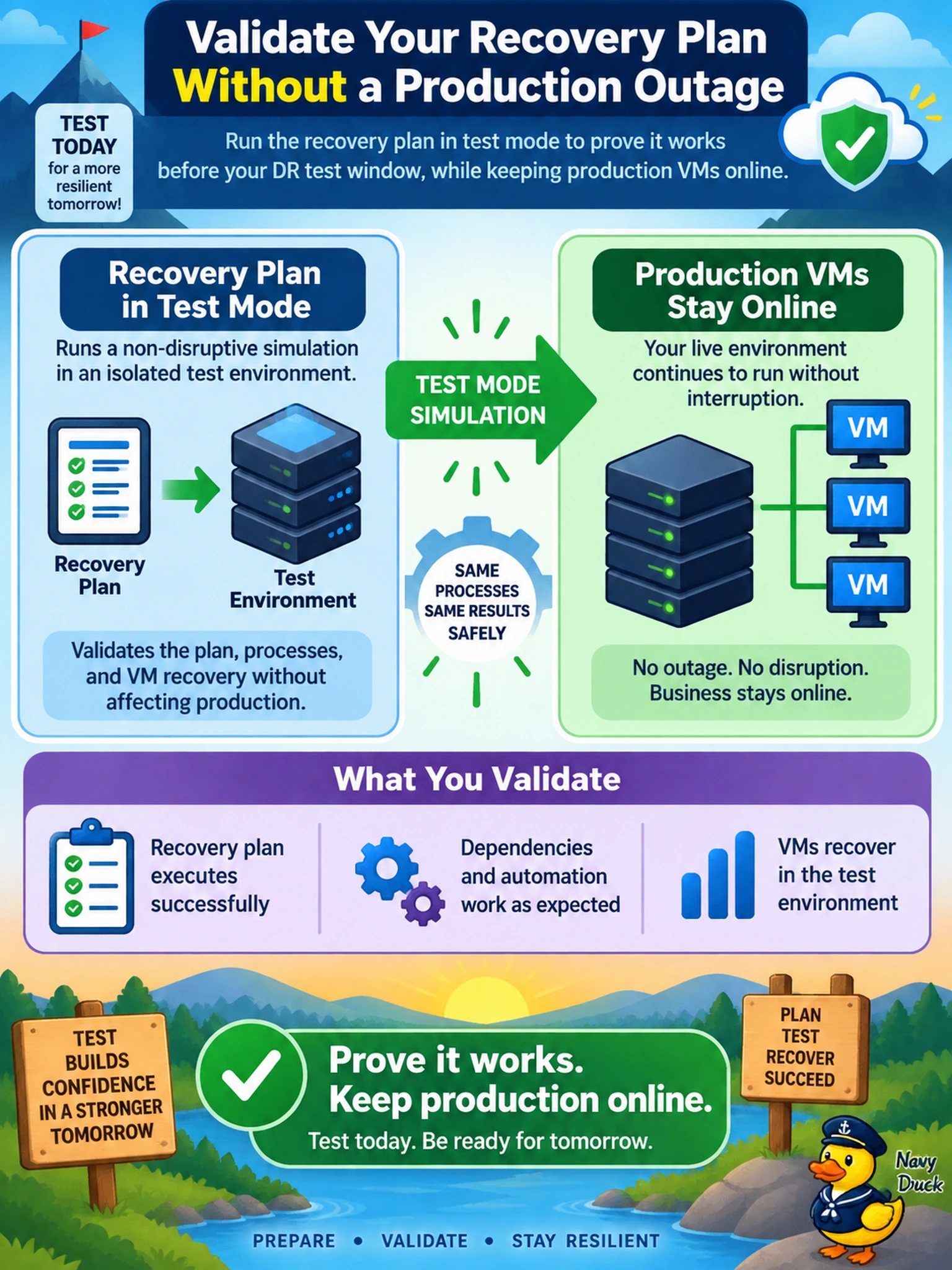
Think of a recovery plan like a fire drill: you want to prove the escape route works without actually setting the building on fire. Running it in test mode spins up isolated copies so you can validate startup order and app checks without touching production. The trap is choosing a real failover just because it feels more realistic—it’s not, it’s disruptive.
Full Explanation
Nutanix recovery plans are designed to orchestrate failover steps such as VM power-on, network mapping, and runbook execution. A non-disruptive test recovery plan uses replicated data and protected snapshots at the recovery site to create isolated test copies, letting you validate startup order, application checks, and runbook handoffs without changing the production VMs. This is the correct approach when the objective is to prove the plan works before an actual outage. A production failover followed by failback is unnecessary for validation and interrupts live workloads, so it does not meet the requirement for a non-disruptive test. Restoring VMs manually from remote snapshots can confirm that backup data exists, but it bypasses the recovery plan’s orchestration, sequencing, and automation, so it does not validate the plan itself. Reviewing replication health, alerts, or protection domain status is useful as a preflight check, but it only confirms that data is being replicated; it does not exercise recovery steps. Exam caveat: when validating a recovery plan, select the workflow that explicitly tests the plan rather than any workflow that requires production impact or manual restoration. Operational check: run the test recovery plan, confirm the test VMs power on in the expected order, and verify that application runbooks complete without altering production.