
A hospital's patient portal must keep running across two Nutanix sites with AHV and Prism Central. Leadership says any loss of submitted records during a site outage is unacceptable, so the solution must deliver zero RPO for a small group of critical VMs. Which Nutanix availability mode should you configure?
Select an answer to reveal the explanation.
Short Explanation
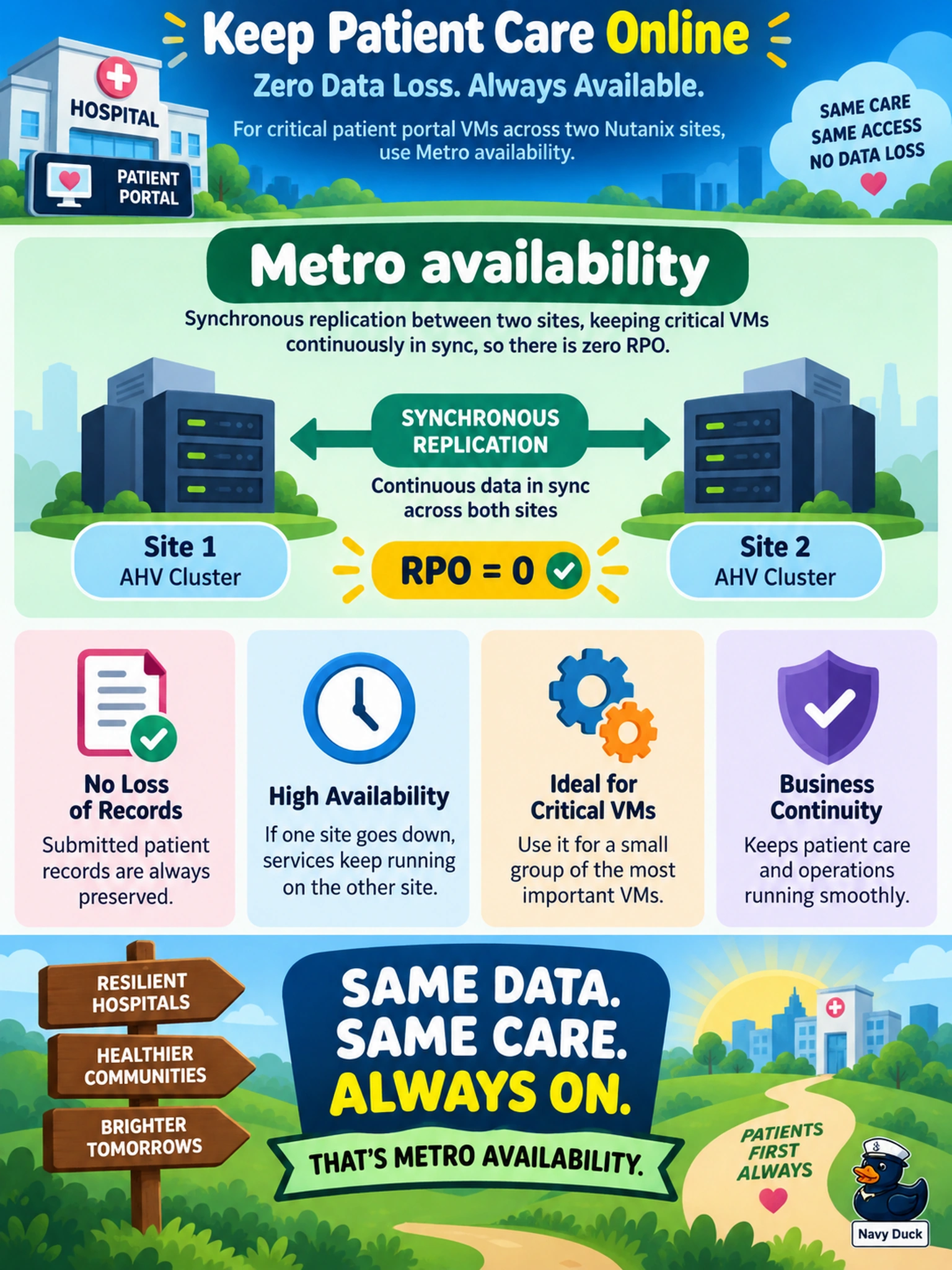
Think of it like a live copy: if you can't afford to lose a single write, you need the sites to acknowledge each other before the app continues. Metro availability gives you that synchronous zero-RPO path, while async and NearSync can still lag. Don't confuse frequent snapshots with zero RPO — snapshots are point-in-time, not live writes.
Full Explanation
Metro availability is the Nutanix mode chosen when a business requires zero RPO across sites, because it replicates writes synchronously so that a secondary site can take over without losing acknowledged data. In a Metro design, the application's write path is coordinated with the remote site, making it suitable for critical workloads where even a few seconds of lost changes is unacceptable. Asynchronous replication is wrong because it sends data on a schedule or with a delay, so an outage can leave unreplicated changes behind; a short interval reduces RPO but does not eliminate it. NearSync is also wrong because it narrows the recovery window to near-zero but remains asynchronous, so it cannot guarantee zero RPO. Local snapshots are wrong because they protect against logical corruption or accidental deletion at a point in time, not continuous cross-site write durability, and they do not provide site-level synchronous failover. Exam caveat: treat zero RPO as the deciding requirement, not bandwidth, distance, or snapshot frequency. Operational check: validate the protection domain's replication mode and test failover to confirm the remote site has the latest acknowledged writes.