
Your team has decommissioned an application in a Prism Central-managed AHV cluster. The application’s category still appears in governance reports, and some VMs remain assigned to it. You must clean up stale governance data without deleting the VMs. What should you do?
Select an answer to reveal the explanation.
Short Explanation
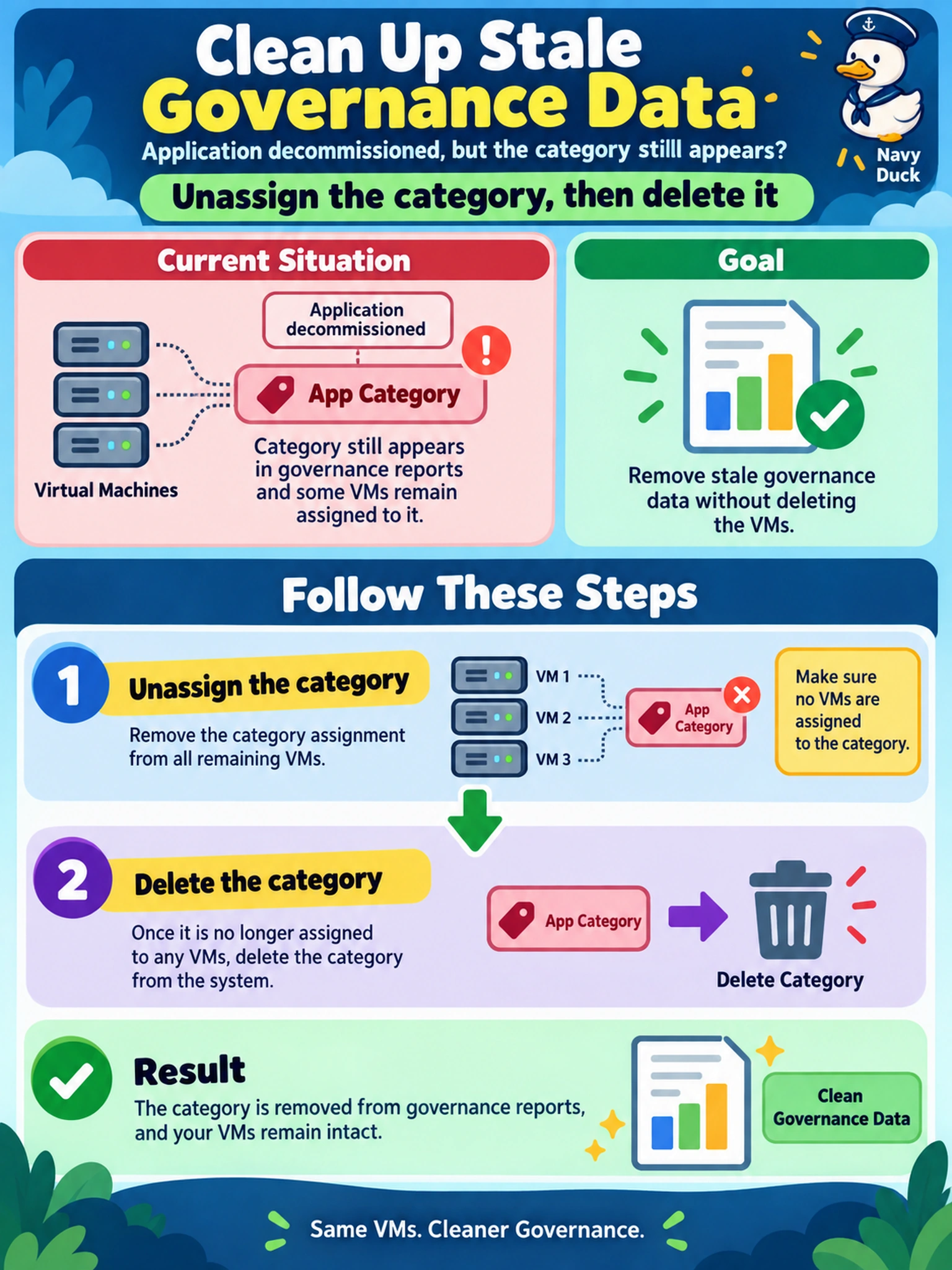
Think of a category like a shipping label: once the app is gone, peel the label off the boxes before recycling it. You don't want old labels sitting around making governance reports look alive. So you unassign the category first, then delete it once nothing needs it.
Full Explanation
Nutanix categories are governance metadata, so lifecycle hygiene matters as much as assignment. A category should be removed only after every object that used it is unassigned, because Prism Central relies on categories for filtering, reporting, and project or policy association. Deleting an obsolete category after cleanup prevents stale filters from appearing in governance views and avoids future confusion when applications are renamed or retired. Renaming a category to an archived label preserves the metadata instead of retiring it, so reports can still surface an application that no longer exists. Removing the category from only one project leaves other assignments intact, which means the stale governance relationship remains elsewhere in the estate. Deleting the category immediately while objects still reference it is unsafe because assignment relationships must be cleared first, and doing so can leave reports or workflows pointing at a retired application. Exam caveat: category cleanup is about object assignment state, not merely changing a name or hiding it from one view. Operational check: list the VMs, templates, or projects using the category, remove the assignment from each, then delete the category and confirm it no longer appears in category filters.